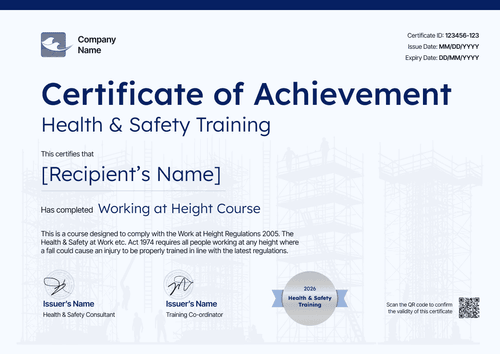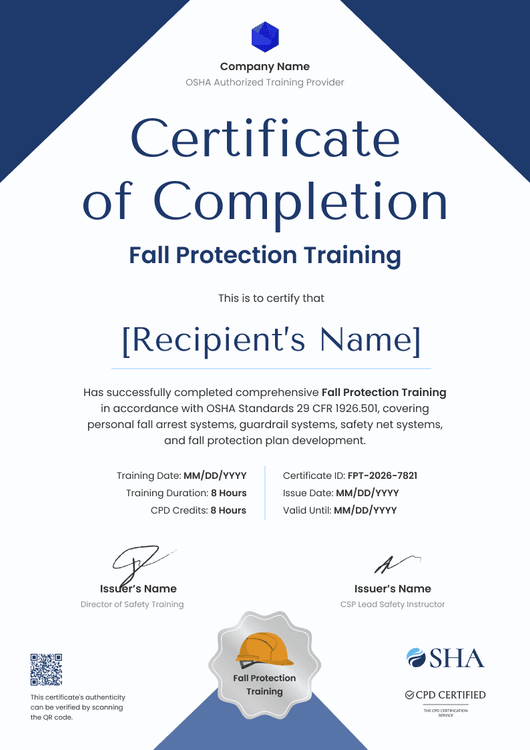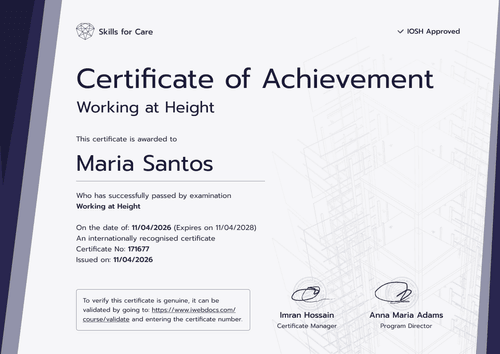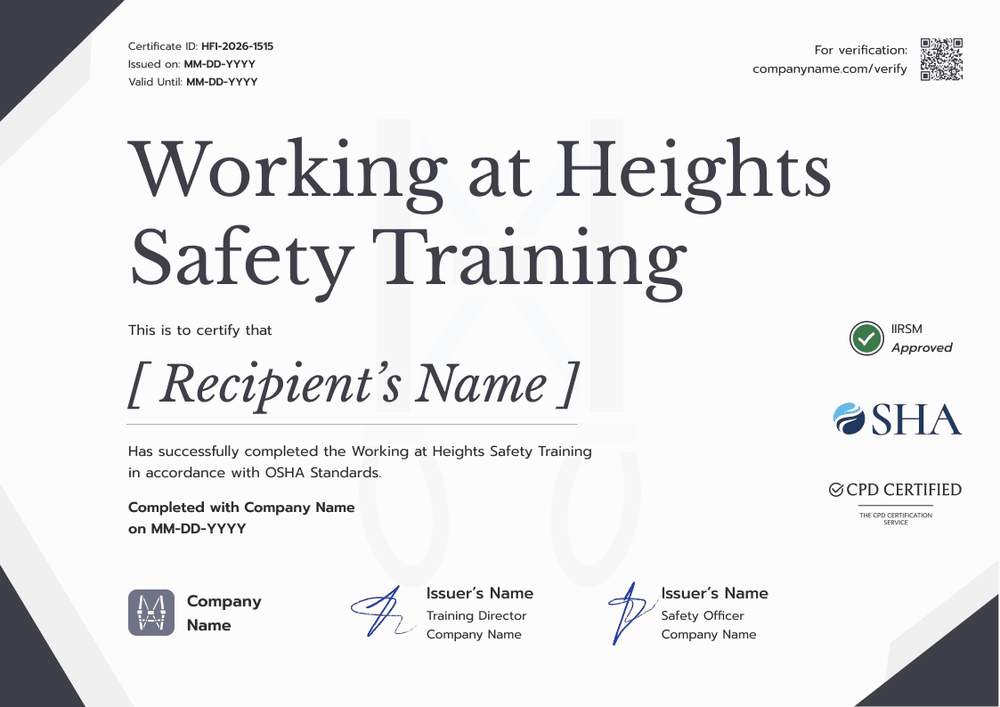

Working at Heights Refresher Certificate
Customize this working at heights refresher certificate for workers renewing their training. The issue date, valid-until date, and certificate ID sit together so renewal dates stay visible.
Customize this template for free
Email and export in bulk
Track recipient engagement
Download in
Don't have Certifier account? Sign up
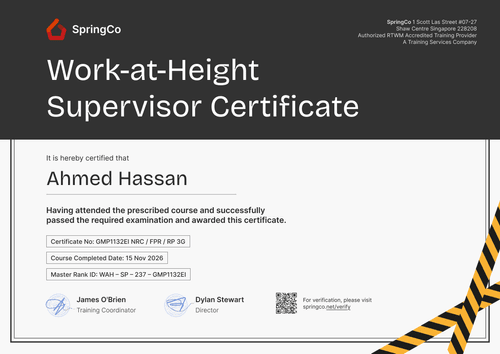
Modern grey working at heights refresher training certificate template
This free working at heights refresher certificate records that a worker completed refresher training and shows when that training is next due. It suits Canadian employers and safety training companies that run working at heights training on a renewal cycle, especially in Ontario.
The layout is clean and modern, showing a white page with dark diagonal corners and a large grey serif title. The certificate ID, issue date, and valid-until date sit in the top left, where a supervisor checks them first, and a verification link sits in the top right. The worker's name and a one-line training statement fill the center, with two signature lines along the bottom.
Refresher groups tend to come back on the same cycle, so reuse last time's roster: upload the updated list from a spreadsheet or pull it from your LMS . Each worker's verification link shows the new valid-until date on paid plans.
What is a working at heights refresher certificate?
This certificate confirms a named worker has renewed their working at heights training, giving the completion date and the date it expires. Employers file it so a supervisor can check who's current before work at height starts.
In Ontario, O. Reg. 297/13 requires workers who may use certain fall protection systems on construction projects to complete a working at heights training program approved by the province's Chief Prevention Officer, delivered by an approved training provider. That training is valid for three years, so workers need refresher training to stay current.
Using this template doesn't turn your course into an approved program. The certificate records the refresher you delivered while the approval and records your program needs still apply.
Expect a landscape A4 sheet (29.7 x 21 cm) with dates up top. To start editing this template, create a free Certifier account.
What should a working at heights refresher certificate include?
At a glance, a supervisor needs two answers: who refreshed their training and when it runs out. Adjust these fields in the online builder:
Static fields
- Organization block: Your company or training provider's name and logo.
- Certificate title: Working at Heights Safety Training in the sample.
- Training statement: One sentence on the refresher delivered.
- Signature and role areas: A Training Director and Safety Officer, or the roles your program names.
Dynamic fields (automatically populated by Certifier)
- Recipient name: The worker who renewed.
- Completion date: When the refresher session ended.
- Issue date: When you sent the certificate.
- Certificate ID: The reference that ties back to your attendance sheet.
- Valid-until date (Professional and Advanced): Typically three years after completion, also shown on the credential page.
You aren't locked into these fields. Certifier's design builder lets you relabel or remove them so the certificate matches your provider records.
How to issue a working at heights refresher certificate
Run each refresher cycle in four steps:
- Prepare the refresher design: Upload your logo and the training director's and safety officer's signatures, then confirm the training name.
- Load the returning workers: Upload completions or sync them through native integrations or Zapier.
- Apply the three-year date and issue: Set the expiry to three years or your program's period (Professional and Advanced plan feature), then send to the whole group.
- Plan the next group: Sort by expiry in the Credential Repository to book the following refresher before anyone lapses.
Available working at heights refresher certificate formats
Edit and issue the template online with Certifier
Keep one refresher design and reissue it every cycle with new dates, rather than retyping certificates.
Download the template in Microsoft Word
Want an offline copy for your training binder? Your email address gets you a ZIP of landscape Word files, sized for A4 and for US Letter.
PDF document export
Supervisors can print the PDF for the site trailer while workers can save it from the link in their email.
Who issues working at heights refresher certificates?
Safety training providers
Training companies run refresher sessions for clients' workers. A certificate with a valid-until date tells each client exactly when their crew needs to come back.
Employers and HSE teams
Construction and maintenance employers track which workers are current before they assign work at height. Expiry dates on each credential make that check quick.
Online course platforms
Platforms that deliver the classroom portion of refresher training online can issue certificates automatically when learners finish.
Frequently asked questions
No, Certifier's free Starter plan covers editing and issuing, and the single custom field here, completion date, is within its five-attribute limit. Showing the valid-until date or a QR code, however, needs either the Professional or the Advanced plan.
While workers receive reminder emails to renew their training, you can use filters to keep track of renewals internally. Use Filter by expiration date with “is between” (for example, today to 60 days out) or “is before” a cutoff date. Then add Filter by credential status = Issued to see who is coming due, or status = Expired to see who has already lapsed.
The certificate shows whatever expiry you set. In Ontario, approved working at heights training is valid for three years from completion, so many issuers set a three-year expiry. Check the rules that apply to your program.
Yes. Opening the link or scanning the QR code where you've added one, shows the worker's record with the issuer, the certificate ID, and whether the valid-until date has passed.
The worker can flag the error on their credential page after an email check. Once you accept the change in your dashboard, the record updates and the old certificate doesn't need replacing.
Certifier templates are provided for general informational and design purposes only. They do not constitute legal, regulatory, or compliance advice and are not guaranteed to satisfy the requirements of any regulator, auditor, standard, insurer, or jurisdiction. The issuing organization is responsible for the content of its training program and for verifying that its records meet the requirements that apply to it.