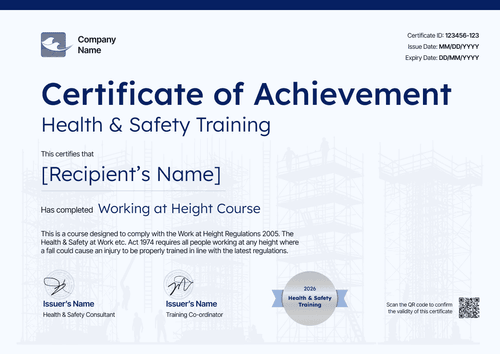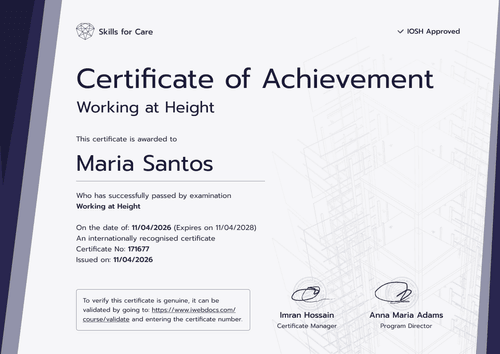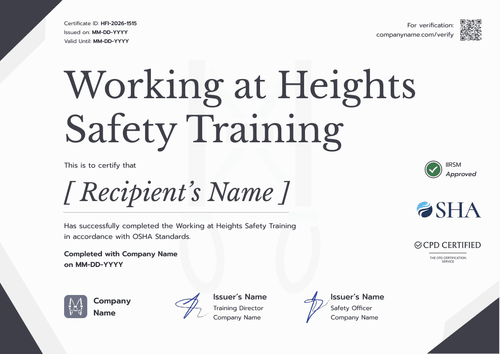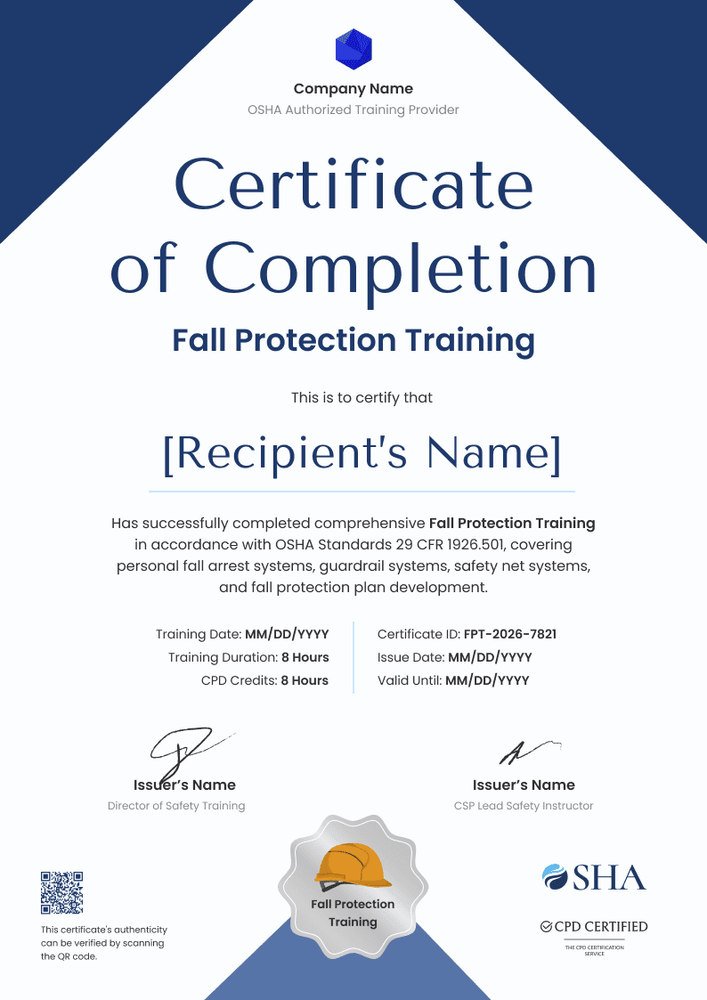

Construction Fall Protection Training Certificate
A construction fall protection training certificate that holds the fields OSHA's written certification record asks for, plus hours, credits, and a valid-until date.
Customize this template for free
Email and export in bulk
Track recipient engagement
Download in
Don't have Certifier account? Sign up
Modern navy blue construction fall protection training certificate template
This free construction fall protection training certificate records that an employee completed your fall protection training. It suits construction employers, safety consultants, and training companies that train crews on fall arrest systems, guardrails, and safety nets.
The portrait design sets two navy blue triangles across the top, with your company name and logo between them. A large "Certificate of Completion" title leads into the course name, the employee's name, and a short statement of the topics covered. Below, two columns hold the training date, duration, and credits on one side and the ID, date of issue, and valid-until date on the other, above two signature lines and a hard hat seal.
Crews train together, so certify them together: upload the crew roster or connect the LMS your safety team uses. Superintendents and general contractors can then check any worker through their verification link.
What is a construction fall protection training certificate?
It’s an employee's record of fall protection training, covering the date it happened and who delivered it. Employers file it with their training records and produce it when a general contractor or inspector asks.
OSHA's construction standard, 29 CFR 1926.503, requires training for each employee who might be exposed to fall hazards. The employer must keep a written certification record with the employee's name, the date of training, and the signature of the person who conducted the training or the employer. OSHA doesn't set a fixed number of training hours or an expiry date, but it does require retraining when an employee's understanding falls short or conditions change.
This certificate can carry those record fields, but on its own it doesn't prove compliance. The employer stays responsible for the training program and the records.
The page is portrait A4 (21 x 29.7 cm), and crews can switch to Letter. Sign up for free to open the design and fill in your company details.
What should a construction fall protection training certificate include?
Inspectors and general contractors start with who was trained, on what date, and by whom. Each field below is editable online:
Static fields
- Organization block: Your logo and company name, placed between the navy triangles.
- Title and course: Certificate of Completion, Fall Protection Training.
- Topics statement: The systems and procedures covered (e.g., personal fall arrest systems, guardrail systems, safety net systems).
- Signature and role areas: The trainer's line, plus a second signer such as a Director of Safety Training.
Dynamic fields (automatically populated by Certifier)
- Recipient name: The employee as listed on payroll.
- Training date: The date or dates of training.
- Training duration: Classroom and field hours (e.g., 8 hours).
- Certificate ID: Ties the certificate to your OSHA training file.
- Issue date: When the employee received it.
- Valid-until date (optional, Professional and Advanced): Useful when your company retrains on a set cycle.
These fields can change to suit your safety program. Certifier's design builder handles renaming, adding, and removing them.
How to issue a construction fall protection training certificate
Certify a trained crew in four easy steps:
- Put your company on it: Add the logo and the trainer's signature, then list the fall protection topics you taught.
- Upload the crew list: Use a roster file or link an HR or training system through native integrations or Zapier.
- Set a retraining date if you use one, then issue: Companies on a fixed cycle can record a valid-until date (Professional and Advanced plan feature).
- Answer inspection requests: Search the Credential Repository by employee or training date when an inspector or GC asks.
Available construction fall protection certificate formats
Edit and issue the template online with Certifier
Run every crew's certificates from one online account, so the training file is already organized when an inspector visits.
Download the template in Microsoft Word
If your safety manager wants an editable file on hand, enter an email address for a ZIP of portrait Word files in Letter and A4.
PDF document export
Employees and safety managers can download a PDF to keep in the truck or hand to a GC at the gate.
Who issues construction fall protection training certificates?
Construction employers
General contractors and subcontractors train their own crews before work at height. One certificate per employee, with the trainer's signature, keeps the training record in one place.
Safety consultants and training companies
Consultants who train client crews can issue certificates under their own brand or the client's, so each employee can prove the session took place.
Safety managers
Safety managers preparing for an inspection can pull training records by employee and date from the Credential Repository instead of searching paper files.
Frequently asked questions
Yes. Certifier's free Starter plan covers this design, and its two custom fields, training date and duration, stay within the five attributes Starter includes. Upgrade to Professional or Advanced for the QR code and valid-until date.
No, but it can hold the fields OSHA's written certification record needs, such as the employee's name, the training date, and the trainer's or employer's signature. Keep it as part of your records and check that your program meets 29 CFR 1926.503.
OSHA doesn't set an expiry date for construction fall protection training, but it requires retraining when an employee's knowledge falls short or conditions change. Many employers retrain on a regular cycle and record it with an expiry date.
The GC follows each worker's link or uses the QR code a paid plan adds, and sees the record with the issuing company, employee, issue date, and certificate ID.
Have the employee request the edit from their record once their email is verified. When you approve it, the name changes on the live record while the training date and ID stay the same.
Certifier templates are provided for general informational and design purposes only. They do not constitute legal, regulatory, or compliance advice and are not guaranteed to satisfy the requirements of any regulator, auditor, standard, insurer, or jurisdiction. The issuing organization is responsible for the content of its training program and for verifying that its records meet the requirements that apply to it.