Cybersecurity Training Certificate Templates
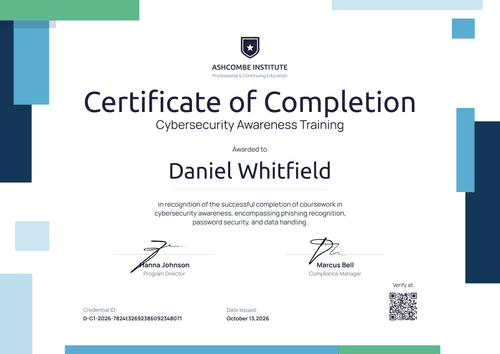
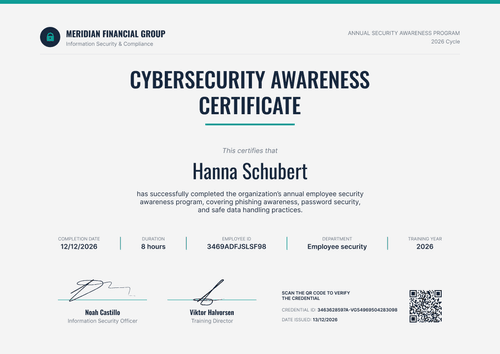
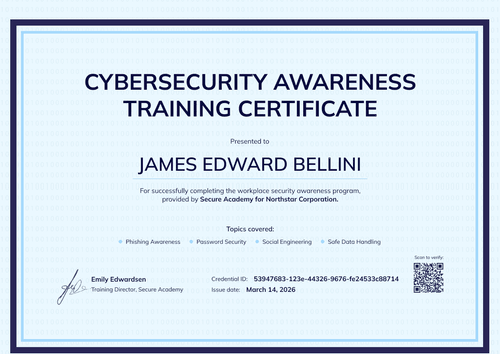
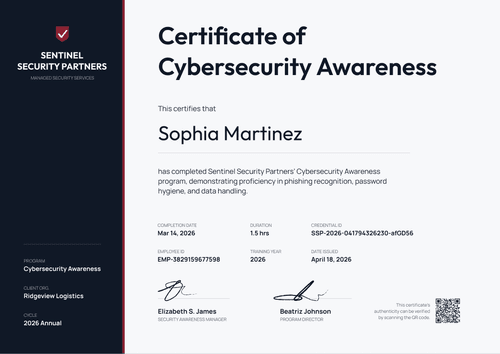
Give every student, client employee, or staff member who finishes your course a cybersecurity training certificate that anyone can verify.
Pick a template for cybersecurity awareness, phishing, or data protection courses, then add your logo, course topics, and completion dates. Import completions from a spreadsheet or connect your LMS to issue a whole cohort at once. Each certificate links to its own credential page, where employers, clients, and auditors can confirm it.
Give every student, client employee, or staff member who finishes your course a cybersecurity training certificate that anyone can verify.
Pick a template for cybersecurity awareness, phishing, or data protection courses, then add your logo, course topics, and completion dates. Import completions from a spreadsheet or connect your LMS to issue a whole cohort at once. Each certificate links to its own credential page, where employers, clients, and auditors can confirm it.
Read more
FAQ about cybersecurity training certificate templates
Answers to common questions from cybersecurity training providers, MSPs, and security teams.
Yes, every cybersecurity training certificate template here can be customized on Certifier's free Starter plan, which includes up to 250 credentials a year. Edit the design online or download the Word file.
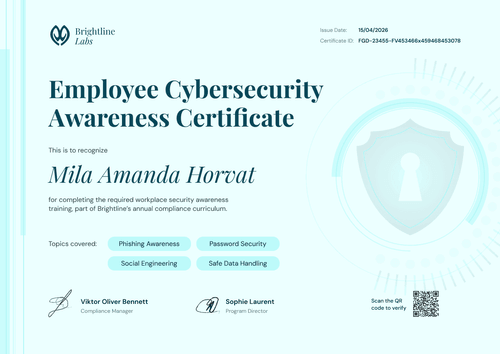
A cybersecurity training certificate should include the learner's full name, the course title, the topics covered, the completion date, and the name of your organization or training provider. Add signatures and a credential ID so an auditor or client can trace the certificate back to your records. For annual awareness training, add an expiry date.
Yes, learners can get both: attach a matching badge design to the same credential and the certificate and badge arrive on one credential page. They can add the badge to their LinkedIn profile or email signature, linking back to the verifiable credential. Browse digital badge templates to pair with your certificate.
On the Professional and Advanced plans, you can set an expiry date when you issue, and the credential page shows whether the training is still current, so you can see who's due for the next refresher.
Each certificate has its own credential page that shows the issuer, recipient, issue date, and credential ID. Anyone can open it from the link without logging in or contacting your team. On the Professional and Advanced plans, you can also add a QR code that opens the same page.