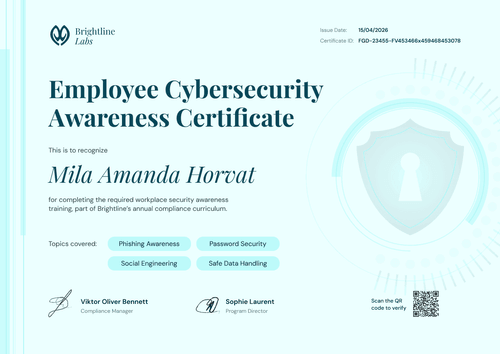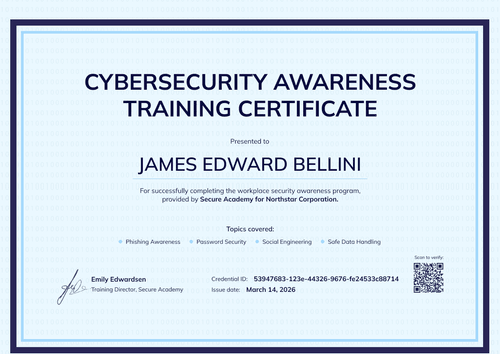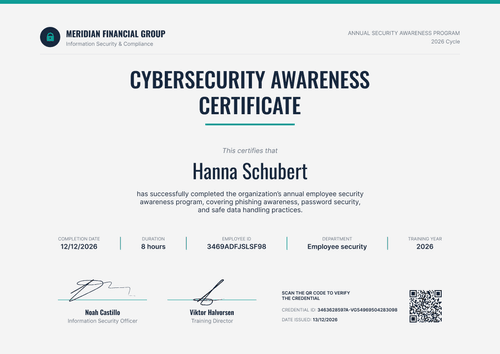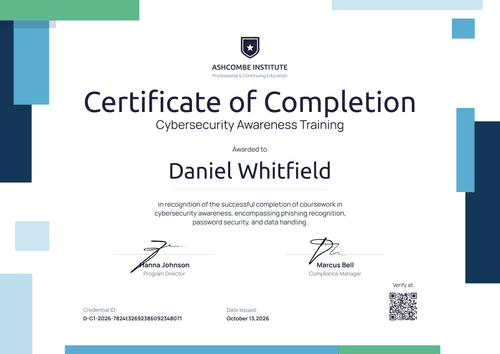

Certificate of Cybersecurity Awareness
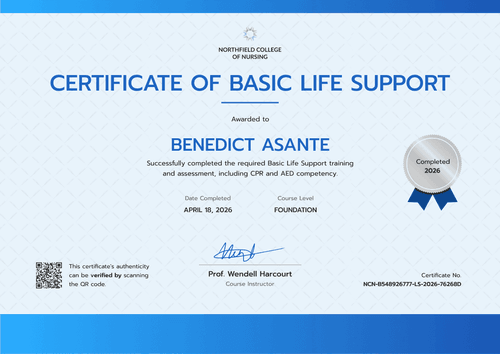
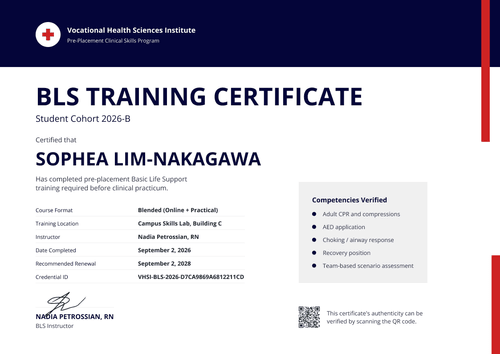
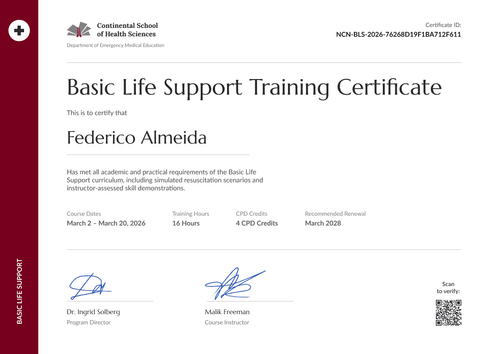
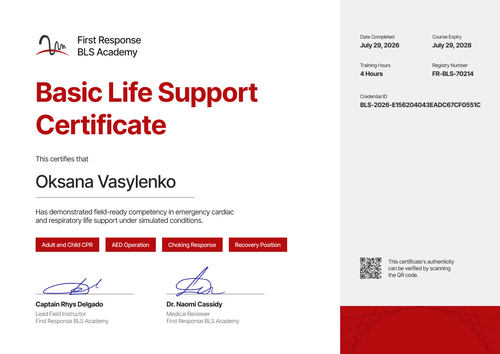
Issue security awareness certificates for every client you manage. A navy blue sidebar holds the program, client, and cycle, so one design covers each account.
Customize this template for free
Email and export in bulk
Track recipient engagement
Download in
Don't have Certifier account? Sign up
Simple navy blue security awareness program certificate template
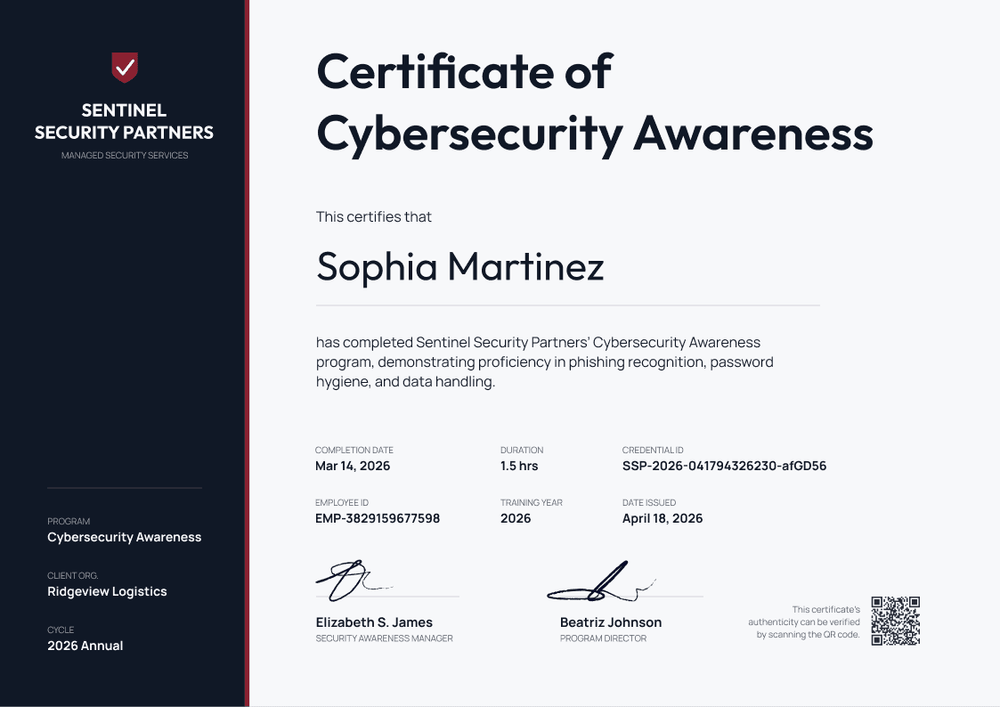
This free security awareness program certificate is built for managed security service providers and IT partners that run awareness training for several client companies. A dark navy blue sidebar holds three lines that change per account: the program, the client organization, and the training cycle.
The main panel stays white and plain, with a red accent rule along the sidebar edge. Six compact fields cover completion date, duration, credential ID, employee ID, training year, and date issued. Two signature lines sit at the bottom, one for your security awareness manager and one for the program director.
When a client's cycle closes, upload that client's completions or send them in automatically through Zapier. Each employee gets a credential page with a verification link that the client's auditors can open.
What is a security awareness program certificate?
A security awareness program certificate confirms that an employee completed a managed security awareness program in a given cycle. Unlike a one-off course certificate, it ties the learner to a program and a client account, which matters when one provider trains staff across many companies.
Clients in regulated supply chains often need this evidence. Defense contractors working toward CMMC Level 2, for example, must meet the NIST SP 800-171 awareness and training requirements. A per-employee certificate is one part of the record that shows training took place.
The certificate records completion, but it doesn't certify the client's compliance.
This template is laid out on A4 landscape (29.7 x 21 cm). Sign up for a free Certifier account to set it up for your first client.
What should a security awareness program certificate include?
Static fields
- Provider block: Your company name and service line in the sidebar (e.g., Sentinel Security Partners, Managed Security Services).
- Certificate title: Certificate of Cybersecurity Awareness.
- Signature and role areas: Two signature lines (e.g., Security Awareness Manager and Program Director).
Dynamic fields (automatically populated by Certifier)
- Recipient name and course description: The employee and what the program covered.
- Program, client organization, and cycle: The three sidebar lines that change per account (e.g., Cybersecurity Awareness, Ridgeview Logistics, 2026 Annual).
- Completion date and duration: When the employee finished and how long it took (e.g., 1.5 hours).
- Employee ID and training year: Match each certificate to the client's HR records.
- Credential ID, date issued, and verification link: On every plan. The QR code is a Professional and Advanced feature.
Adjust any of these in Certifier's design builder.
How to issue program certificates for each client
- Set up one design: Add your logo and signatures. Keep program, client, and cycle as dynamic fields.
- Upload each client's completions: One spreadsheet per client, with the client name in its own column. Rows with a malformed email are flagged and skipped, not blocking.
- Issue and notify: Send the batch. On Professional and Advanced, you can set a custom sender name and email so delivery comes from your domain.
- Report per client: Filter the Credential Repository by template or search by name to answer client questions about who completed the cycle.
Available security awareness program certificate template formats
Edit and issue online with Certifier
Edit the design in your browser and issue each client's batch from one workspace.
Download in Microsoft Word
Enter your email to receive a ZIP with editable Word files.
PDF document export
Employees and client contacts can download print-ready PDFs from the credential page.
Who issues security awareness program certificates?
Managed security service providers (MSSPs)
Awareness training is part of the managed service, so each client's staff get certified every cycle.
IT managed service providers
Adding awareness training to a service bundle means proving delivery for each account.
Security consultancies
Training delivered alongside a security assessment gives clients a verifiable record per employee.
Frequently asked questions
Yes, you can customize this template on Certifier's free Starter plan. Starter allows up to 5 custom attributes, and this template uses 7 (course description, program, client organization, cycle, duration, employee ID, and training year). On Starter, remove two of them, or move to the Professional plan for up to 25 custom attributes and the QR code.
Partly: the client's name and logo can appear on the certificate design, but the issuer name on the credential page comes from your workspace settings. If each client needs to appear as the issuer, the Advanced plan offers separate workspaces on request, each with its own issuer name.
Within one Certifier workspace, filter credentials by template or search by recipient. For hard separation, where templates, credentials, and team members never mix, use multiple workspaces on the Advanced plan.
Yes, on the Professional and Advanced plans. Set a custom sender name and email on a domain you control. Public addresses such as Gmail aren't accepted.
No. A security awareness program certificate confirms that one employee completed one cycle of your program. It's one piece of the evidence your client keeps for an assessment.
Certifier templates are provided for general informational and design purposes only. They do not constitute legal, regulatory, or compliance advice and are not guaranteed to satisfy the requirements of any regulator, auditor, standard, insurer, or jurisdiction. The issuing organization is responsible for the content of its training program and for verifying that its records meet the requirements that apply to it.