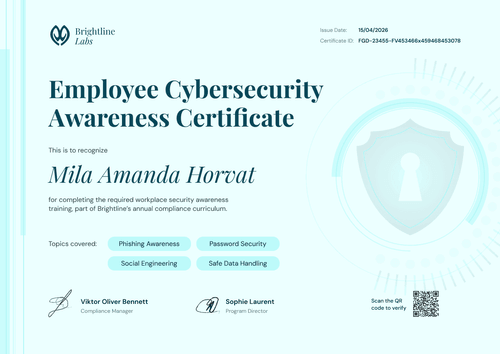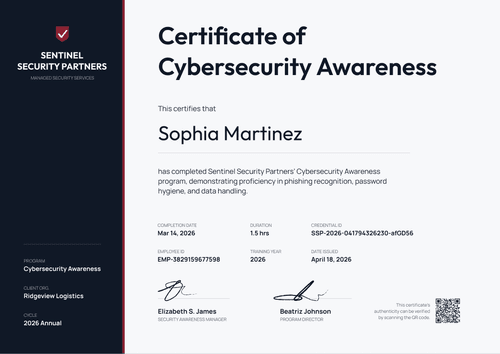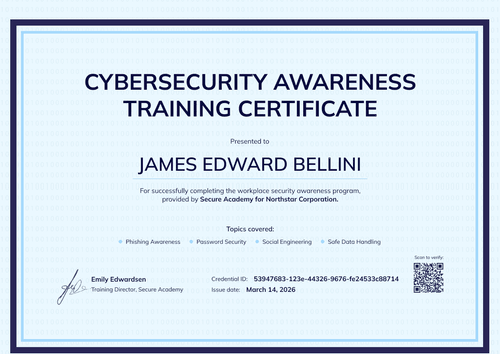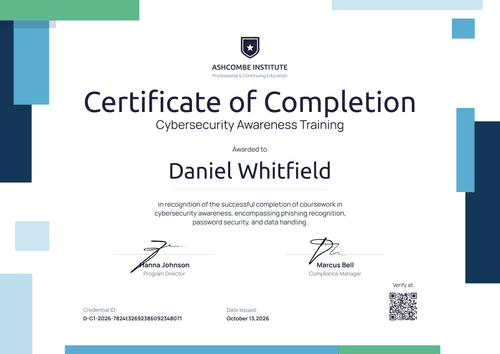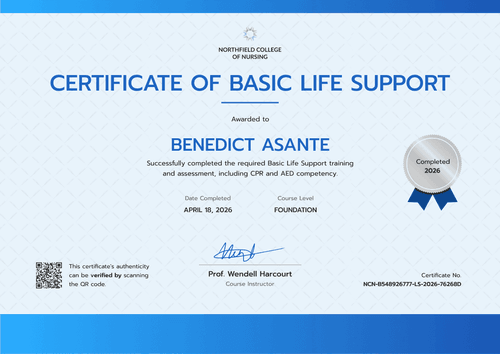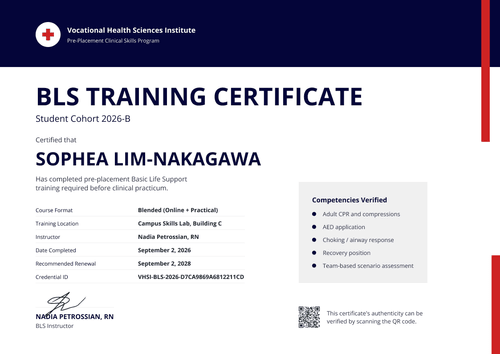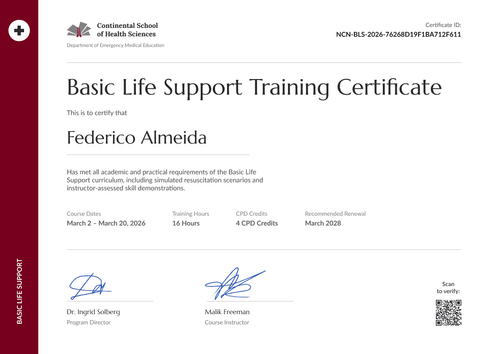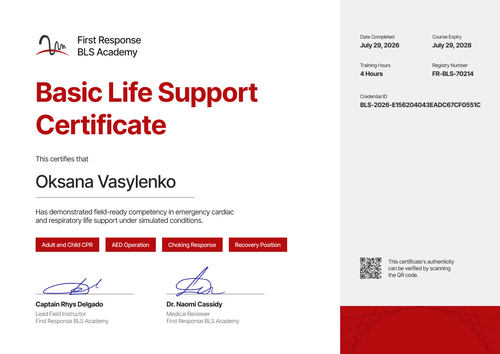

Annual Cybersecurity Awareness Certificate
Record each employee's annual security awareness training with this certificate. Fields for employee ID, department, and training hours keep audit evidence easy to find.
Customize this template for free
Email and export in bulk
Track recipient engagement
Download in
Don't have Certifier account? Sign up
Simple green annual cybersecurity awareness certificate template
This free annual cybersecurity awareness certificate records that an employee completed this year's security awareness program. It's built for compliance, HR, and information security teams that retrain every employee each year and need a record per person, per cycle.
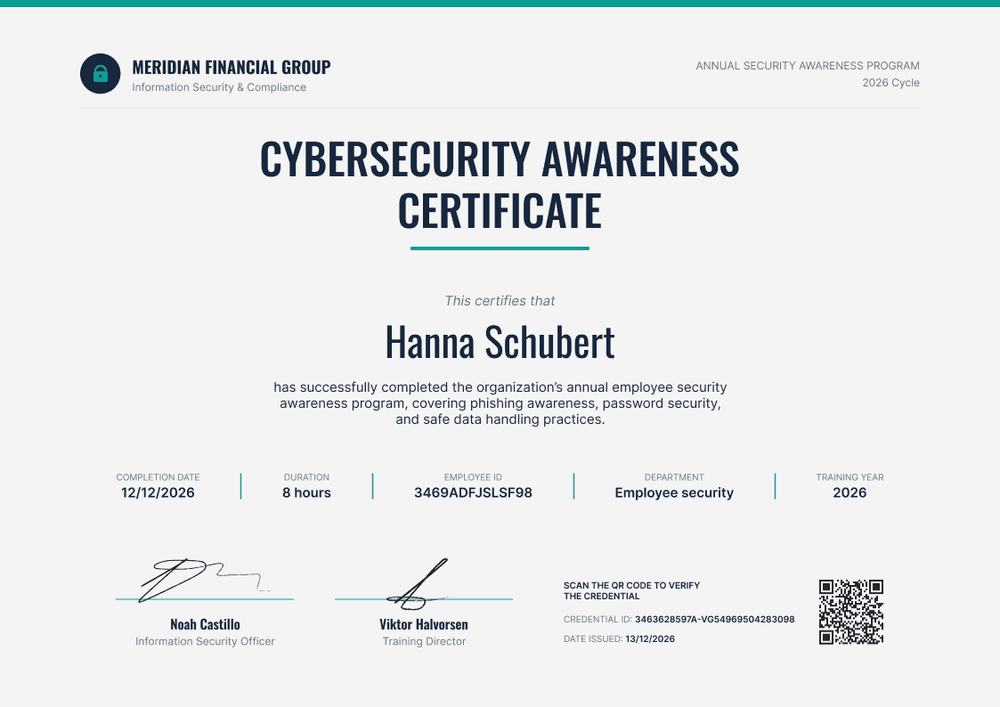
The layout is quiet and data-first: a light grey background, a thin teal rule along the top, and a bold condensed title. Under the recipient name, a row of five fields holds the completion date, training hours, employee ID, department, and training year. An auditor can read the essentials at a glance.
When the annual cycle closes, import completions from your spreadsheet or your HR system and issue every certificate in one run. Each employee gets a credential page with a verification link, and on paid plans you can set the certificate to expire when the next cycle is due.
What is an annual cybersecurity awareness certificate?
An annual cybersecurity awareness certificate shows that a named employee completed the organization's yearly security awareness training. Many organizations issue a new one each cycle, so the training year on the certificate matters as much as the name.
The yearly rhythm comes from the frameworks auditors check against. PCI DSS v4.0.1 asks for awareness training at hire and at least once every 12 months. NIST SP 800-50 Rev. 1 describes security awareness as an ongoing learning program rather than a one-off course.
A certificate doesn't prove compliance on its own. It shows who completed which year's training, alongside your course content and policy acknowledgments.
This template is laid out on A4 landscape (29.7 x 21 cm). Sign up for a free Certifier account to edit the design and start issuing.
What should an annual cybersecurity awareness certificate include?
For a yearly program, each certificate should show who completed the training, which cycle it covers, and how to trace it back to your records.
Static fields
- Organization block: Your organization and team name (e.g., Meridian Financial Group, Information Security & Compliance).
- Program line: The program and cycle in the top corner (e.g., Annual Security Awareness Program, 2026 Cycle).
- Certificate title: Cybersecurity Awareness Certificate.
- Signature and role areas: Two signature lines (e.g., Information Security Officer and Training Director).
Dynamic fields (automatically populated by Certifier)
- Recipient name: The employee's full name.
- Course description: The topics covered this year (e.g., phishing awareness, password security, and safe data handling).
- Completion date and training hours: When the employee finished and how long the training took (e.g., 8 hours).
- Employee ID and department: Match each certificate to your HR records.
- Training year: The cycle the certificate covers (e.g., 2026).
- Credential ID, date issued, and verification link: Available on every plan. The QR code is a Professional and Advanced feature.
You can rename or remove any of these in Certifier's design builder.
How to issue annual cybersecurity awareness certificates
- Set up the design once: Add your logo, program line, and signatures. Update the course description for this year's topics.
- Import this cycle's completions: Upload a spreadsheet with names, emails, employee IDs, departments, and hours, or connect your HR system or LMS so completions flow in automatically.
- Set a 12-month expiry: On the Professional and Advanced plans, add an expiry date so each credential page shows when the training lapses.
- Find who's due next year: Filter the Credential Repository by group or template to see who needs the next refresher, then issue the new cycle's certificates the same way.
Available annual cybersecurity awareness certificate template formats
Edit and issue online with Certifier
Edit the design in your browser, import the year's completion list, and email every employee their certificate from one workspace.
Download in Microsoft Word
Enter your email to receive a ZIP with editable Word files.
PDF document export
Employees and HR can download print-ready PDFs from the credential page.
Who issues annual cybersecurity awareness certificates?
Compliance and HR teams
Training evidence for PCI DSS, HIPAA, or ISO/IEC 27001 audits has to be kept by employee and year. Employee ID and department fields make records easy to match.
Information security teams
When the annual program and phishing simulations run in-house, one certificate per cycle shows which employees completed the current year's content.
Regulated organizations
Banks, insurers, and healthcare organizations often face client security questionnaires that ask for proof of staff training. A verifiable certificate per employee answers that question quickly.
Frequently asked questions
Yes, you can customize this template on Certifier's free Starter plan. Starter allows up to 5 custom attributes, and this template's five custom fields (course description, training hours, employee ID, department, and training year) fit within that limit. The QR code and the expiry date need the Professional or Advanced plan.
Issue a new credential in Certifier for the new cycle and update the training year on the certificate. Each employee then has one certificate per year, and their history stays in the Credential Repository.
Yes. Certifier connects to BambooHR and other tools through native integrations or Zapier, or you can include employee IDs as a column in your spreadsheet upload.
Yes, on the Professional and Advanced plans. Set the expiry to match your training cycle, and each employee's credential page shows when this year's certificate lapses. Filter the Credential Repository by group or template to see who's due next.
No. An annual cybersecurity awareness certificate shows which employees finished each year's training. Keep it alongside your training content, attendance records, and policy acknowledgments.
Certifier templates are provided for general informational and design purposes only. They do not constitute legal, regulatory, or compliance advice and are not guaranteed to satisfy the requirements of any regulator, auditor, standard, insurer, or jurisdiction. The issuing organization is responsible for the content of its training program and for verifying that its records meet the requirements that apply to it.