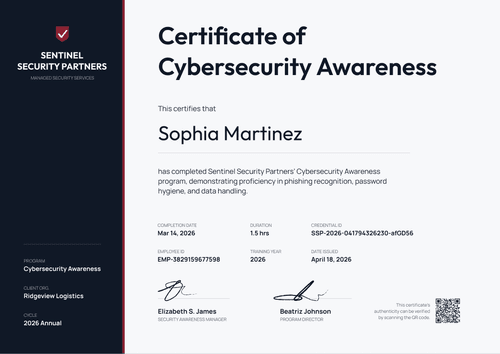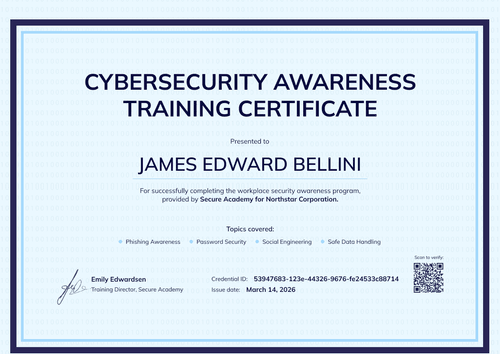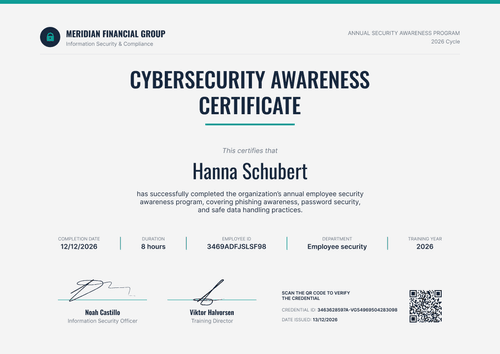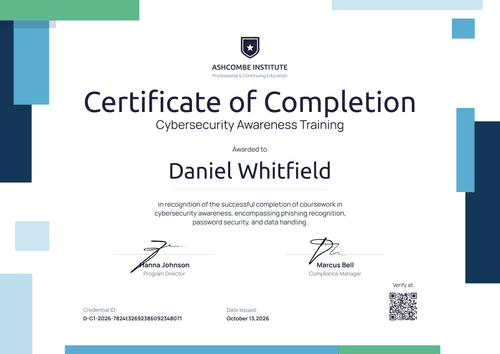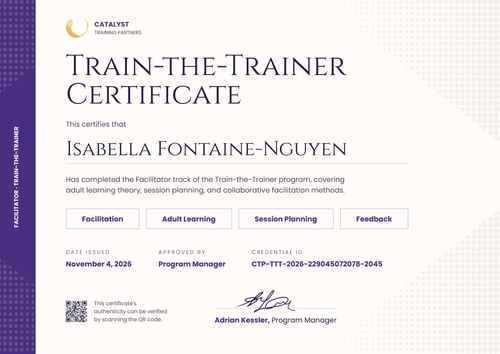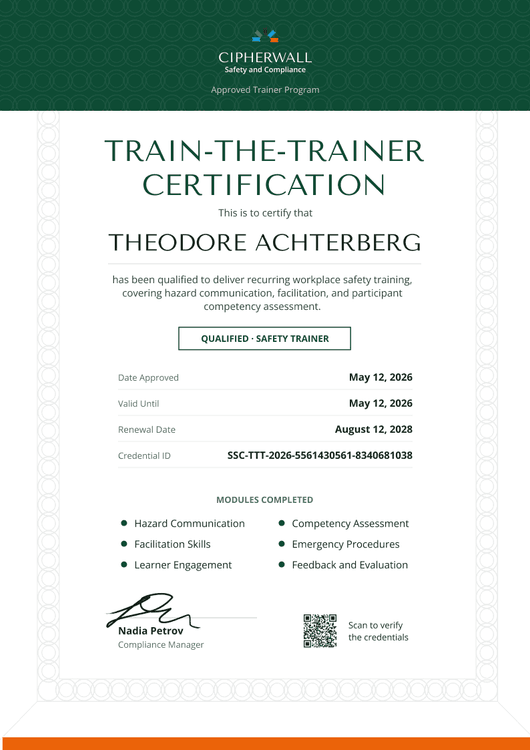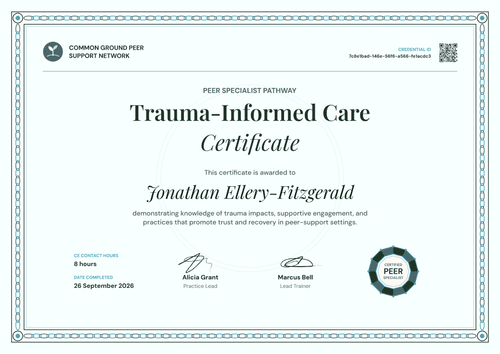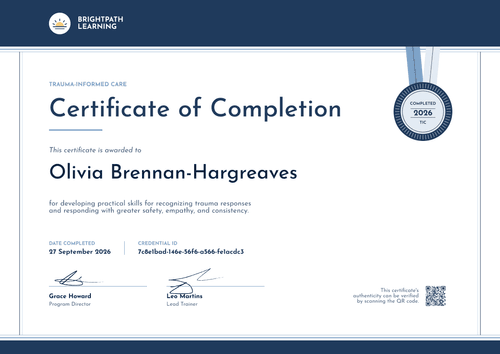

Employee Cybersecurity Awareness Certificate
Give every new hire and employee a certificate when they finish security awareness training. Topic tags show exactly which modules each person completed.
Customize this template for free
Email and export in bulk
Track recipient engagement
Download in
Don't have Certifier account? Sign up
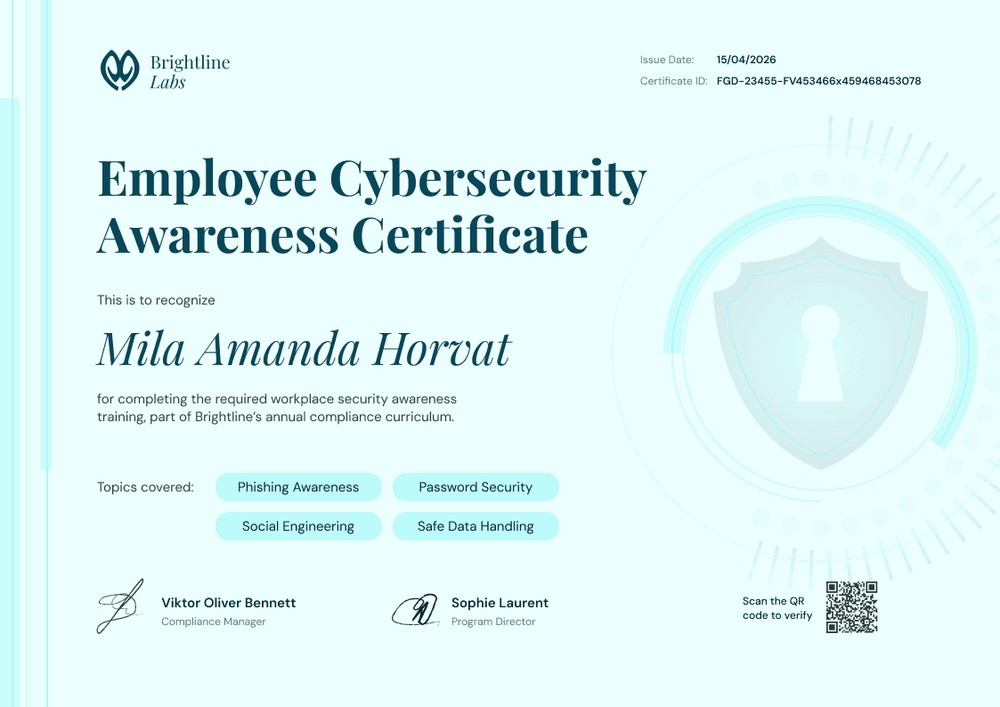
Professional mint green employee cybersecurity awareness certificate template
This free employee cybersecurity awareness certificate confirms that a staff member completed your required security training. It suits L&D and IT teams that train new hires during onboarding and run the same curriculum for existing staff.
A soft mint background carries a large shield-and-keyhole watermark on the right. The serif title and script recipient name give it a polished, people-first feel. Four rounded topic tags show the modules covered, such as phishing awareness, password security, social engineering, and safe data handling.
Issue it the moment training ends. Connect your LMS so Certifier issues the certificate when a course is marked complete, or add new hires to a Google Sheet that triggers issuance. Each employee gets a credential page with a verification link.
What is an employee cybersecurity awareness certificate?
An employee cybersecurity awareness certificate shows that a named employee completed the organization's security awareness training, often during onboarding. It gives the employee a record they can open anytime and gives HR and IT a dated record per person.
New-hire timing matters for many teams. PCI DSS v4.0.1, for example, asks for awareness training upon hire and at least once every 12 months. Issuing the cybersecurity training certificate automatically at completion keeps that record current without a manual step.
A completion record for each new hire is useful evidence, but it isn't proof of compliance on its own.
This template is laid out on A4 landscape (29.7 x 21 cm). Sign up for a free Certifier account to connect it to your onboarding flow.
What should an employee cybersecurity awareness certificate include?
Static fields
- Organization logo and name: Your company or team (e.g., Brightline Labs).
- Certificate title: Employee Cybersecurity Awareness Certificate.
- Recognition line: What the training was and where it fits (e.g., part of the annual compliance curriculum).
- Signature and role areas: Two signature lines (e.g., Compliance Manager and Program Director).
Dynamic fields (automatically populated by Certifier)
- Recipient name: The employee's full name.
- Topics covered: The modules this employee completed. Map it to a spreadsheet column if teams take different modules.
- Issue date and certificate ID: Shown in the top right corner.
- QR code and verification link: The verification link is on every plan. The QR code is a Professional and Advanced feature.
To add a field such as team or start date, use Certifier's design builder.
How to issue employee cybersecurity awareness certificates automatically
- Customize the design: Add your logo, signatures, and the topic tags for your curriculum.
- Connect your training source: Use a native LMS integration such as Moodle or TalentLMS, a Google Sheet, or Zapier.
- Map the fields: Match employee name, email, and topics to the certificate's attributes.
- Let completions trigger issuance: Each finished course issues a certificate. Check the automation log to see every run and retry any that failed.
Available employee cybersecurity awareness certificate template formats
Edit and issue online with Certifier
Edit the design in your browser and issue automatically from your LMS or spreadsheet.
Download in Microsoft Word
Enter your email to receive a ZIP with editable Word files.
PDF document export
Employees can download a print-ready PDF from their credential page.
Who issues employee cybersecurity awareness certificates?
L&D and onboarding teams
Security awareness is part of new-hire onboarding, so each person's certificate should issue on completion.
IT and security teams
Owning the curriculum and phishing exercises means tracking which modules each employee finished.
HR and compliance teams
When auditors or clients ask about staff training, the answer starts with a dated record per employee.
Frequently asked questions
Yes, you can customize this template on Certifier's free Starter plan, which allows up to 5 custom attributes. This template uses one custom field, topics covered, so it fits easily. The QR code needs the Professional or Advanced plan, while integrations and automations work on every plan, including Starter.
Yes. Map the topics field to a column in your spreadsheet or LMS export. Each employee's certificate then shows the modules they completed, such as phishing for all staff and secure coding for developers.
Yes. Connect a supported LMS, a Google Sheet, or Zapier. When a completion arrives, Certifier issues the certificate and emails it to the employee.
A certificate gives each employee and your auditor a dated record they can open themselves, without access to your training platform. Each one links to a credential page that shows the employee, the issue date, and the credential ID. Keep it alongside your platform logs as one piece of training evidence, not proof of compliance.
Yes. Edit the name field in your Certifier dashboard, and the employee's credential page updates at once, with no new certificate to issue. New hires can also flag the error themselves with a change request from their credential page.
Certifier templates are provided for general informational and design purposes only. They do not constitute legal, regulatory, or compliance advice and are not guaranteed to satisfy the requirements of any regulator, auditor, standard, insurer, or jurisdiction. The issuing organization is responsible for the content of its training program and for verifying that its records meet the requirements that apply to it.