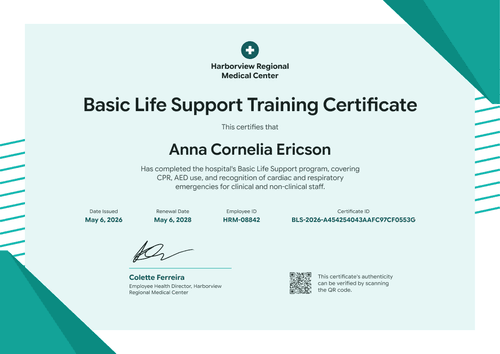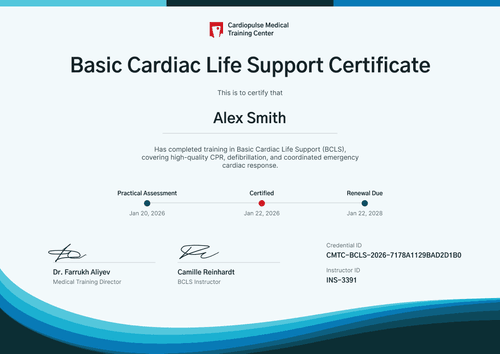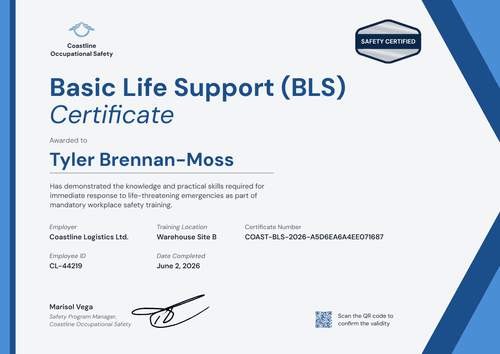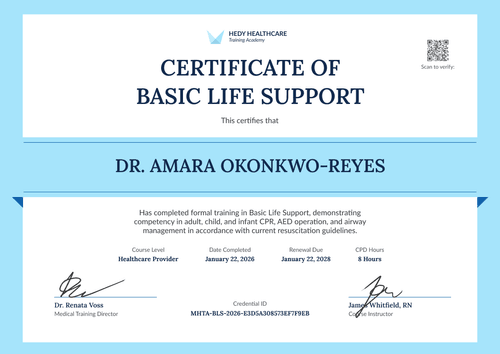

Cybersecurity Awareness Training Certificate
Brand this cybersecurity awareness training certificate for every client you train. Name the client, list the topics covered, and issue certificates to their whole team at once.
Customize this template for free
Email and export in bulk
Track recipient engagement
Download in
Don't have Certifier account? Sign up
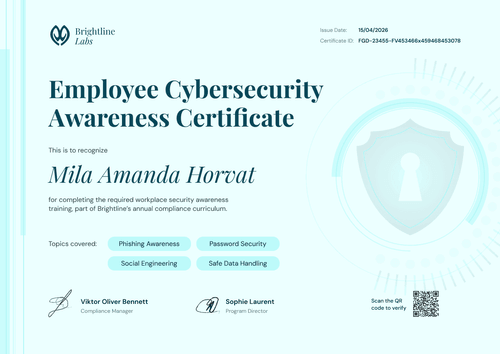
Professional powder blue cybersecurity awareness training certificate template
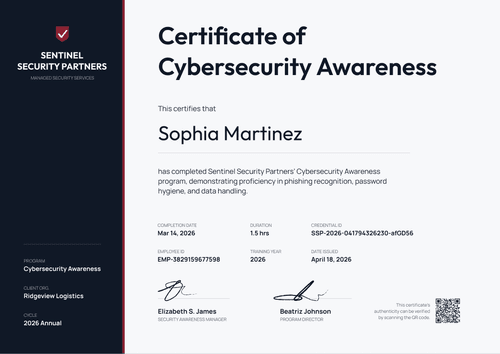
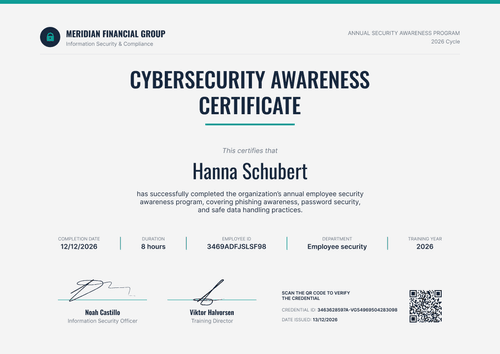
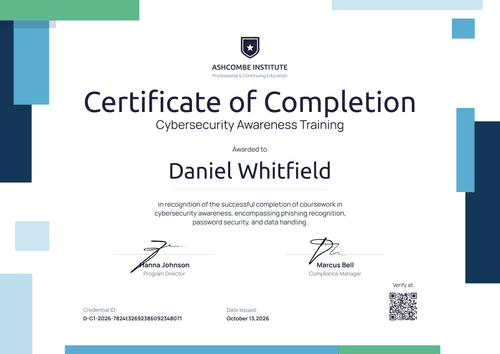
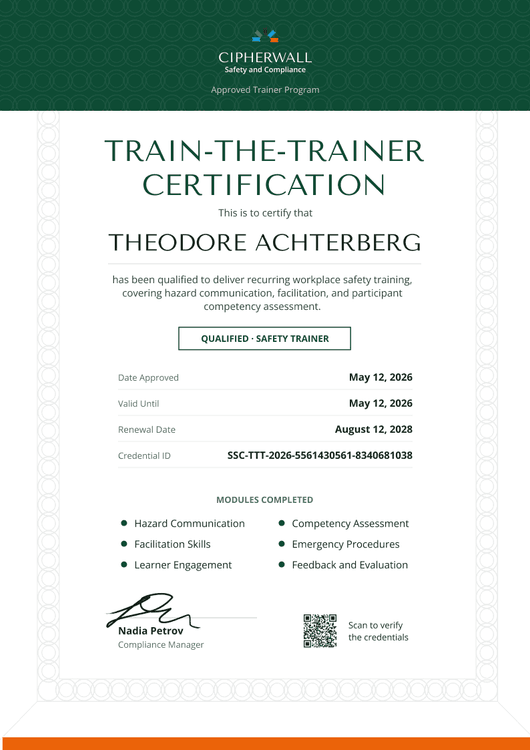
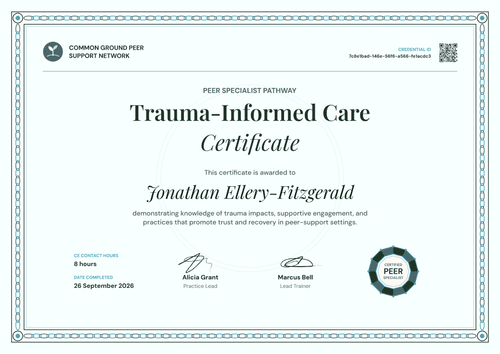
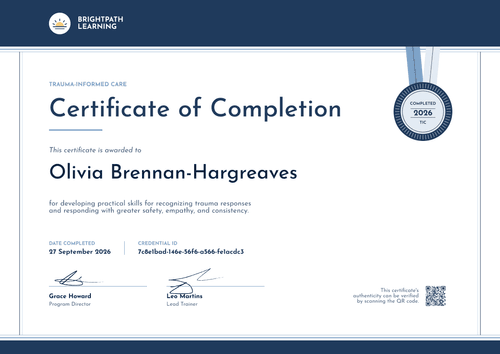
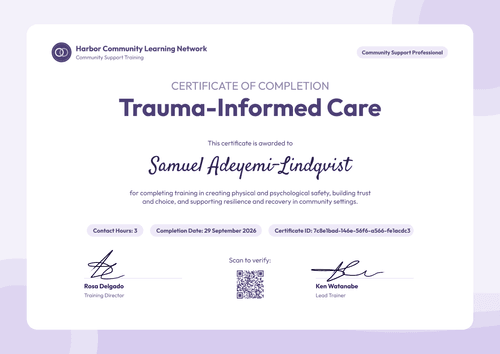
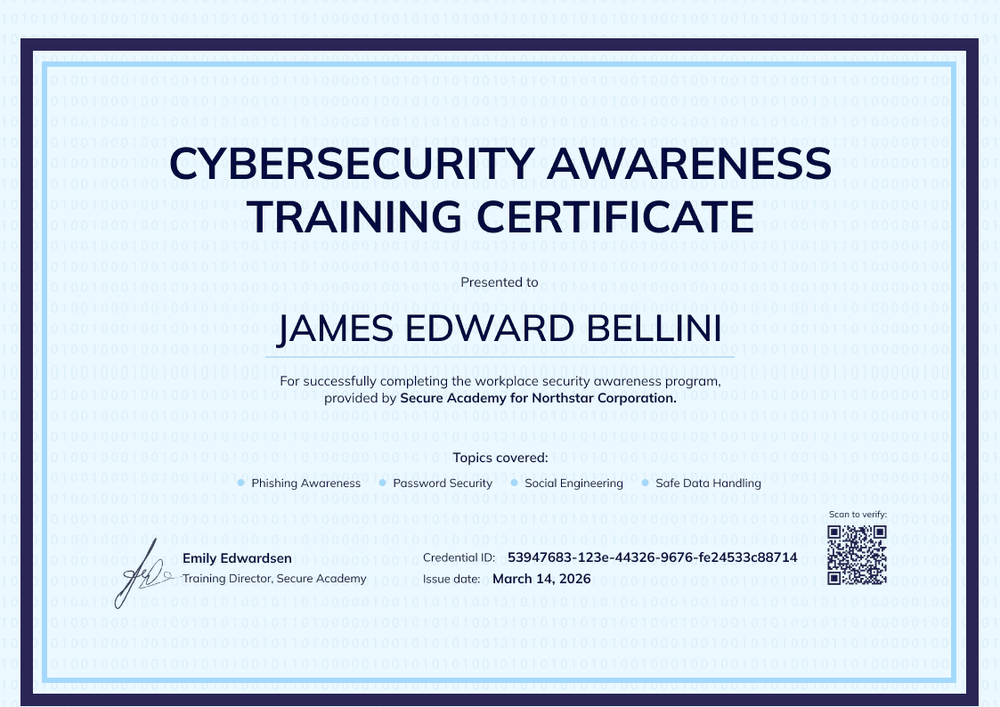
This free cybersecurity awareness training certificate is designed for academies and training companies that deliver security courses to client organizations. One line names both parties (e.g., "provided by Secure Academy for Northstar Corporation"), so each employee's certificate shows who trained them and for which company.
A deep navy frame surrounds a powder blue border and a faint binary-code pattern, which signals the subject without crowding the text. Below the recipient name, a "Topics covered" row lists the modules, and one signature line carries your training director's name.
After each client engagement, import the attendee list from a spreadsheet and issue every certificate in one run. Each learner gets a credential page with a verification link, which the client can keep as part of their training evidence.
What is a cybersecurity awareness training certificate from an external provider?
A cybersecurity awareness training certificate from an external provider is a record a training company issues to a client's employees after delivering a security awareness course. It records the learner, the provider, the client organization, the topics, and the date.
Clients often need this record for their own customers' security questionnaires, or for audits such as HIPAA. The HIPAA Security Rule requires a security awareness and training program for all workforce members. Your certificate gives them a verifiable record for each person, under your brand.
The certificate shows the training happened, but it doesn't certify that the client is compliant.
This template is laid out on A4 landscape (29.7 x 21 cm). Sign up for a free Certifier account to start issuing to your clients.
What should a provider-issued cybersecurity training certificate include?
Static fields
- Certificate title: Cybersecurity Awareness Training Certificate.
- Program line: The course name (e.g., workplace security awareness program).
- Signature and role area: One signature line for your training director (add a second for a client sponsor if needed).
Dynamic fields (automatically populated by Certifier)
- Recipient name: The employee's full name.
- Provider and client line: Your academy and the client organization. Map the client name to a spreadsheet column to reuse one design across clients.
- Topics covered: The modules delivered (e.g., phishing awareness, password security, social engineering, safe data handling).
- Credential ID and issue date: A unique ID and the date issued.
Need an extra detail for a client, such as a course code? Add it in Certifier's design builder.
How to issue certificates to a client's team
- Brand the design: Add your academy's logo and signature. Keep the client name as a dynamic field so one design serves every client.
- Upload the client's attendee list: Include names, emails, the client organization, and the topics each group covered.
- Preview and issue: Check the certificate, email, and credential page previews, then send the whole batch.
- Report back to the client: Use the Credential Repository to show the client who received, opened, and downloaded their certificate.
Available cybersecurity training certificate template formats
Edit and issue online with Certifier
Edit the design in your browser, upload each client's list, and send every certificate from one workspace.
Download in Microsoft Word
Enter your email to receive a ZIP with editable Word files.
PDF document export
Learners and client coordinators can download print-ready PDFs from the credential page.
Who issues provider-branded cybersecurity training certificates?
Cybersecurity academies and bootcamps
When corporate teams train alongside individual learners, every certificate should still carry the academy's brand.
Corporate training vendors
Delivering awareness sessions on site or online to several clients a month calls for a repeatable way to certify each group.
Managed security service providers
When awareness training comes bundled with security services, clients get a verifiable record per employee.
Frequently asked questions
Yes, you can customize this template on Certifier's free Starter plan. Starter allows up to 5 custom attributes, and this template's custom fields (client organization and topics covered) fit within that limit. The QR code needs the Professional or Advanced plan.
Yes. Keep the client name as a dynamic field and include it as a column in each upload. Every certificate then names the right client without a separate design per company.
Yes. Map the topics line to a spreadsheet column, so a group that took the phishing module only gets a certificate that says so.
Yes. Attach the matching badge design to the same credential. Learners receive both on one credential page and can add the badge to LinkedIn, where it links back to your verified record.
Your client can open any certificate's verification link to see its credential page, with your academy as issuer, the learner, the issue date, and the credential ID. No login is needed, so the client can check a whole batch without contacting you.
Certifier templates are provided for general informational and design purposes only. They do not constitute legal, regulatory, or compliance advice and are not guaranteed to satisfy the requirements of any regulator, auditor, standard, insurer, or jurisdiction. The issuing organization is responsible for the content of its training program and for verifying that its records meet the requirements that apply to it.