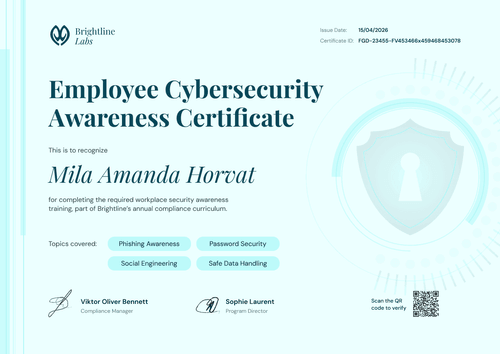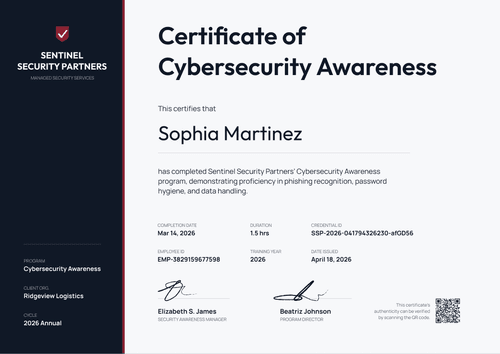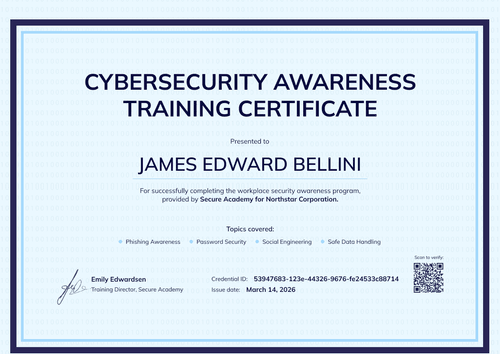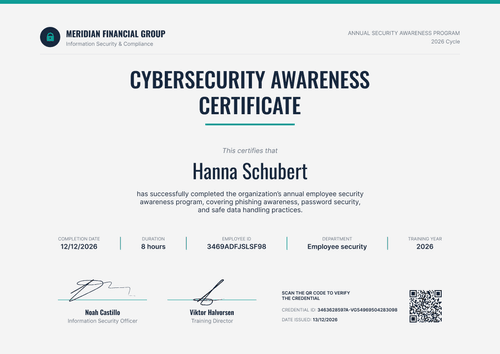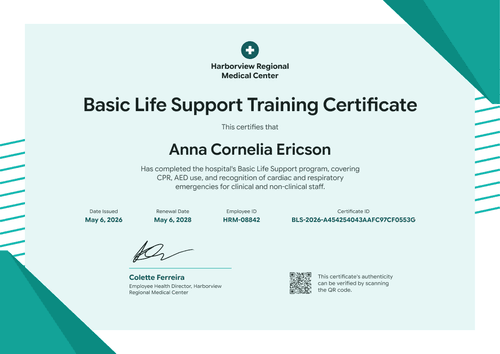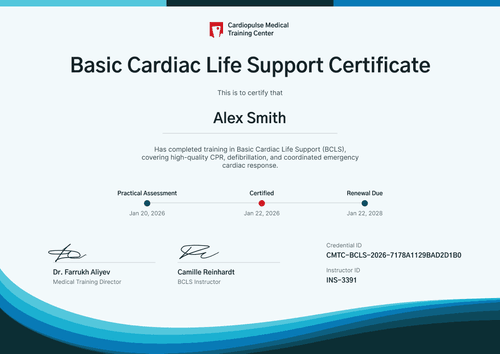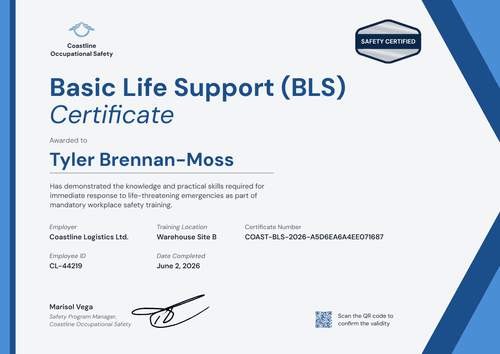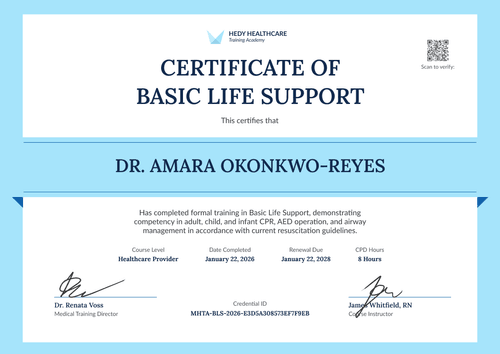

Cybersecurity Awareness Training Completion Certificate
Customize this cybersecurity awareness training completion certificate and issue it to a whole cohort in one run. Each certificate links to a credential page where clients and auditors can confirm it.
Customize this template for free
Email and export in bulk
Track recipient engagement
Download in
Don't have Certifier account? Sign up
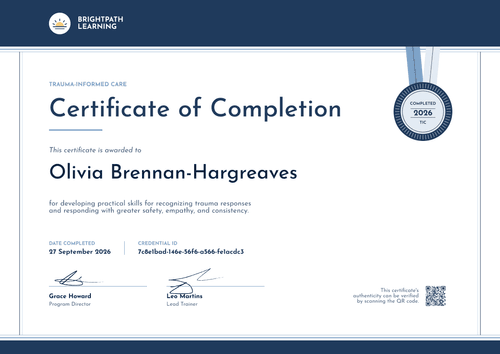
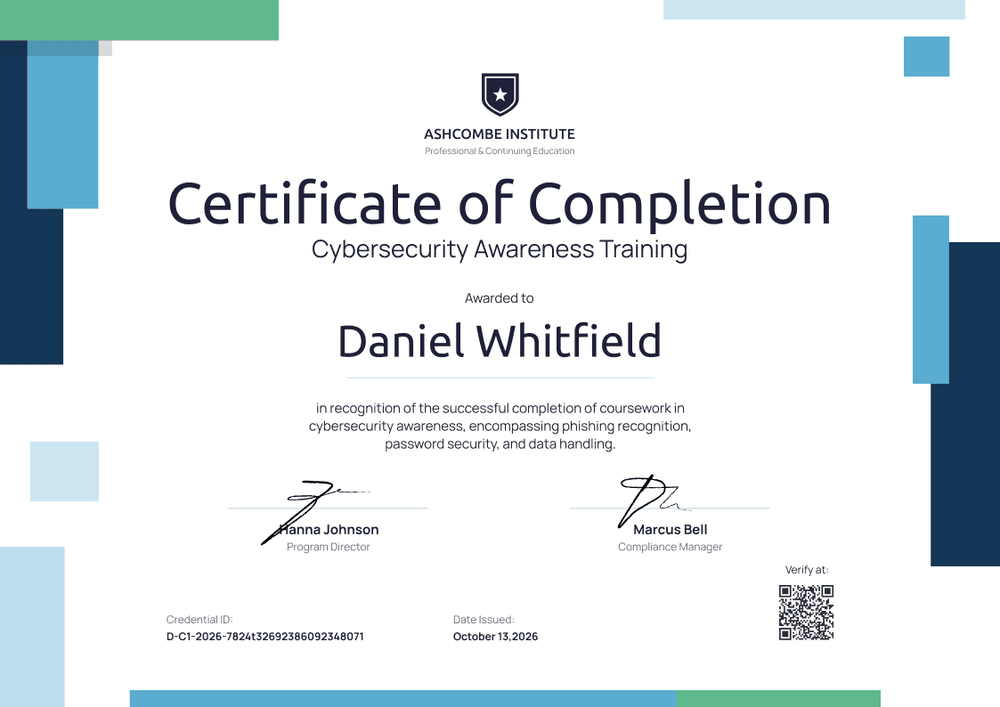
Professional blue cybersecurity awareness training completion certificate template
This free cybersecurity awareness training certificate confirms that a learner completed your security awareness course. It suits training providers and MSPs that deliver phishing, password, and data handling courses to client staff, and IT teams that run the same training in-house.
The design uses offset navy and sky blue blocks with a thin green accent along the edges. The center stays white, so the course title, recipient name, and course description read clearly on screen or on paper. Two signature lines sit under the description, one for a program owner and one for a compliance sign-off.
When a cohort finishes, or your annual refresher closes, import completion data from a spreadsheet or connect your LMS to issue certificates in bulk. Each learner receives a credential page with a verification link that a client, manager, or auditor can open.
What is a cybersecurity awareness training completion certificate?
A cybersecurity awareness training completion certificate shows that a named person completed a security awareness course on a specific date. Organizations use it as evidence of training for audits and client security questionnaires.
A certificate on its own doesn't prove compliance with privacy and security frameworks. It's one piece of evidence alongside your training content, attendance records, and policy acknowledgments.
This template is laid out on A4 landscape (29.7 x 21 cm). Sign up for a free Certifier account to edit the design and start issuing cybersecurity certificates with this template.
What should a cybersecurity awareness training completion certificate include?
A training completion certificate should answer three questions an auditor commonly asks: who was trained, on what, and when. Use the online builder to edit and customize the following fields:
Static fields
- Organization block: Training provider name and department line (e.g., Ashcombe Institute, Professional & Continuing Education).
- Logo or crest: Your organization's logo above the title.
- Certificate title and course name: The award type and the training program (e.g., Certificate of Completion, Cybersecurity Awareness Training).
- Signature and role areas: Two signature lines for the people who stand behind the training (e.g., Program Director and Compliance Manager).
Dynamic fields (automatically populated by Certifier)
- Recipient name: The learner's full name (e.g., Daniel Whitfield).
- Course description: The topics covered (e.g., phishing recognition, password security, and data handling).
- Date issued: The completion or issue date (e.g., October 13, 2026).
- Credential ID: A unique identifier for each certificate that links back to your issuing records.
- QR code and verification link: The verification link appears on every plan. The QR code that opens it is a Professional and Advanced feature.
- Expiry date (optional, Professional and Advanced): Add it if your policy requires annual refreshers. The credential page then shows when the training lapses.
This list describes the template design, but it's not a fixed standard. You can rename, add, or remove fields in Certifier's design builder until the layout matches your training records.
How to issue a cybersecurity awareness training completion certificate
Follow these four steps to issue certificates to everyone who completed the training:
- Edit the design to match your brand: Pick the size and orientation, then upload your logo and the signatures of your program owner and compliance lead. Update the course name and description to match your training.
- Upload learner data: Import completions from a spreadsheet, or connect your LMS through native integrations or Zapier.
- Set an expiry date and issue: If your policy requires yearly training, add a 12-month expiry (Professional and Advanced plan feature). Certifier then emails each learner their personalized certificate with a verification link.
- Track and keep records current: Use the Credential Repository to see who opened, viewed, downloaded, or shared their certificate. Correct a misspelled name without reissuing, and check the expiry date to see who's due for the next refresher.
Available cybersecurity awareness certificate template formats
Edit and issue the template online with Certifier
Edit the design in your browser, add learner data from a spreadsheet, and email every certificate from one place. Each learner gets their own credential page where anyone can verify the certificate.
Download the template in Microsoft Word
Need an internal copy or prefer your own files? Enter your email address to receive a ZIP file with editable Word documents in landscape, in A4 and US Letter sizes.
PDF document export
Certificates can be downloaded as print-ready PDFs. Learners and training coordinators can get the PDF from the credential page linked in the delivery email.
Who issues cybersecurity awareness training certificates?
Training providers and MSPs
Cyber training companies and managed service providers deliver awareness courses to client staff. Put the client's name and logo on each certificate, or keep your own branding, so every learner has a verifiable record of the training you delivered.
IT and security teams
Security teams run phishing and password training for every employee. Use this as a security awareness training certificate template to give each person a verifiable completion record.
Compliance and HR teams
Compliance managers preparing for PCI DSS, HIPAA, or ISO/IEC 27001 audits need training evidence by person and date. Certificates with credential IDs make that evidence easier to pull together.
Frequently asked questions
Yes, you can customize this template on Certifier's free Starter plan and issue it there. Starter allows up to 5 custom attributes, and this template's custom field (course description) fits within that limit. The QR code and the expiry date need the Professional or Advanced plan; on Starter, each certificate still links to its credential page.
Yes. Duplicate the design for each client, swap in their logo and organization name, and import each client's completion list separately. Because each client has its own design, you can filter the Credential Repository by template to see one client's certificates.
Yes, on the Professional and Advanced plans. Set a 12-month expiry when you issue each cohort's certificates, and every learner's credential page shows the date the training lapses.
An auditor can open the certificate's verification link or scan its QR code to reach the learner's credential page on Certifier. That page shows the issuer, the recipient, the issue date, and the credential ID.
No. This cybersecurity awareness training certificate records that a person completed your training on a given date. Auditors also look at your training content, policies, and other records, so keep the certificate as part of your evidence.
The learner can request a correction from their Certifier credential page after verifying their email. You review the request in your dashboard and update the field. The public page updates right away, with nothing to reissue.
Certifier templates are provided for general informational and design purposes only. They do not constitute legal, regulatory, or compliance advice and are not guaranteed to satisfy the requirements of any regulator, auditor, standard, insurer, or jurisdiction. The issuing organization is responsible for the content of its training program and for verifying that its records meet the requirements that apply to it.