

Trusted by:
University of Southern California
Warner Bros.
Volvo
Amazon
Stanford University
Updated: October 27, 2026
6 min read
Edit these five cybersecurity awareness training certificate and badge sets online for free or download the Word files. Pick a set, upload your completion list, and send every certificate and badge in bulk. Auditors and clients can check each one from the verification link without logging in.
Research with AI:
These 10 free templates give you a cybersecurity awareness training certificate and a matching badge for five common programs: annual in-house training, a training provider's cohort, an academy training client staff, a managed security program, and new-hire onboarding.
Pick the set that fits how your program runs, add your logo and this year's topics, and issue both to everyone who finished the course in one upload.
Each certificate is a dated record of who completed which training, while each badge is the version people share on LinkedIn or in an email signature. Both sit under one credential ID and one public link, where an auditor, client, or manager can confirm the credential is genuine and who issued it, without logging in.
If you're wrapping up training for Cybersecurity Awareness Month, you can send the whole group their certificates the same week.

Your Program | Certificate | Matching Badge | You Issue It | Fits Free Plan |
|---|---|---|---|---|
Annual awareness training for your own staff | Simple green annual cybersecurity awareness | Navy and teal "Completed" badge | Once a year | Yes |
A course you sell to individuals or teams | Professional blue awareness training completion | Navy and sky blue training badge | After each cohort | Yes |
Training you deliver to client companies | Professional powder blue awareness training | Indigo and light blue "Trained" badge | Per client, per year | Yes |
A managed security awareness program (MSP or MSSP) | Simple navy blue security awareness program | Navy and red "Learner" badge | Each client cycle | Remove 2 fields |
New-hire onboarding | Professional mint green employee awareness | Aqua "Achievement" badge | When each person finishes | Yes |
Each certificate below is followed by its matching badge. When you attach both designs to the same credential template, every person gets one cybersecurity training credential with one ID and one public link.
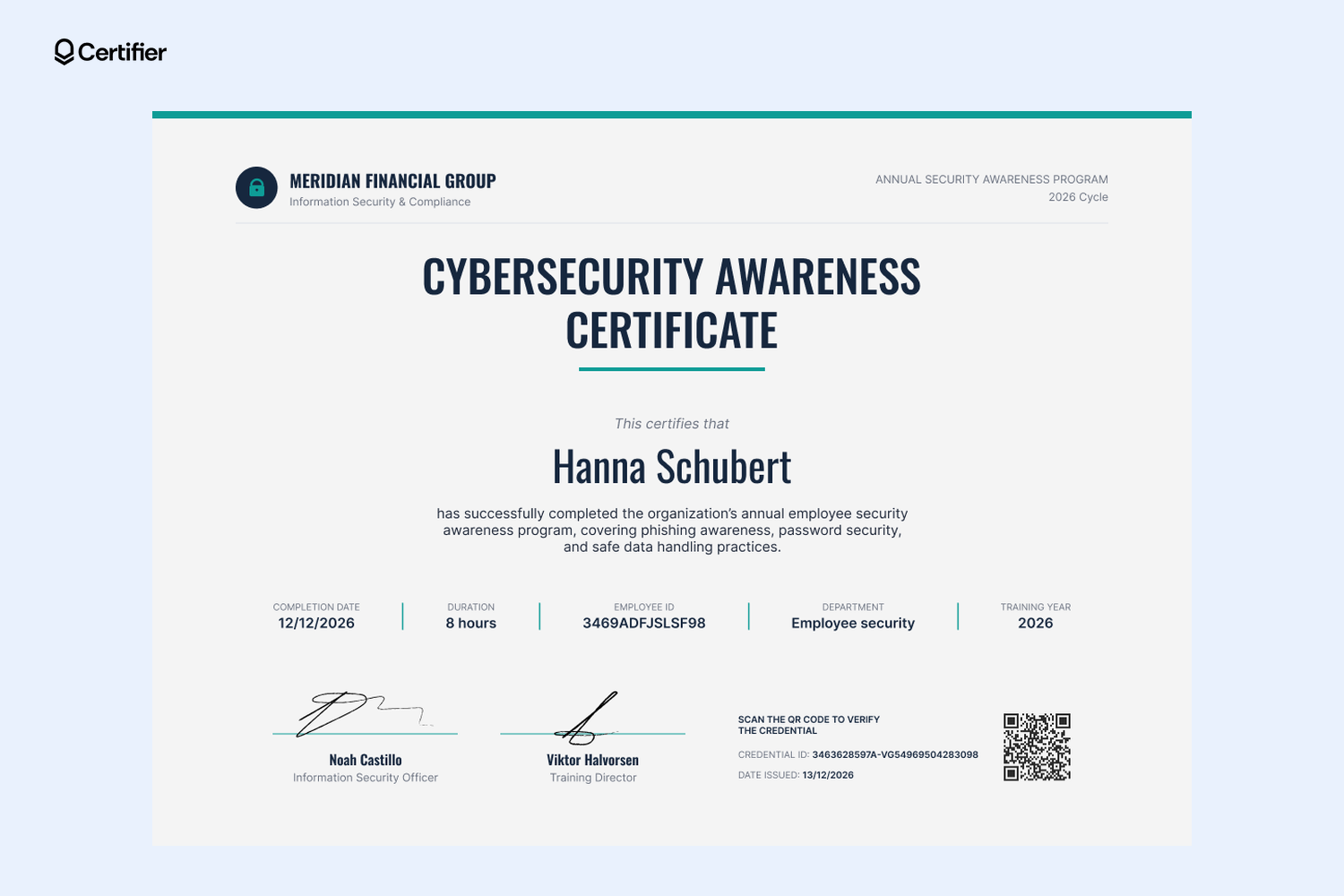
Built for compliance, HR, and information security teams that retrain every employee each year, this cybersecurity awareness certificate puts all the details an auditor looks for in one row under the name, including completion date, training hours, employee ID, department, and training year.
A program line in the corner and two signature lines for your information security officer and training director finish the design layout. When the cycle closes, export completions from your HR system or training platform, upload the spreadsheet, and send everyone's certificate in one run.
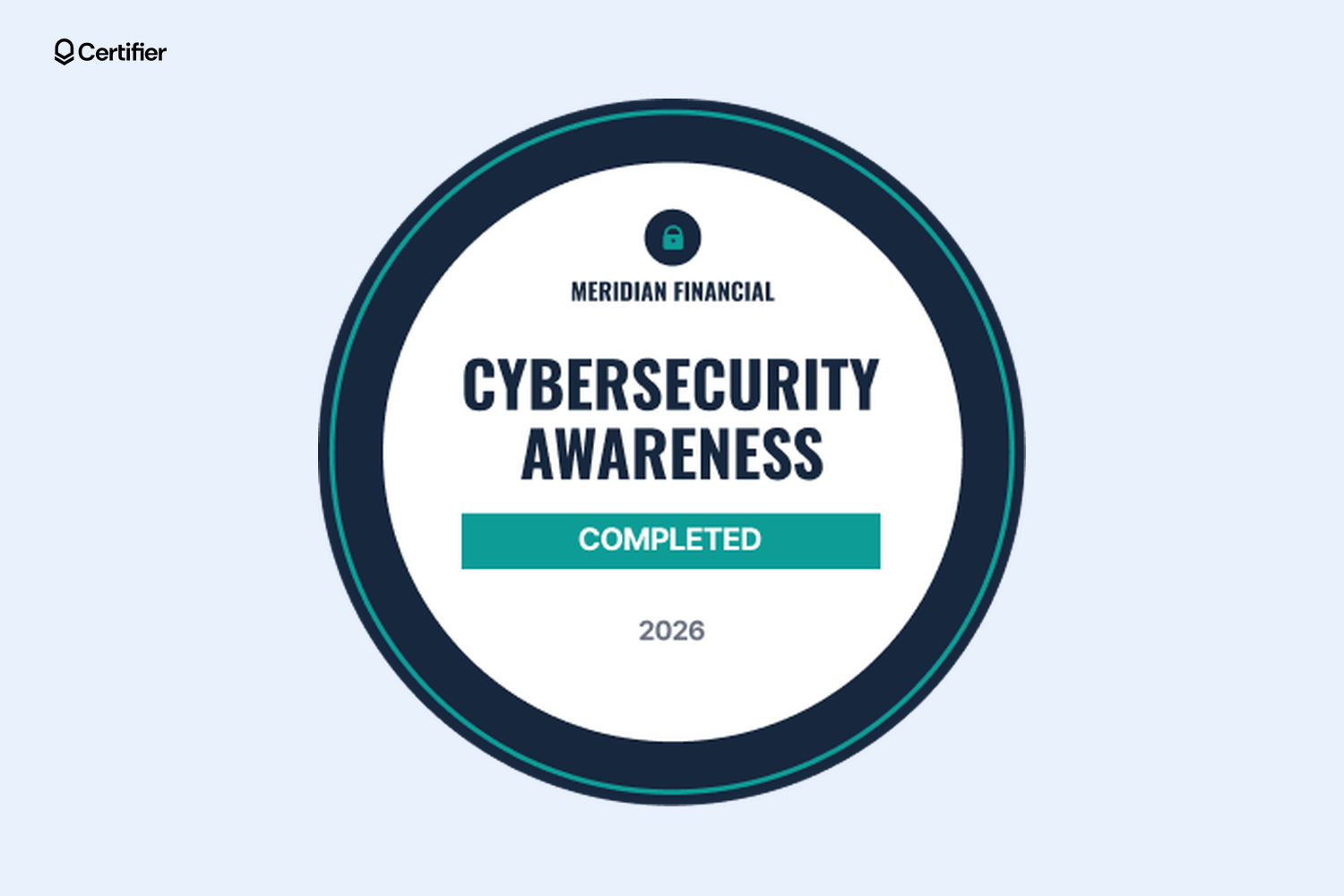
This round navy blue badge, with a thin teal ring, a lock icon, and a teal "Completed" bar above the year, is part of the annual cybersecurity awareness credential set employees can add to LinkedIn or their email signature. Change the year each cycle, so colleagues can tell this year's badge from last year's at a glance.

Training providers and MSPs that sell a security awareness course can issue this certificate at the end of each cohort. Offset navy and sky blue blocks frame a white center that holds the course title and a description line for the topics covered, which you can map to a spreadsheet column (for example, phishing recognition, password security, and data handling).
Two signature lines take your program owner and a compliance sign-off, while every certificate carries a credential ID and verification link. Running the same course for a client? Duplicate the design, swap in their logo, and import their completions separately.
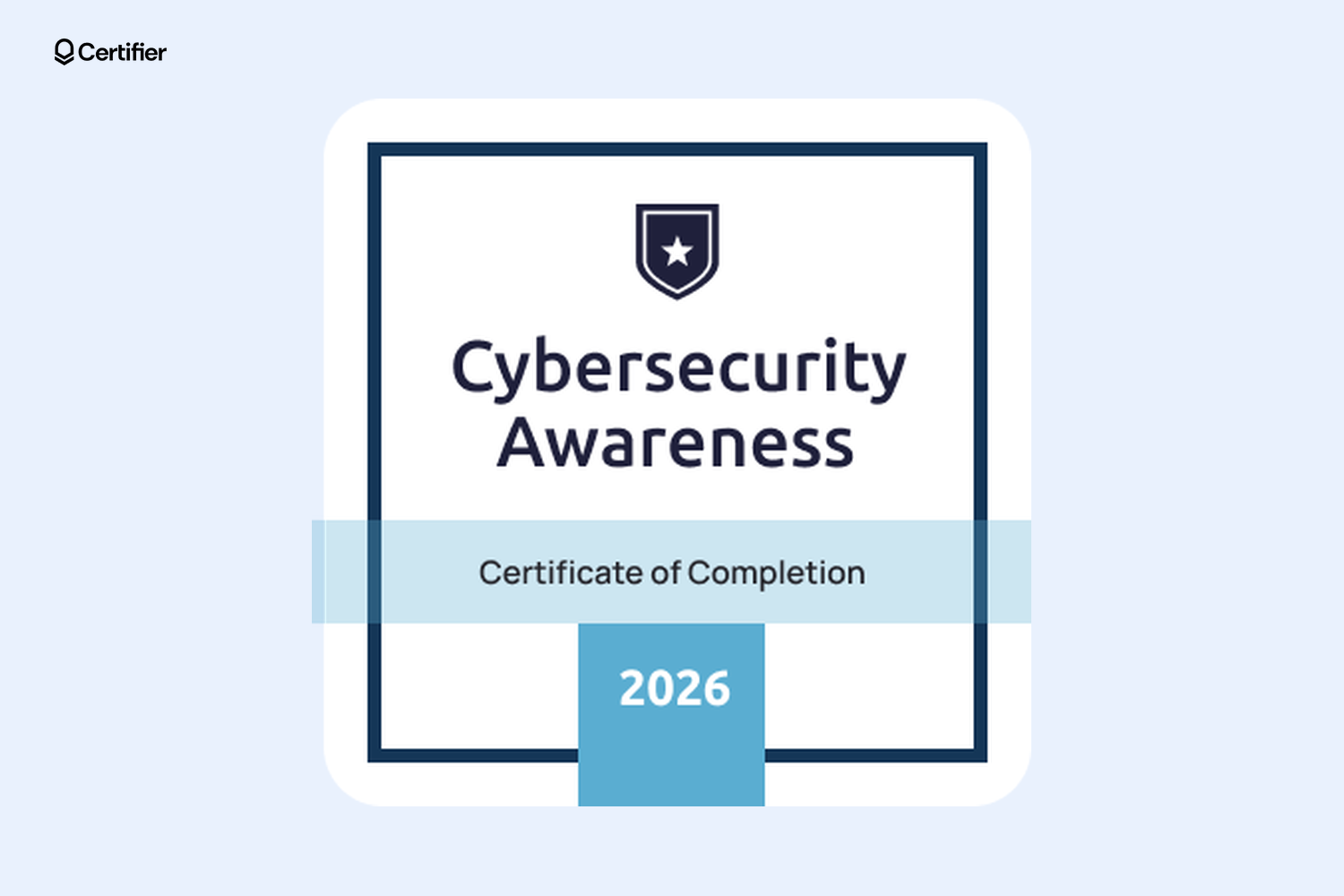
This square badge repeats the matching certificate's navy and sky blue, with a shield emblem at the top, a "Certificate of Completion" band, and a tab for the year, so the two read as one set. Swap in your logo and course name, issue it alongside the certificate, and learners can add it to LinkedIn or post it to their feed. Each share links back to the credential page, which names your company as the issuer.
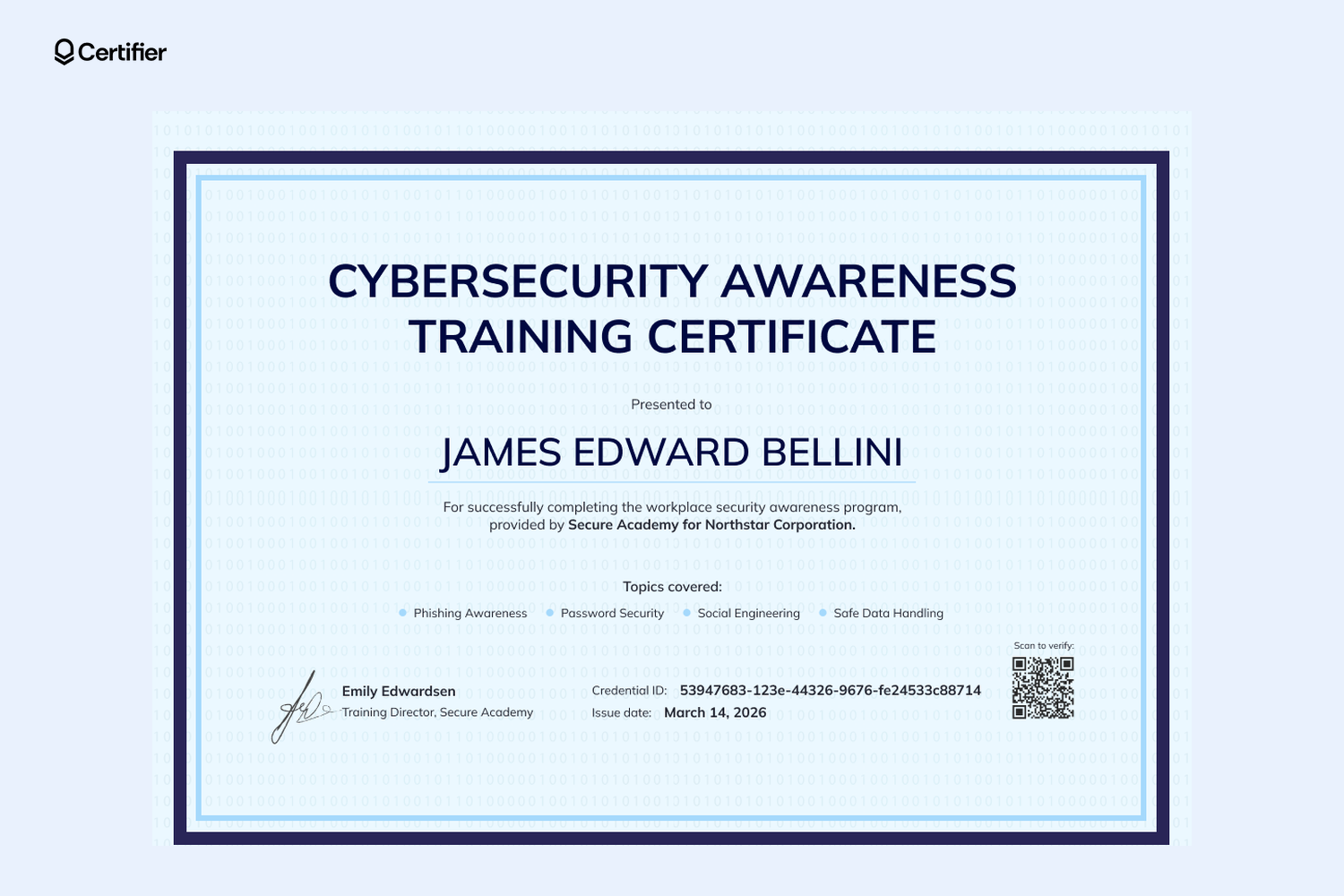
For academies and corporate training vendors that train staff at several client companies, this certificate names both parties in one line inside a navy frame with a powder blue border and a faint binary-code background.
A "Topics covered" row lists the modules each group took, while one signature line holds your training director's name, with room for a client sponsor. Keep the client name and topics as spreadsheet columns, so one design serves every client. After each engagement, upload that client's attendee list and issue the whole team at once.
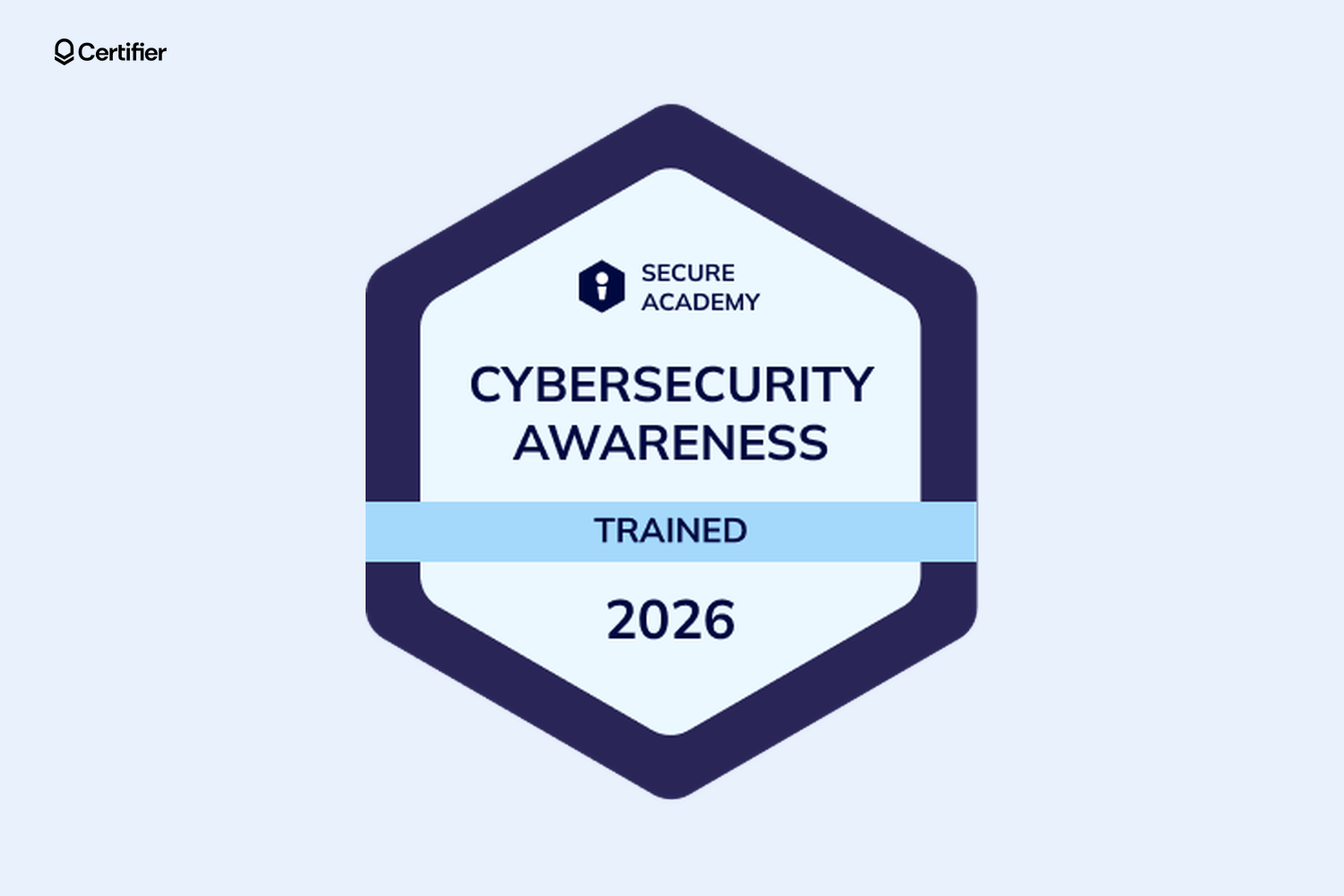
This indigo hexagon carries your academy's name and shield at the top, a light blue "Trained" band, and a large year that makes refresher cycles obvious when client employees share it on LinkedIn. Issue it per client and per year with the matching certificate.
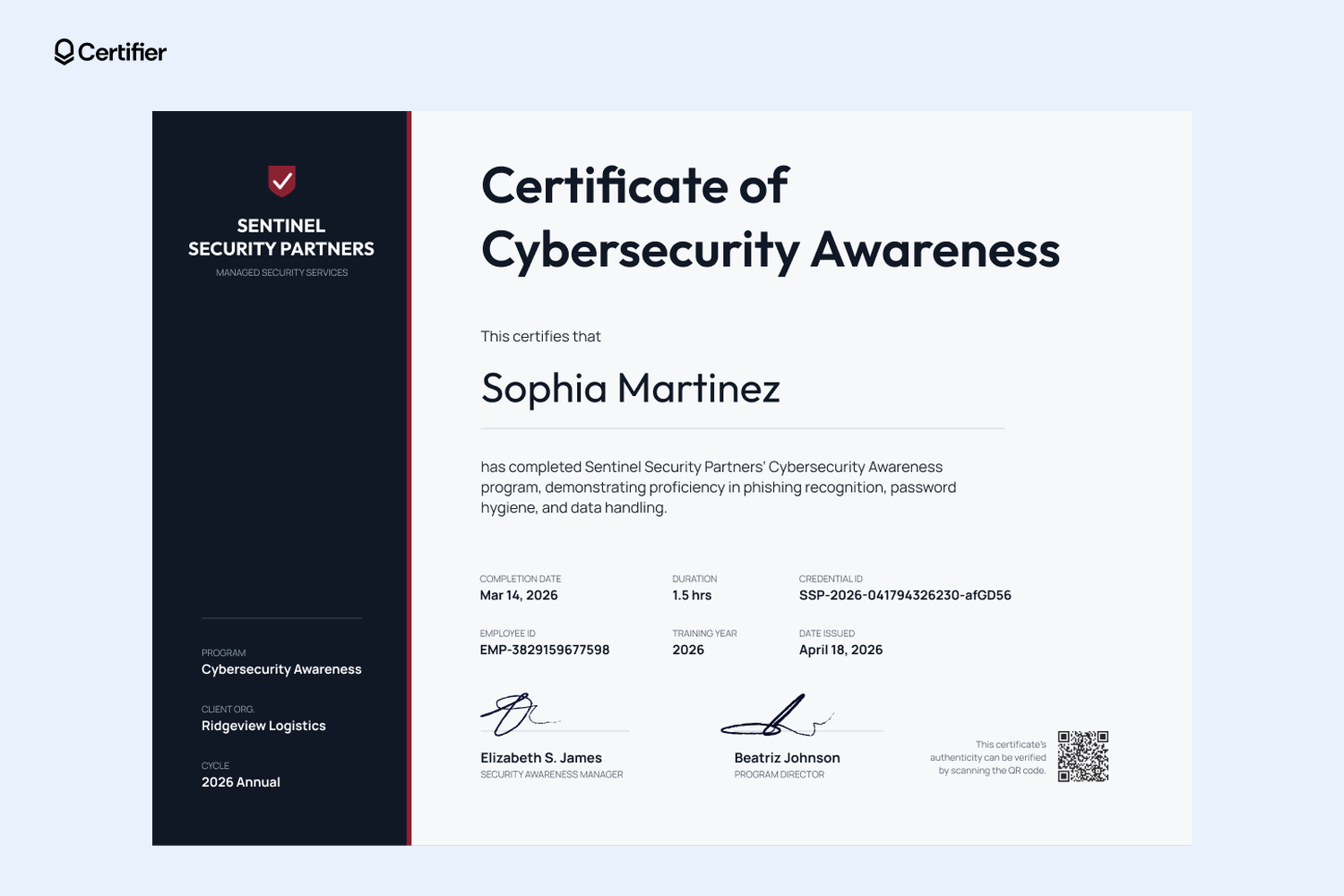
MSSPs and IT managed service providers that run awareness training for many clients can use this certificate's navy blue sidebar for the three lines that change per account: program, client organization, and cycle.
The main panel lists completion date, duration, credential ID, employee ID, training year, and date issued, above two signature lines for your security awareness manager and program director. When a client's cycle closes, upload that client's completions with the client name in its own column, or send them through Zapier.
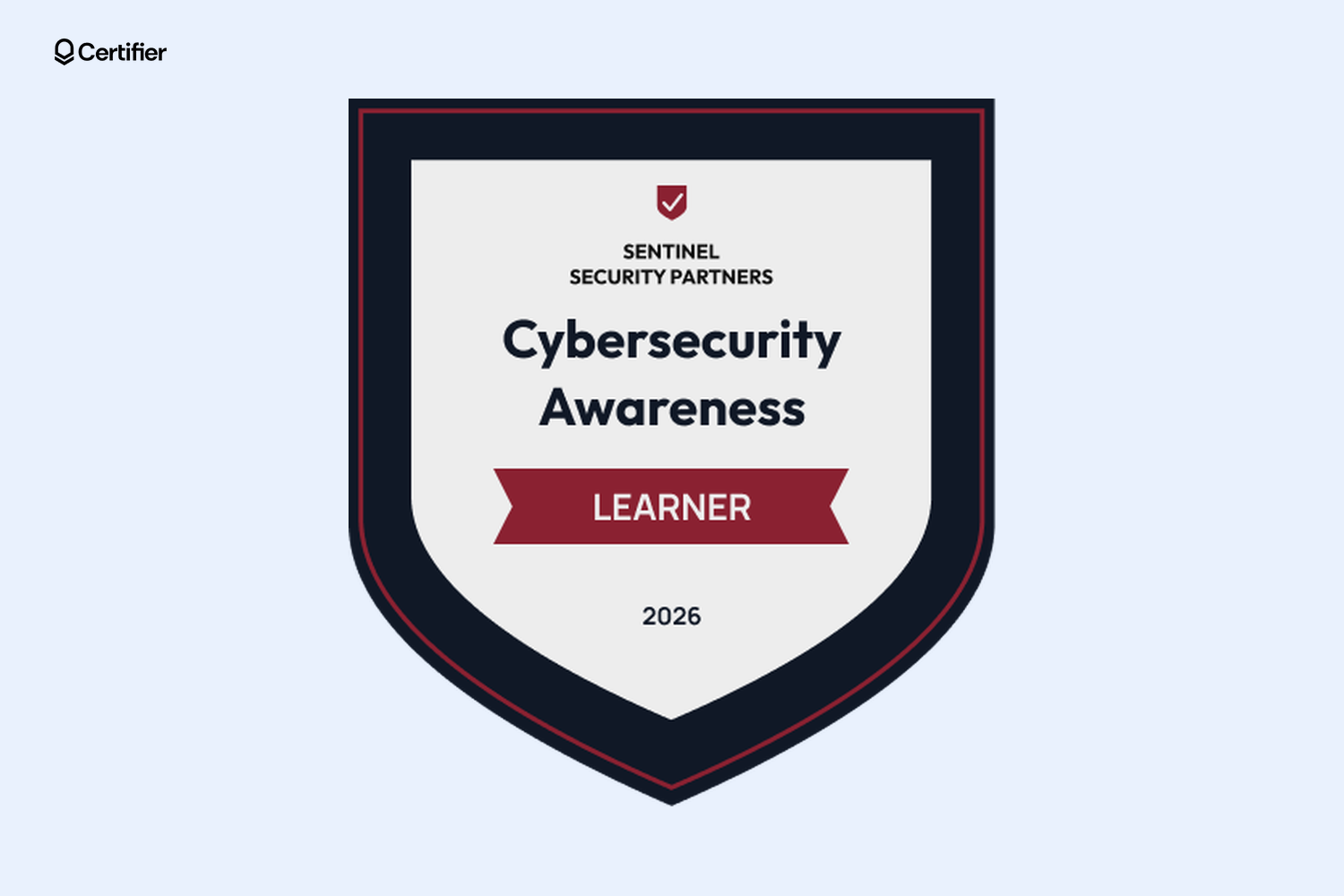
This navy blue shield badge with a thin red edge puts your company name at the top and a red ribbon above the year. The ribbon text is editable, so you can duplicate the badge for each stage of your program and have it read "Learner", "Completed", or "Advanced" as clients' staff level up. Keep your brand on the badge, record the client organization on each credential, and issue it to each client's team every cycle with the matching certificate.
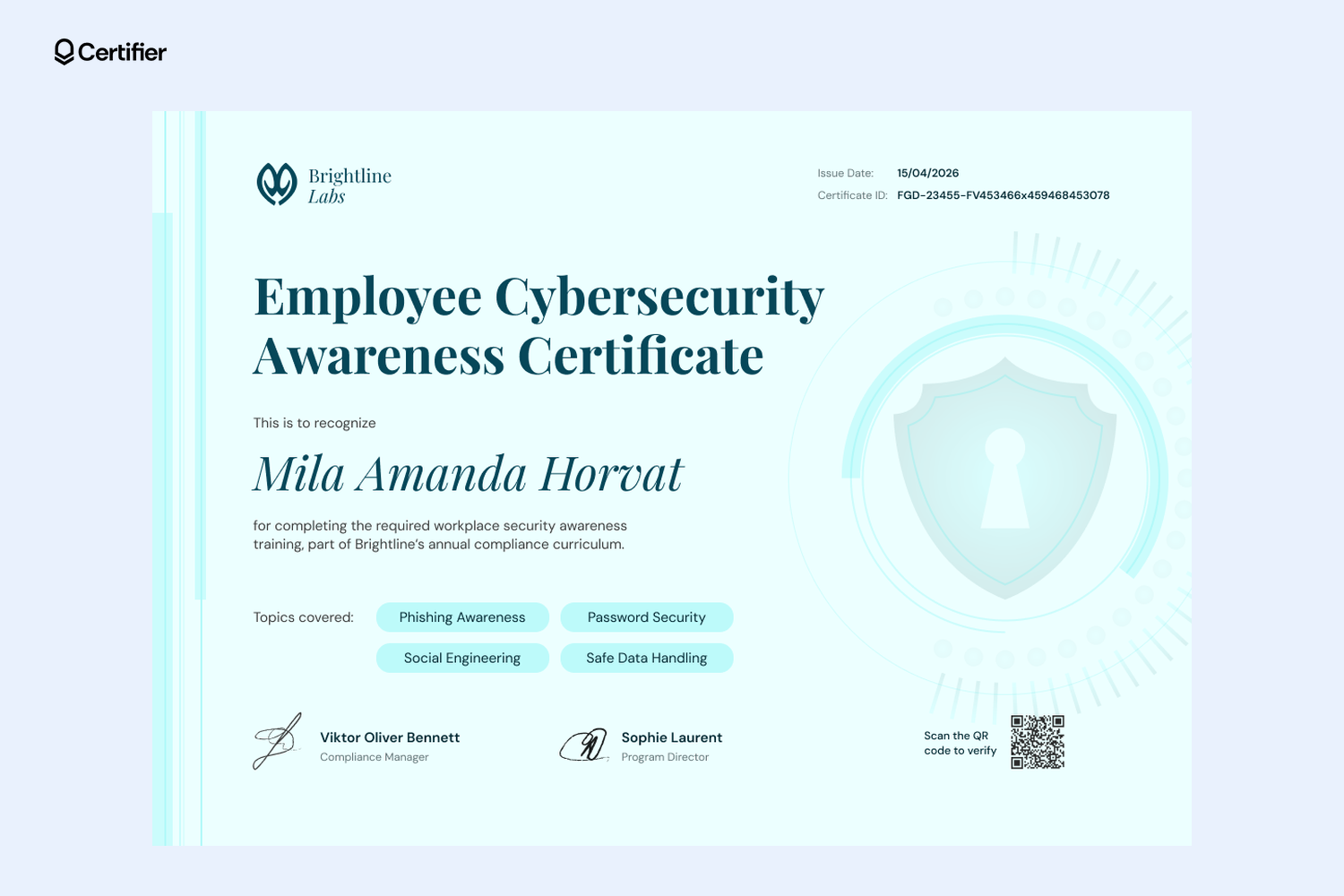
L&D, onboarding, and IT teams can send this certificate when a new hire finishes cybersecurity training. A soft mint background with a shield-and-keyhole watermark, a serif title, and a script recipient name give it a people-first feel, while four rounded topic tags show the modules you list for each person, such as phishing awareness, password security, social engineering, and safe data handling.
If teams take different modules, map the tags to a column, for example, secure coding for developers only. Connect your training tool through Zapier, Make, or the API on any plan, so a finished course triggers the certificate.
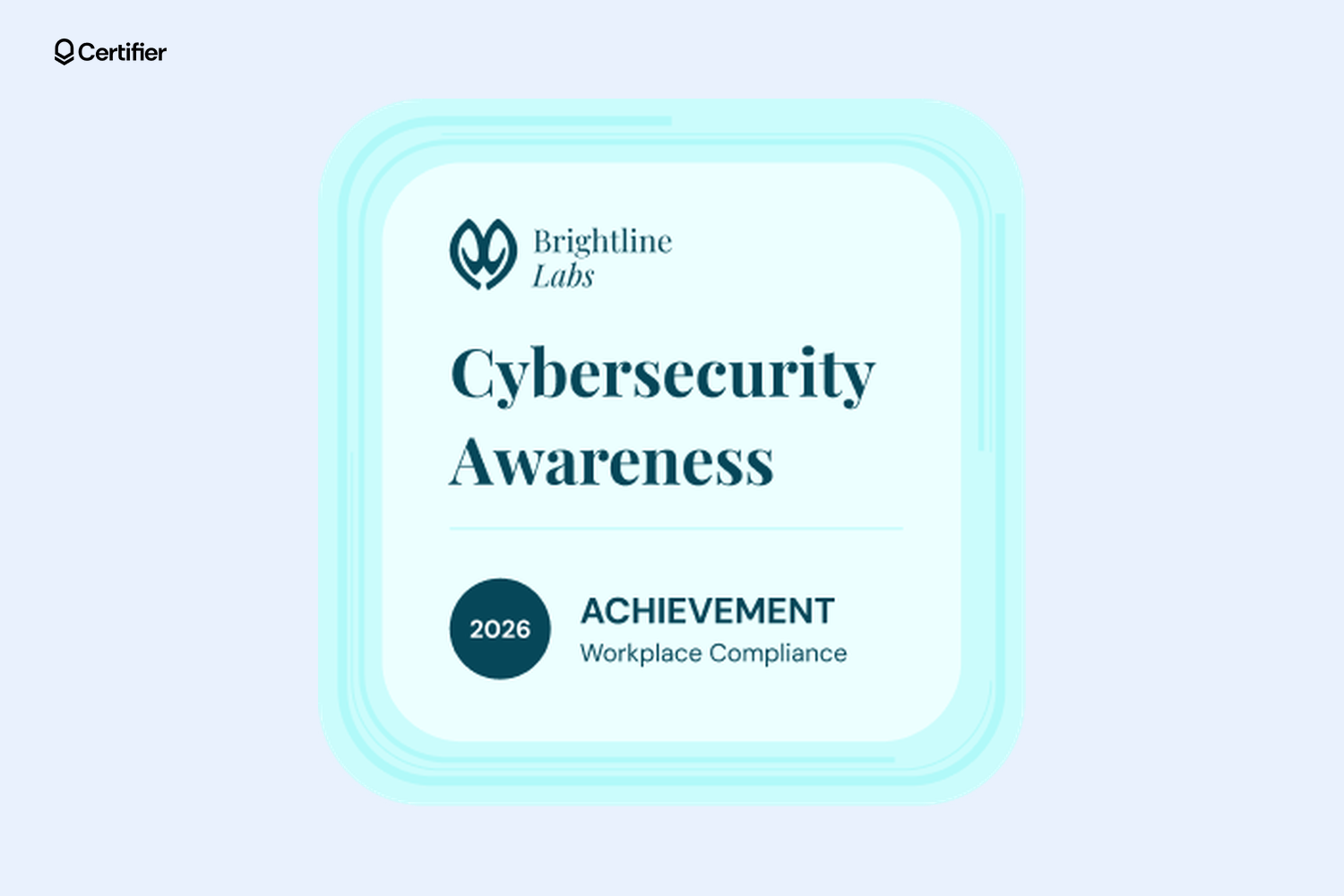
This rounded-square badge pairs a soft aqua glow and a serif "Cybersecurity Awareness" title with a navy blue circle for the year, next to an "Achievement" label and a program line such as Workplace Compliance.
Issue it with the matching certificate at the end of onboarding or the annual curriculum, so new hires and long-time staff get the same recognition. New hires can add it to LinkedIn in their first week, and anyone who clicks it lands on the credential page.
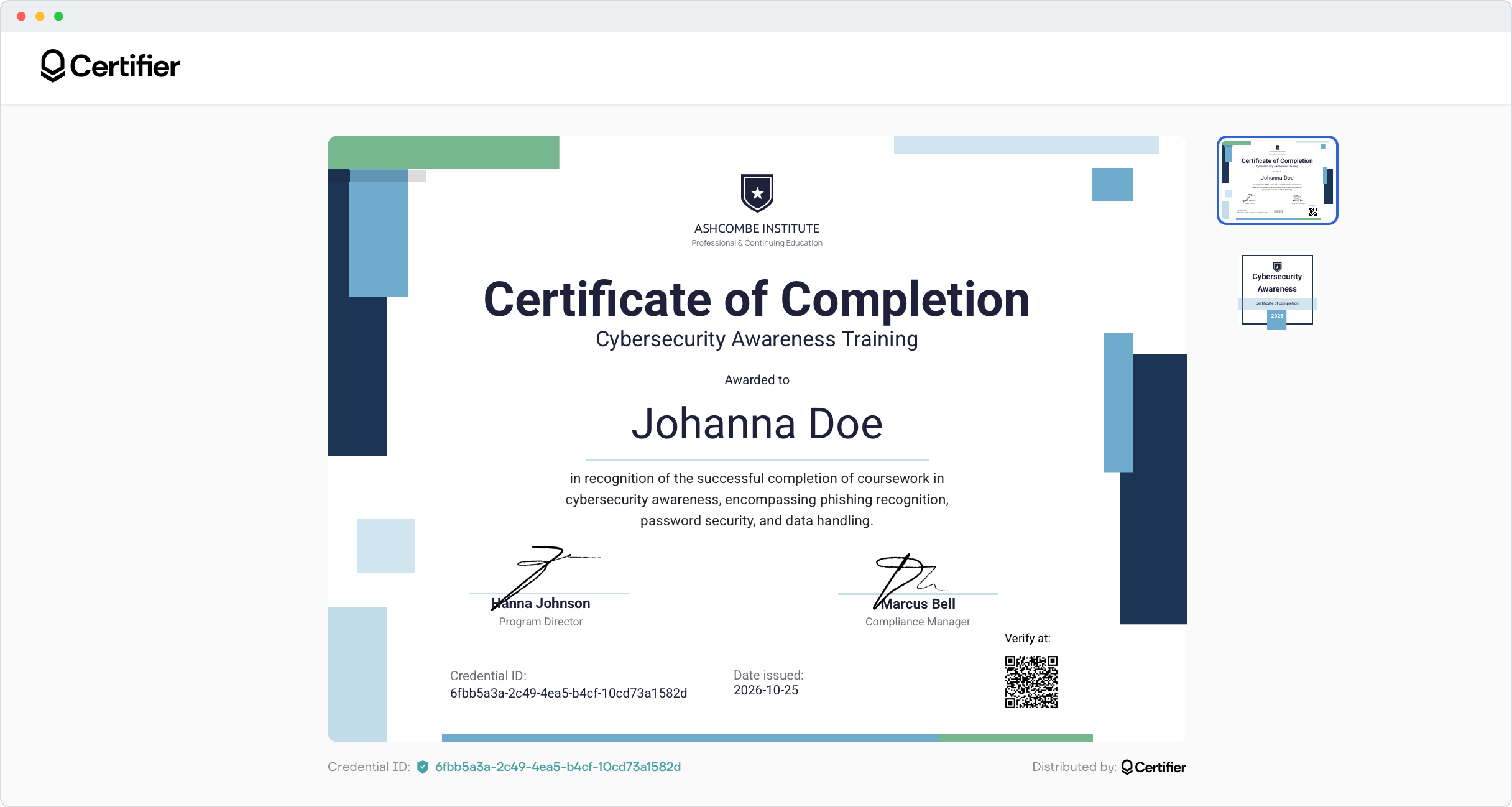
A certificate and a badge do different jobs. The cybersecurity awareness training certificate is the record, so it goes in the employee’s file or the audit folder and can be downloaded as a print-ready PDF.
The cybersecurity awareness training badge is small enough for an email signature, plus recipients can add it to LinkedIn under Licenses & Certifications.
Three reasons the pair works well for security training:

The training repeats. PCI DSS, for one, asks for awareness training every 12 months, and many teams time a round to Cybersecurity Awareness Month each October. The year on each badge shows which round someone completed.
Levels and cycles stack. Duplicate a badge and change its status label or year, and people collect one per cycle or stage.
One upload covers both. Attach both designs to the same credential template, and each person gets one credential, with one credential ID and one public link, rather than two separate documents.
Need other designs? Browse more training badge templates or read how digital badges work in Certifier.
You can issue a whole group's certificates and badges in one run, from a spreadsheet or a connected tool.

Pick a set and attach both designs: Create one credential template and add the certificate and the badge to it. Starter allows up to 2 designs per credential template, and Professional and Advanced allow up to 10, so every certificate and badge pair fits on Starter. Both designs sit under the same credential ID and public link.
Brand it and add this year's topics: Upload your logo and signatures, then update the course description or topic tags, for example, phishing, password security, and social engineering.
Add the people who finished: Upload a spreadsheet of up to 1,000 people per upload, with name, email, and any custom fields such as employee ID or client. Or connect your training tool through Zapier, Make, or the API on any plan. Native LMS and HR integrations are available on Professional and Advanced.
Preview and issue: Check how the certificate, email, and credential page will look with real data, then send. Each person gets an email with their certificate, badge, and verification link.
Repeat next cycle: Change the year, upload the new completion list, and issue again. Last year's credentials stay on record. On Professional and Advanced, set an expiry date so each credential page shows the expiry date you set, so you can see who's due for a refresher.
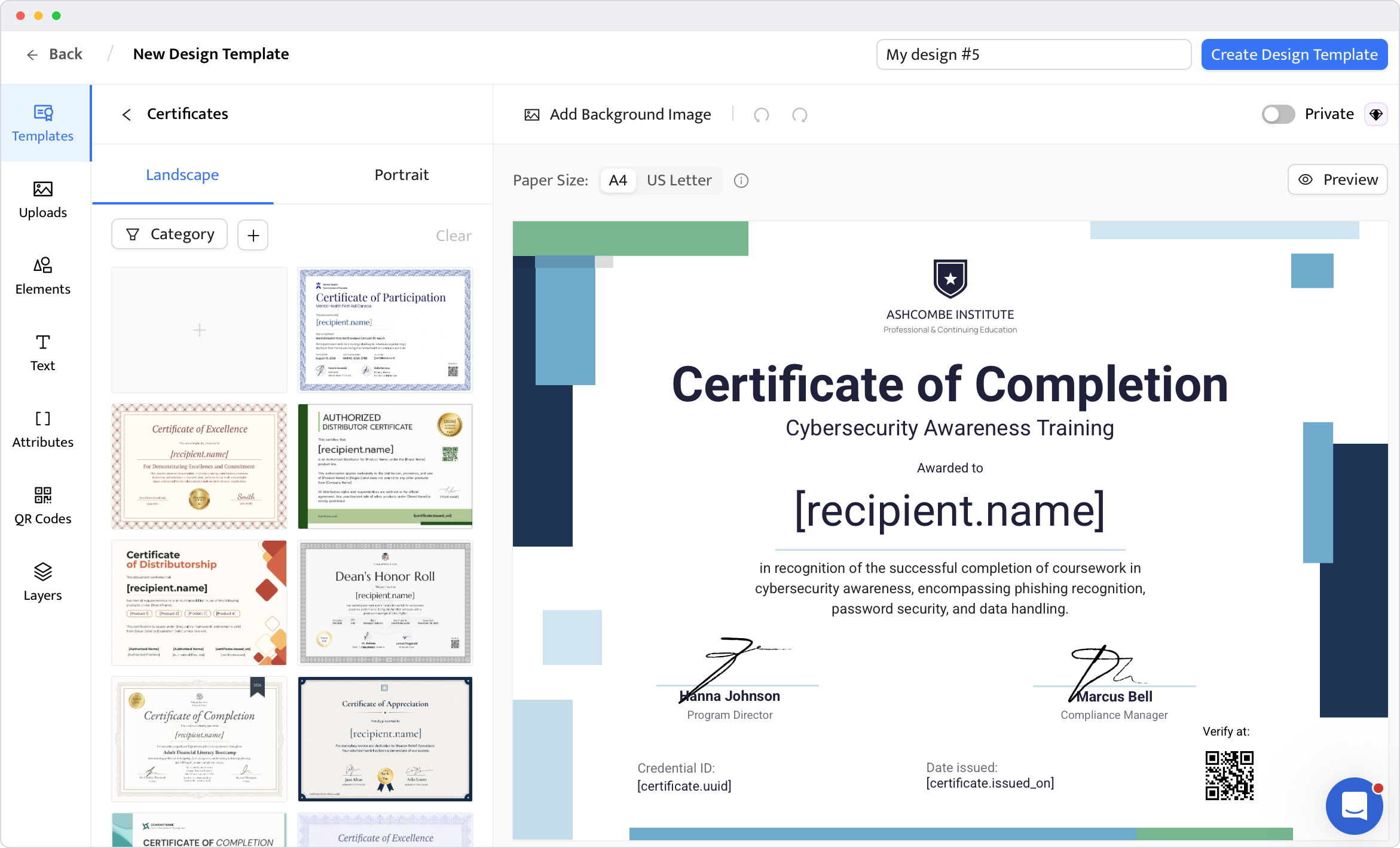
If you spot a typo after sending, edit the field and the credential page updates right away, with nothing to reissue. Recipients can also request a correction from their credential page.
A cybersecurity awareness training certificate records who you trained, on what, and when. It doesn't prove your organization is compliant. Certifier doesn't check that the training took place, so the credential page only confirms that the credential is genuine and who issued it.
What it shows. Each certificate links to a credential page with the issuer, the recipient, the issue date, and a credential ID. Anyone with the link can open it without logging in, which makes it easy to share alongside your training records when a client or auditor asks.
Why the year matters. PCI DSS sets a 12-month cycle, and the other frameworks expect an ongoing program rather than a one-off course:
PCI security awareness training: PCI DSS v4.0.1 Requirement 12.6.3 asks for security awareness training upon hire and at least once every 12 months.
HIPAA security awareness training: The HIPAA Security Rule requires a security awareness and training program for all workforce members.
NIST guidance: NIST SP 800-50 Rev. 1 describes security awareness as an ongoing learning program.
ISO 27001 security awareness training: ISO/IEC 27001:2022 asks for information security awareness, education, and training.
CMMC: CMMC Level 2 relies on the NIST SP 800-171 awareness and training requirements, which matter for defense contractors.
What it doesn't prove. The certificate is one piece of training evidence, but it doesn’t cover the whole record. Check with your auditor what your framework requires.
Pick the set that matches your program, add your logo and this year's topics, and send every certificate and badge in one upload. Edit a cybersecurity certificate on the free Starter plan or browse all cybersecurity training certificate templates.
Yes. All 10 templates are free to edit on Certifier's Starter plan, which includes 250 credentials a year. You can also download each certificate as a Word file in A4 or US Letter, and each badge as a Word, Photoshop, or Illustrator file.
The cybersecurity training certificate should include the learner's full name, course title, topics covered, completion date, and issuing organization. Add a credential ID and a verification link so the certificate can be traced back to your records. For annual programs, add the training year.
Only if you set it to expire. Some frameworks set a cycle: PCI DSS, for example, asks for training at least once every 12 months. On the Professional and Advanced plans, you can set an expiry date, and each credential page shows the expiry date you set.
Yes. Keep the client name as a field mapped to a spreadsheet column or duplicate the design and swap in each client's logo. The credential page shows the issuer name from your workspace settings, so clients can see who delivered the training.

- copywriting
- B2B content marketing
- content strategy
- on-page SEO
- storytelling
Growth Marketer (Freelance)
Anita Coltuneac is a freelance B2B SaaS marketer with 5+ years helping tech companies grow organic visibility, build authority, and support pipeline. She uses storytelling to turn product expertise into useful content.


