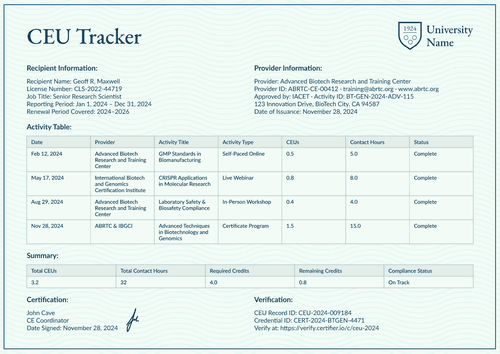
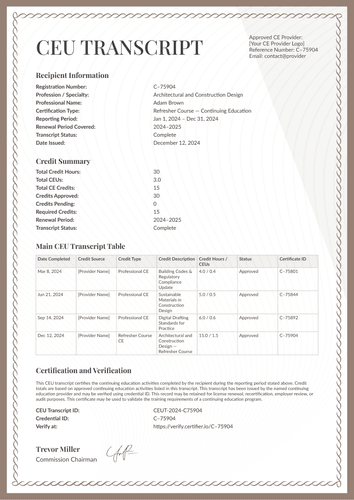
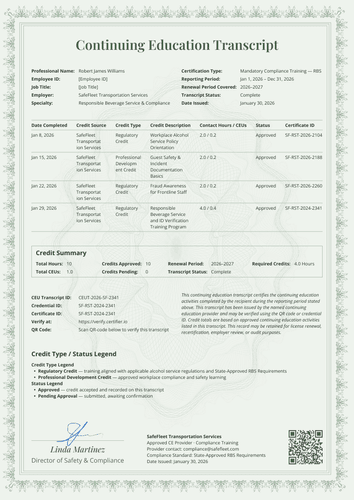
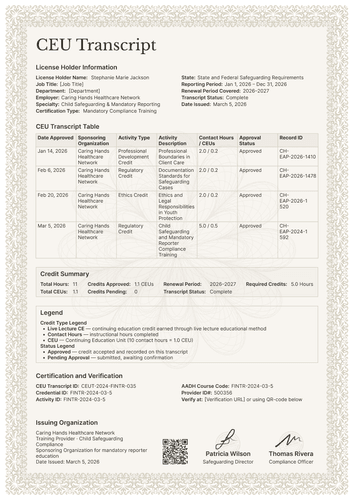
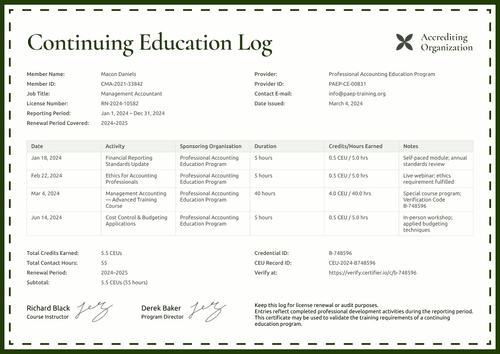
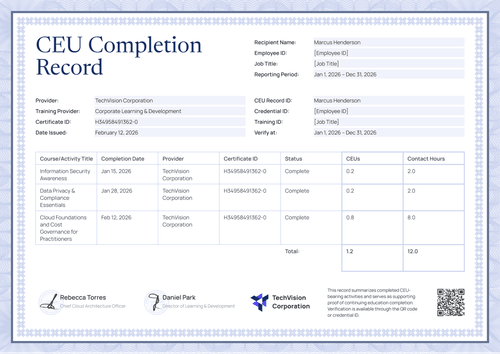
Professional blue CEU transcript template
Report financial continuing education with the details boards look for: course codes, provider recognition, approval windows, and a table that separates approved from pending.
Customize this template for free
Email and export in bulk
Track recipient engagement
Download in
Don't have Certifier account? Sign up
Free professional blue CEU transcript template
This free CEU transcript template records each live course with its codes, hours, and status, and it states the provider's recognition and approval window right where a reviewer looks first.
It is made for continuing education providers, training institutions, professional associations, and records administrators, with a sample drawn from financial risk education.
The page uses a slim navy border and a calm typeface. Recipient and provider blocks open the record, followed by the credit table and summary, a legend, a full verification block, and the coordinator's signature.
The matching continuing education certificate covers one course, including the subject and course codes, the instructor's credentials, and the delivery method.
Need to issue transcripts for every licensee at once? Bring the credit records in from a spreadsheet or connect your LMS so nothing is outstanding when renewal opens. Each licensee receives a personal verification link they can submit to a board clerk or an employer.
What is a CEU transcript?
A CEU transcript is the period record of a professional's continuing education credits, issued by the provider or association that reported them. Reviewers use it at renewal and employers use it between renewals.
This design leans into precision. Every row has a credit source, type, description, hours, status, and activity ID, while the verification block lists the transcript, credential, activity, and course code identifiers in one place. Sizes cover A4 (21 x 29.7 cm) and US Letter (8.5 x 11 in), in portrait orientation.
Use Certifier to issue it alongside the matching course certificate as a single credential bundle. Create a free account to edit the design and issue transcripts to your licensees.
What should a CEU transcript include?
In regulated finance, vague records create work. These elements keep the record exact and are all editable in Certifier’s online builder:
Static fields
- Section Headings: Labeled blocks for recipient, provider, the credit table, credit summary, legend, and verification.
- Credit Table Headers: Column set for the record: date, credit source, credit type, credit description, contact hours and CEUs, status, and activity ID.
- Credit Legend: Printed definitions of credit types, contact hours, CEUs, and approval states.
- Recognition Note: Standing text clarifying that approval does not imply acceptance by any state or provincial board.
- Signature Area: Designated space for the coordinator's name and date issued.
Dynamic fields (automatically populated by Certifier)
- Professional Name & License Number: Identity fields for the licensee.
- Profession: Field naming the practice area (e.g., Financial Risk Analysis / Investment Strategies).
- Certification Type & Employer: Program and workplace fields (e.g., Live Continuing Education Course).
- Reporting & Renewal Periods: Date-range fields for the record and cycle (e.g., Jan 1 – Dec 31, 2024; 2024–2026).
- Provider Name & Provider ID: Fields identifying the issuing academy (e.g., Elite Finance Academy; 500356).
- Recognized-by & Approved-by Lines: Fields naming the bodies behind the provider (e.g., IFC CERP · GFIA).
- Approval Validity Window: Date-range field showing the period during which the provider's recognition applies (e.g., Jan 1, 2023 – Dec 31, 2026).
- Credit Description per Row: Text field naming each course (e.g., Ethics in Financial Advisory Practice).
- Credit Source & Type per Row: Provider and category fields for each entry (e.g., Live Lecture CE).
- Contact Hours & CEUs per Row: Paired value fields per course (e.g., 2.0 / 0.2).
- Status & Activity ID per Row: Approval state and tracking code (e.g., Approved; FINTR-2024-03-5).
- Total Contact Hours & CEUs: Period totals in the summary (e.g., 8 hours; 0.8 CEUs).
- Credits Approved, Pending & Required: Status counts and the cycle's renewal target.
- CEU Transcript ID & Credential ID: Verification tracking codes (e.g., CEUT-2024-FINTR-035).
- Course Code & Verify-at Address: Classification code and the live verification page link (e.g., FINTR-2024-03-5).
This list describes the sample design, not a required standard for CEU transcripts. Rename, add, or remove fields in Certifier's design builder until the layout meets your needs.
How to issue a CEU transcript
Here are five simple steps to help you issue a CEU transcript in Certifier:
- Adjust the design to your provider details — Choose the size and orientation, then add your provider block, recognition lines, and coordinator signature. Select the dynamic text blocks for recipient details, credit rows, and the summary.
- Bundle it with the matching continuing education certificate — Link the transcript to the continuing education certificate so that the course award and the period record are generated in the same run.
- Upload licensee data — Connect your CRM or use our native integrations with LMS apps like Canvas, Moodle, and LearnDash, and populating the design takes less than a minute.
- Issue, deliver, and verify — Certifier issues and emails each licensee their personalized transcript automatically. Recipients can download the document or share it online through its verification link.
- Monitor engagement and correct records — Use the Credential Repository to follow email opens, credential views, downloads, and shares for every transcript. Pending credits can be updated without reissuing, and the public record will change at once.
Available CEU transcript template formats to customize
Edit and issue the template online with Certifier
Editing the design in Certifier delivers licensee-specific data, documents sent straight to each inbox, and a live credential page that any board clerk can check.
Download the CEU transcript template in Word
Rather work in your own files or stage the record internally first? Enter your email address and get a ZIP file with the customizable Word documents in both portrait and landscape orientations, in A4 and US Letter sizes.
PDF document export
Each issued transcript doubles as a print-ready PDF that licensees and compliance teams can pull directly from the delivery email or the credential page.
Who issues CEU transcripts?
Continuing education providers in regulated fields
Providers issue it so every licensee carries codes, hours, and statuses that a board clerk can process without question.
Professional associations
Associations value the recognition block because stating who recognizes the provider saves members from having to prove it themselves.
Records administrators and training institutions
Administrators use activity IDs to quickly answer any query about a single course.
Frequently asked questions
Keep it. It’s honest, it protects your licensees from assuming too much, and it protects you from overclaiming. The text is editable, but removing a true limitation rarely makes a record stronger.
They are classification fields, shown in the sample as AGD and AADH codes. If your profession uses course taxonomies, print them exactly. If not, remove the fields. Codes help reviewers file credits under the right requirement.
Credits earn their standing when they fall within the provider's recognized period, like 2023 through 2026 in the sample. Printing the window lets a reviewer confirm it at a glance.
Each credential gets its own verification address automatically, so the placeholder in the design becomes a real, working link on every issued transcript. You never paste URLs by hand.
Yes. A transcript states the period as of its issue date, so a mid-cycle version simply shows current totals and any pending rows. Issue again at close if your board wants the final picture, with each item having its own verification link.
[a]Retitle design
Certifier templates are provided for general informational and design purposes only. They do not constitute legal, regulatory, accreditation, or academic-recognition advice and are not guaranteed to satisfy the requirements of any institution, recognition body, regulator, or jurisdiction. Using this template does not by itself make a document an official diploma supplement or prove a qualification. The issuing organization is responsible for verifying the content, authority, approvals, and suitability of every document before use. This template is not an official Europass document and does not guarantee recognition of a qualification.