

Trusted by:
University of Southern California
Warner Bros.
Volvo
Amazon
Stanford University
October 27, 2026
6 min read
Discover five ways to issue AI ethics and governance certificates in bulk, which columns to upload, and how to attach the matching badge, then build a workflow for each level.
Research with AI:
To issue AI ethics and governance certificates in bulk, pick the template that matches your course level, attach the matching badge to the same credential, then upload your completion list or connect the tool where results live.
The workflow changes by level. An all-staff AI literacy course goes out in one spreadsheet run, while a professional certification is issued automatically when someone passes, with a renewal date.
What about standards and regulations? While Article 4 of the EU AI Act doesn't mention certificates, it asks providers and deployers of AI systems to take measures that support their staff's AI literacy. So, a dated certificate per person is one way to document the training you ran and meet that requirement.

Every level uses the same four steps and only the trigger and the columns change.

Set up one credential template per level: Open the level's certificate design, add your logo and signatures, and keep the recipient fields as dynamic attributes so Certifier fills them from your data.
Attach the matching badge as a second design: Add the badge to the same credential template, so each learner gets one email, one credential ID, and one link for both. This works on every plan, including Starter.
Bring in your recipients: Upload a CSV, XLS, or XLSX file or connect the tool where completions already live through a native integration or a connector like Zapier.
Check, test, then send: Your file opens in Smart Table. Map each column to a certificate field or skip it, then fix, add, or delete rows inline. Filter by invalid rows to catch problems before you send: invalid rows don't block issuance, they're skipped, and Certifier warns you first. Send a test to yourself before the full run.
Free to start: every certificate and badge template below is free to customize and issue on Certifier's free plan, which includes 250 credentials a year. Three design elements need a paid plan: the QR code, the "valid until" expiry date, and more than 5 custom fields. See the Certifier pricing page for higher limits.
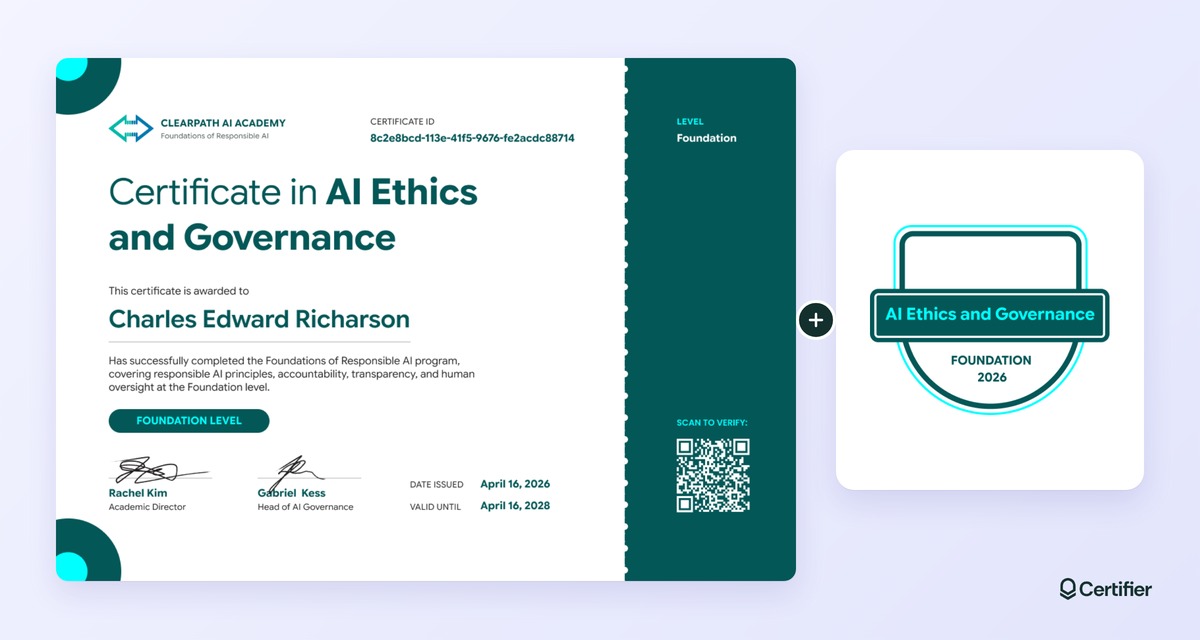
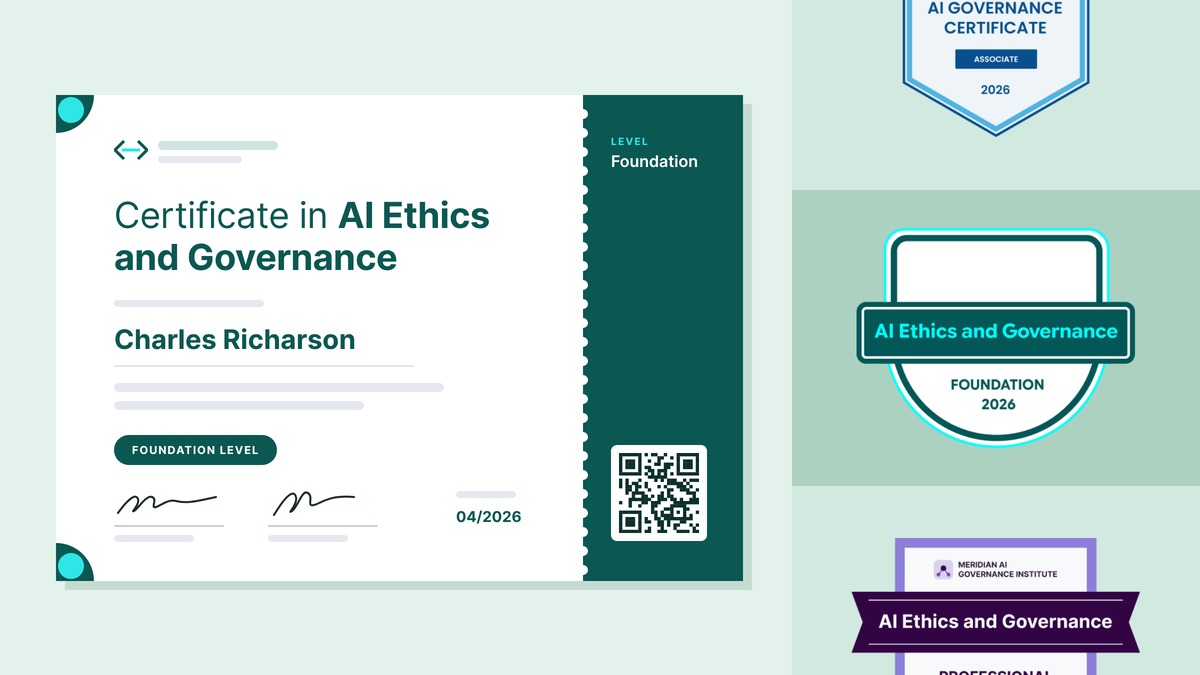
Find your level, copy the columns, and run it. The level names come from Certifier's AI ethics template set, not a standard, so you can rename them to fit your program.
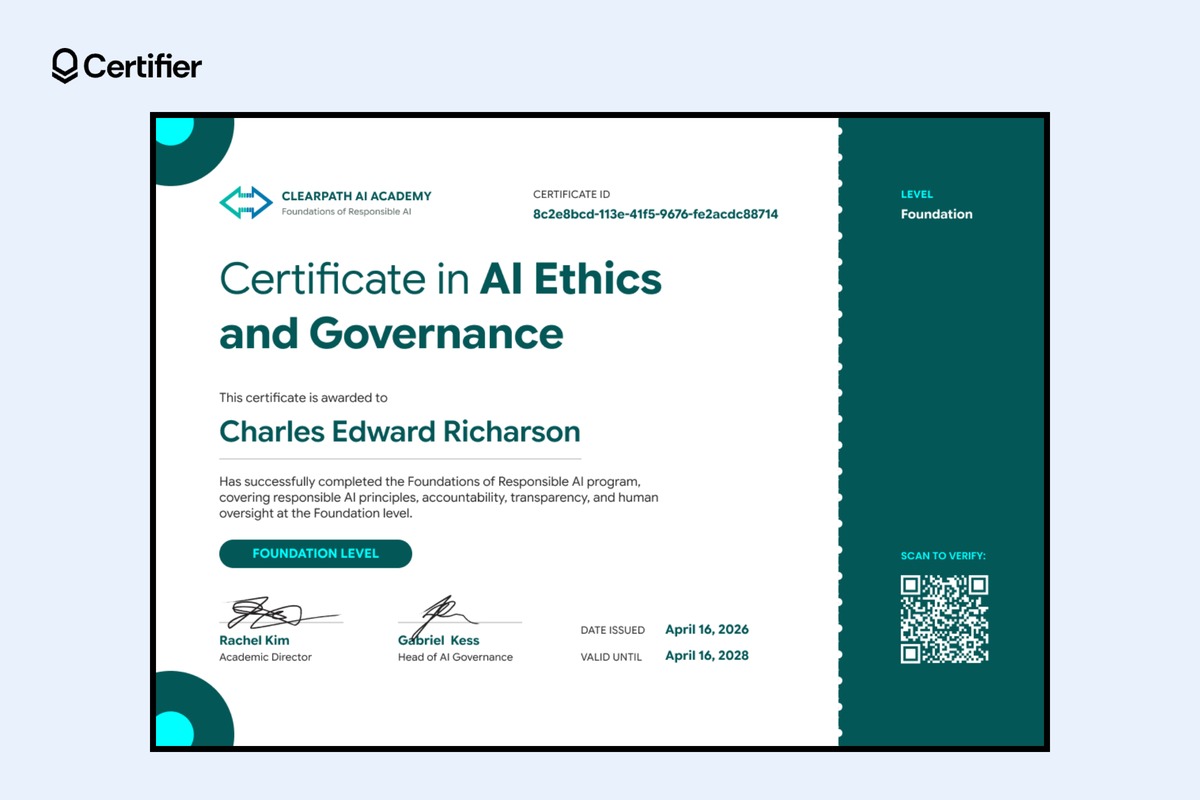
Best for: HR and L&D teams running AI literacy training for every employee, often before a Copilot or generative AI rollout.
Pair it with the matching badge on the same credential, so learners get both in one email.
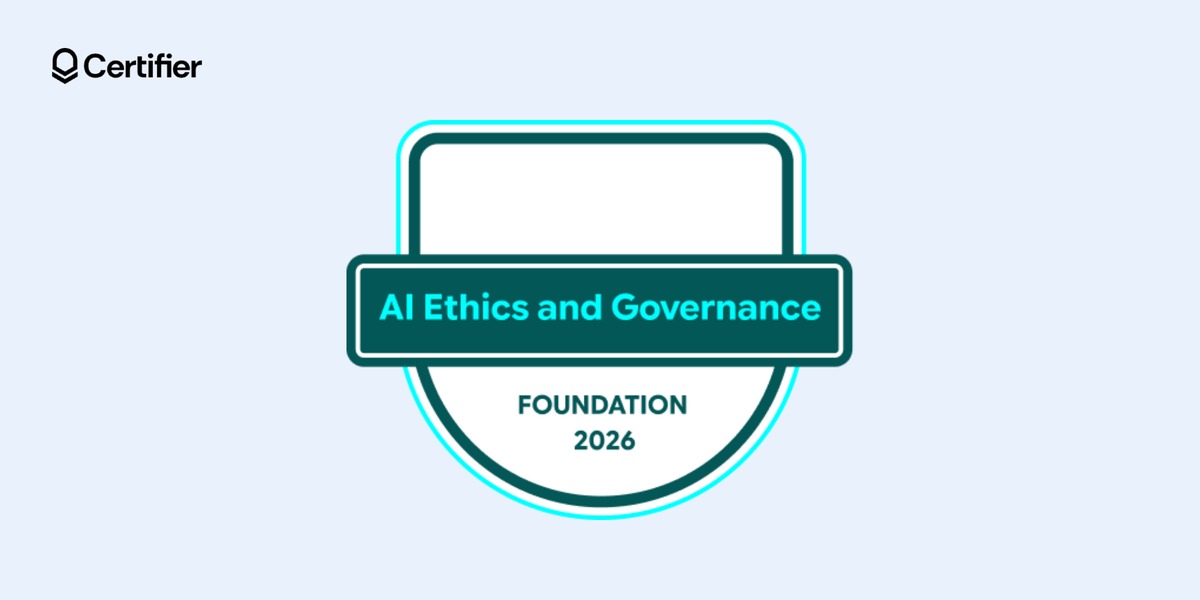
Bulk method: one spreadsheet export from your HR system. When a training session closes, export everyone who finished from your HR system or LMS and upload the file. You can also import completions from Google Sheets, so each new row becomes a certificate without another upload.
Columns to add: name, email, program_description, department
The department column is optional. It lets you sort records by team when a client or auditor asks who completed the training.
New hires and late finishers: upload a second file with only the new names, using the same design. For a handful of people, you can issue certificates from ChatGPT or Claude instead of building a file.
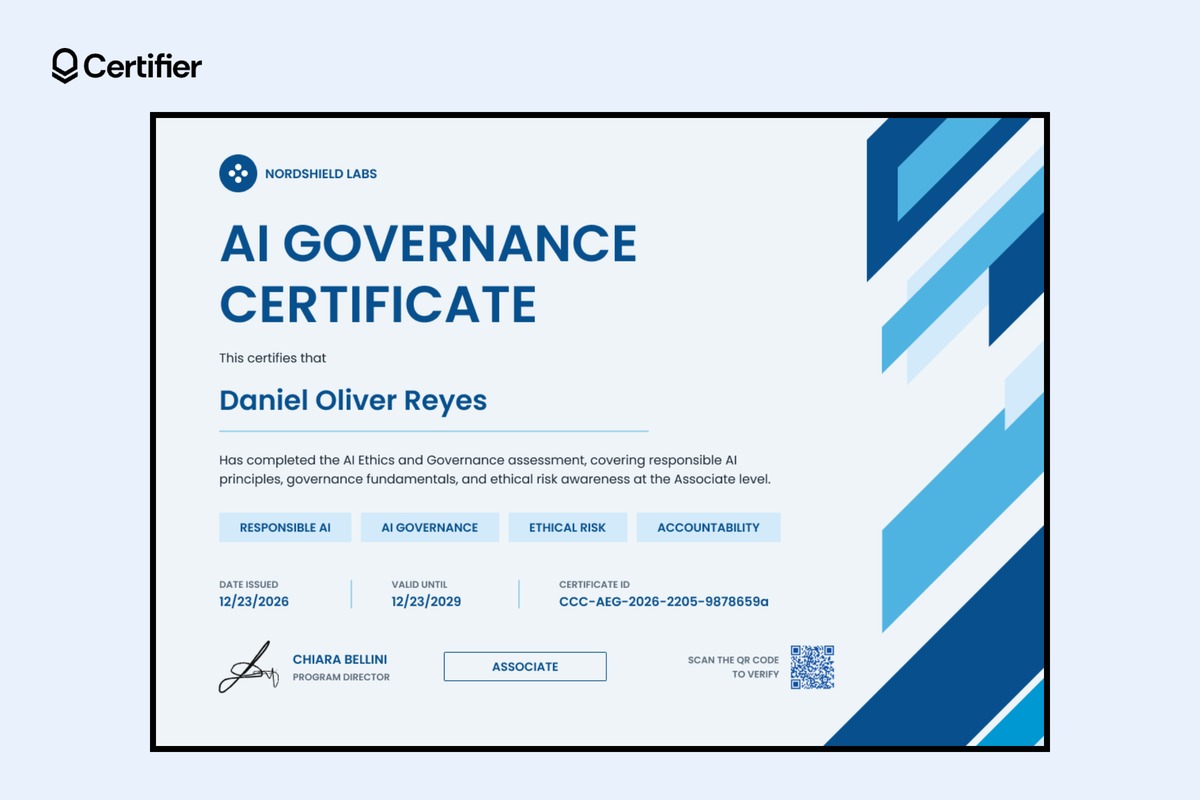
Best for: IT, AI governance, and GRC teams that train staff before they get access to a specific AI tool, and course providers running assessed associate modules.
Bulk method: Zapier from your assessment tool, one team at a time. Associate certificates usually follow a pass. If your assessment tool connects to Zapier, link it to Certifier through Zapier, and a certificate goes out each time someone passes. If you'd rather review results first, upload one file per team.
Columns to add: name, email, role_or_ai_system, assessment_description, topic_1, topic_2, topic_3, topic_4
Pair it with the matching associate badge, so learners can share their level on LinkedIn.
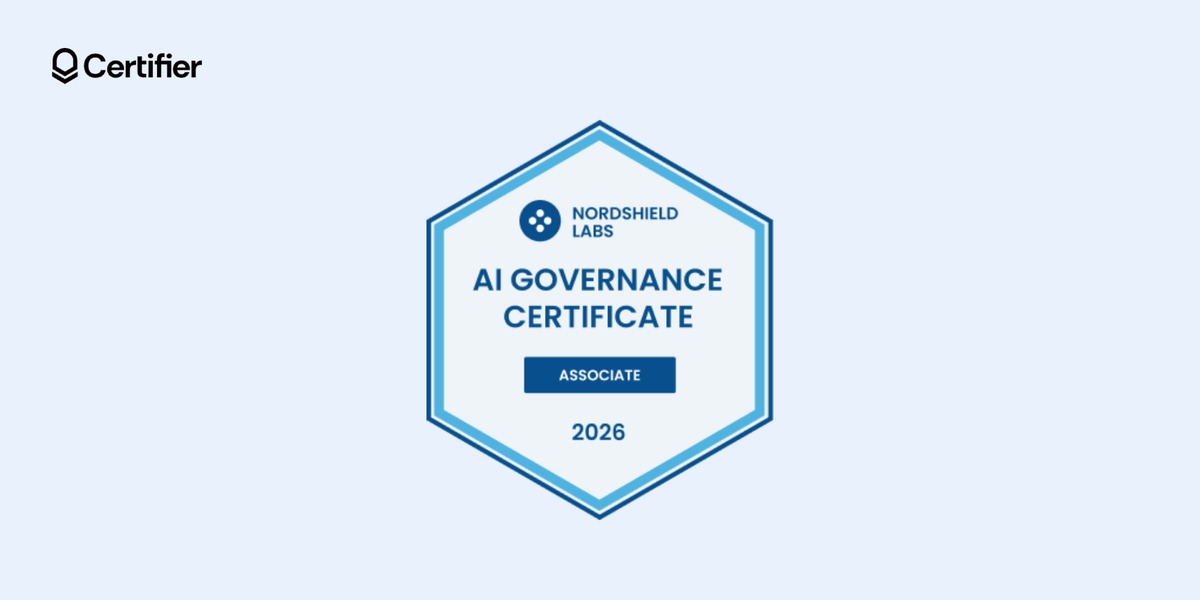
The role or AI system prints on each certificate, so you can answer "who was trained on the claims-triage model?" later. The four topic columns fill the design's topic chips, so each team's certificates show its own modules from one template.
If your program follows the NIST AI Risk Management Framework, GOVERN 2.2 asks that personnel and partners receive AI risk management training.
If someone changes role: issue a new certificate for the new role's training. The earlier one stays on record with its original date.
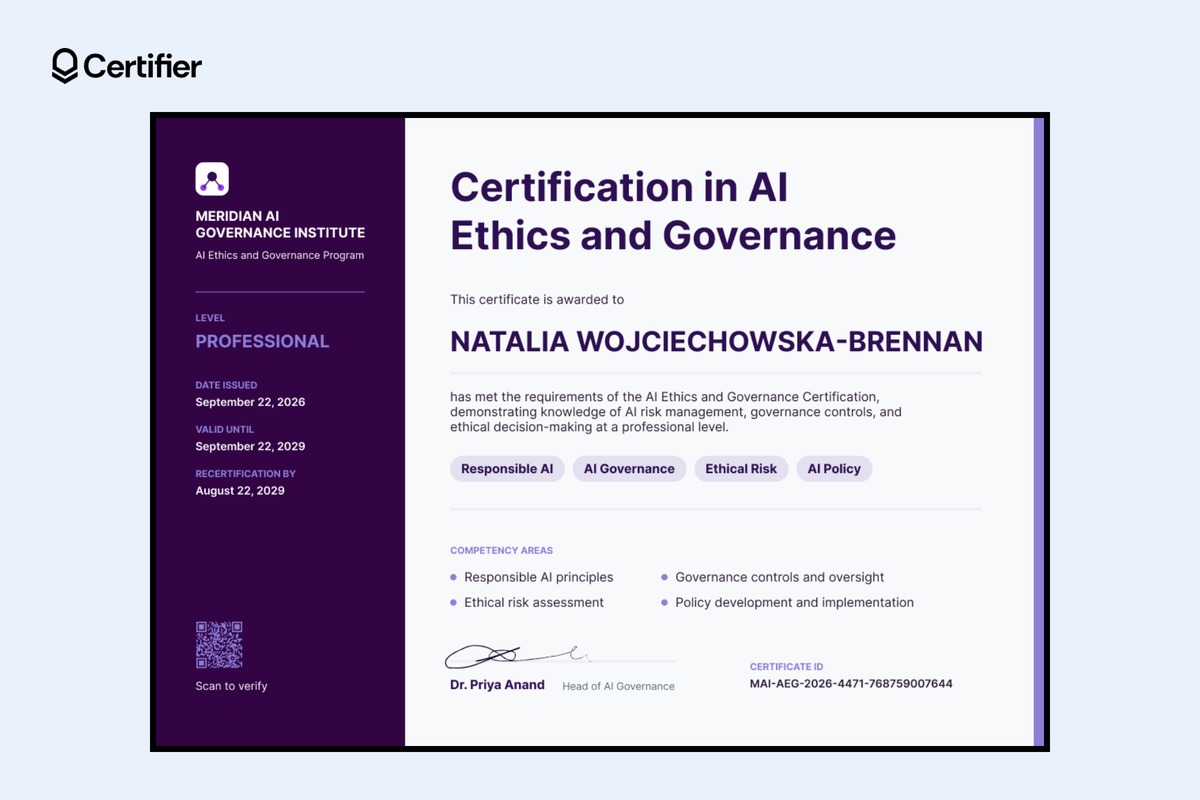
Best for: AI governance course providers and professional associations selling a professional-level certification that learners renew every few years.
Bulk method: your LMS issues the certificate when a learner passes. Connect your LMS, such as Moodle, Canvas, or LearnDash, so that completing the course triggers the certificate. This level issues one learner at a time as results come in.
Columns to add (from your LMS or data): name, email, program_description, recertification_by
The design carries two dates that do different jobs:

Valid until is the expiry date, and the credential page shows whether the certificate is still current. On the Professional plan, set one expiry for the whole batch, or turn on date mapping to give each learner their own expiry from a column. A batch-level date overrides mapped dates, so use one or the other.
Recertification by is your renewal deadline, usually a little earlier, so learners have time to finish before the certificate lapses. It's a regular data field.
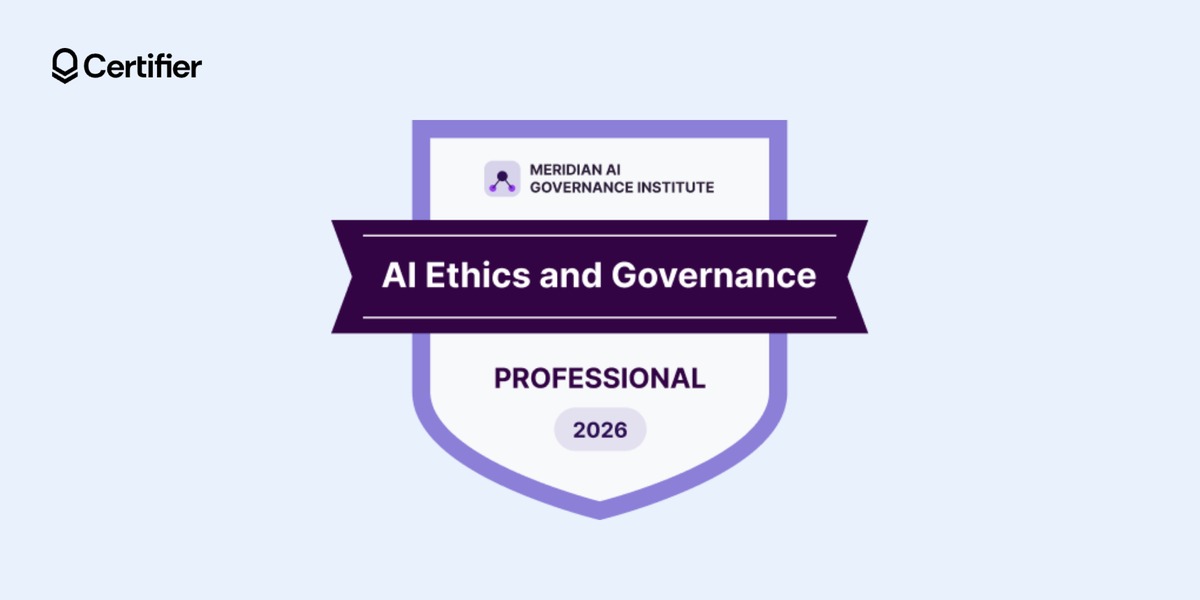
Pair it with the matching professional badge, so learners can show they hold the current certification.
[object Object],[object Object]
Running renewals: filter the Credential Repository by template to see who's due. When a learner recertifies, issue a new certificate with new dates. The old credential page keeps its original dates and shows that it expired, so anyone checking sees the full history.
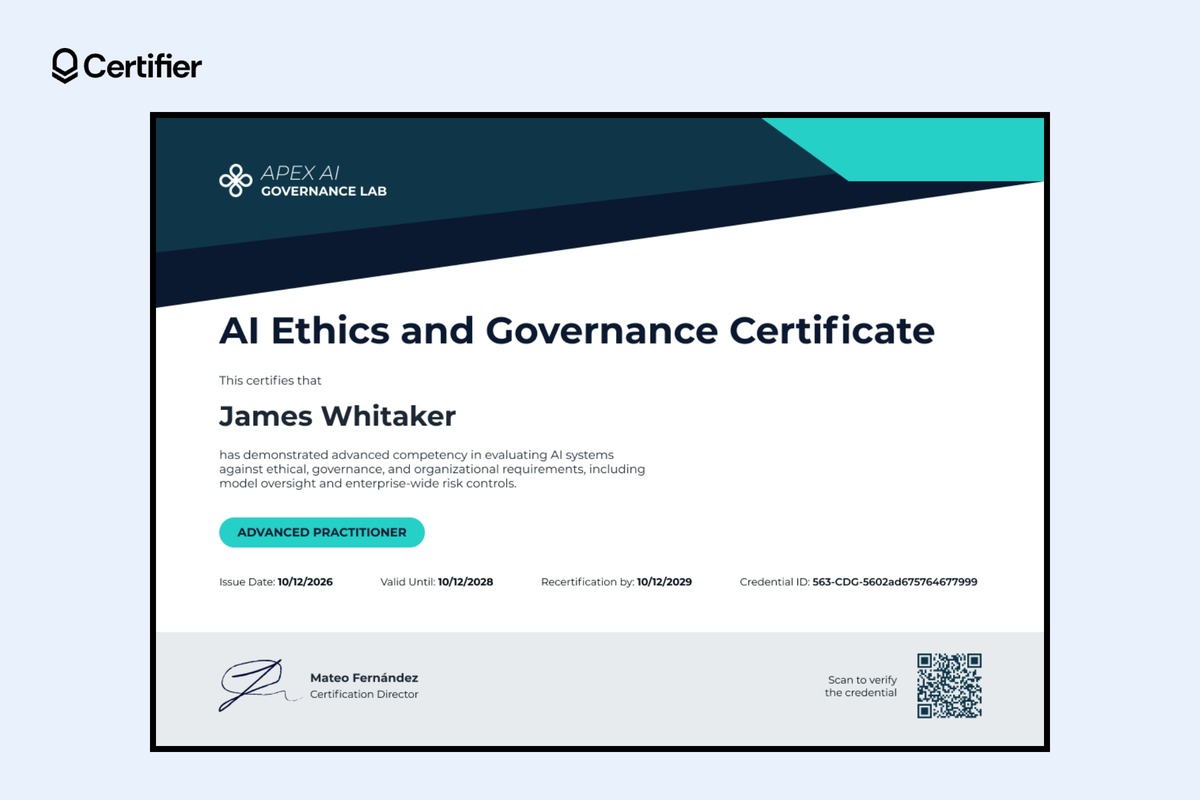
Best for: providers training AI governance leads, internal auditors, and risk owners, and in-house AI governance teams building practitioner-level skills.
Bulk method: import graded results from Excel after grades are final. Advanced courses often end with a graded project, so results usually sit in a spreadsheet. Import results from Excel, removing anyone who didn't pass first, because Certifier issues to every valid row in the file.
Columns to add: name, email, competency_statement, framework, recertification_by
The framework column names what your course maps to, such as ISO/IEC 42001 or the NIST AI RMF. ISO/IEC 42001 is the international standard for AI management systems. A practitioner certificate records one person's training. Certifying an AI management system takes a separate audit.
Pair it with the matching advanced badge, so practitioners can share their level with clients and auditors.
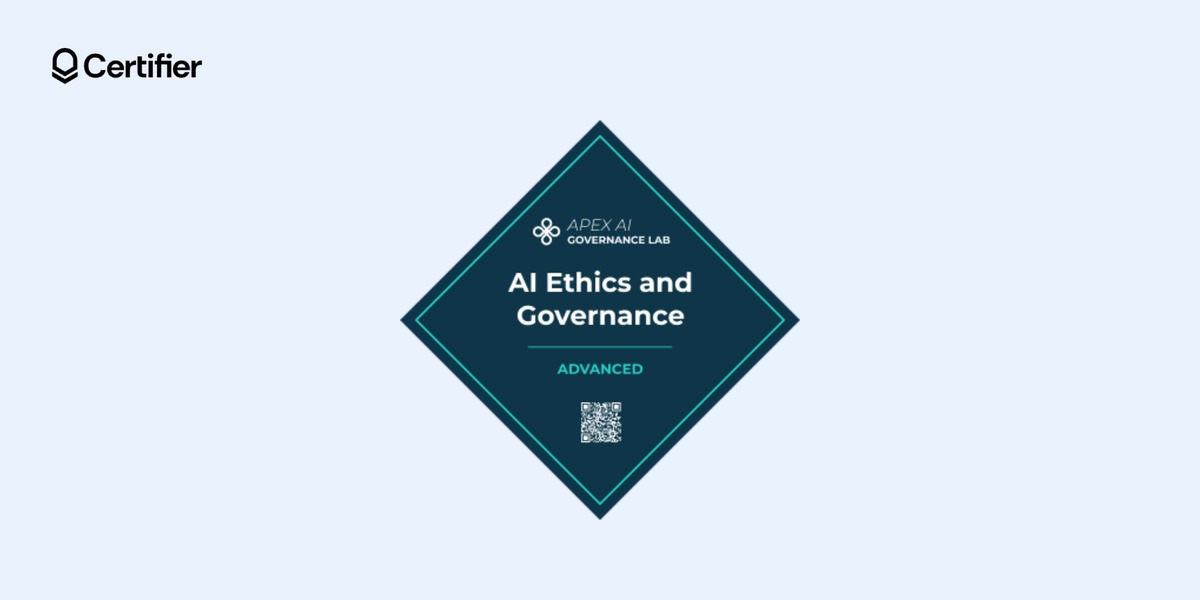
Sharing with auditors: holders send their verification link. The credential page shows the issuer, the holder, the dates, and the credential ID, with no Certifier account needed.
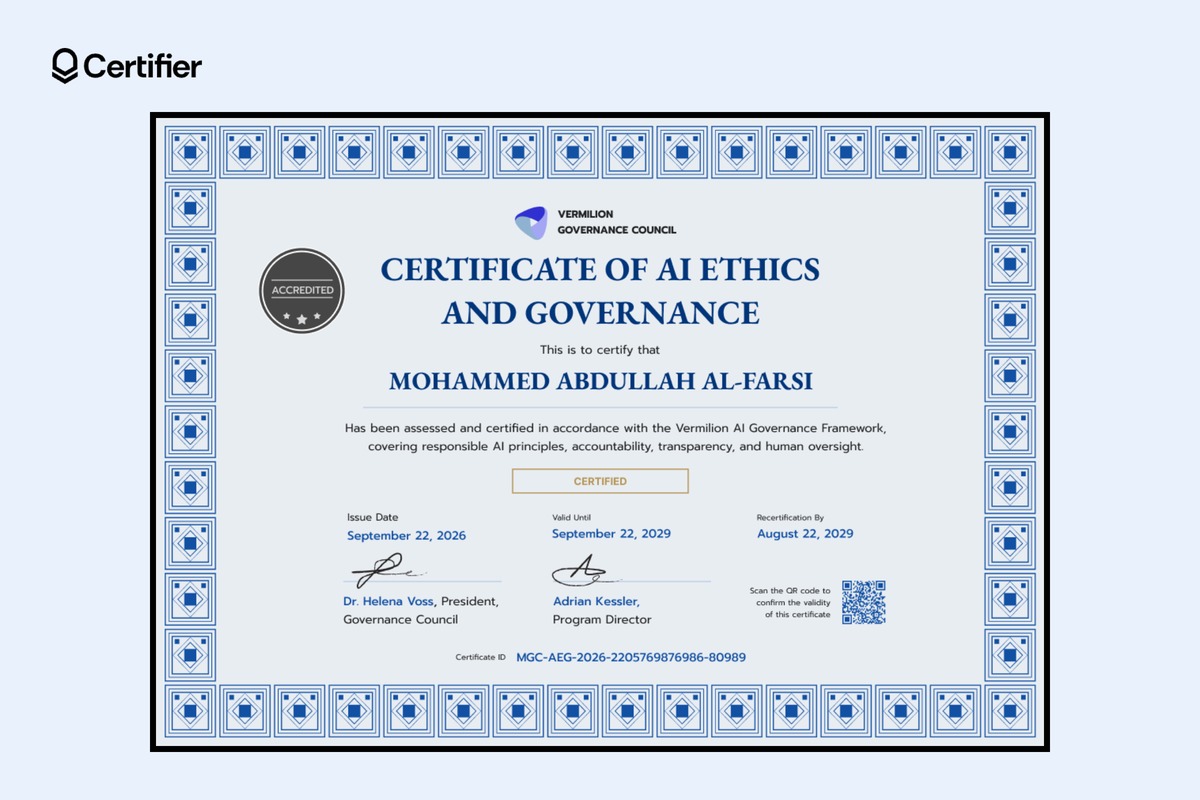
Best for: professional associations, councils, and certification bodies running a formal AI ethics and governance certification.
Bulk method: import the approved list and schedule the send. Import the list your panel approved, then schedule issuance for your announcement date (on the Professional or Advanced plan), so every certified member gets their certificate at the same time.
Columns to add: name, email, assessment_statement, recertification_by
Use the assessment statement to name the framework and the areas you assessed. The design has two signature lines for your signatories.
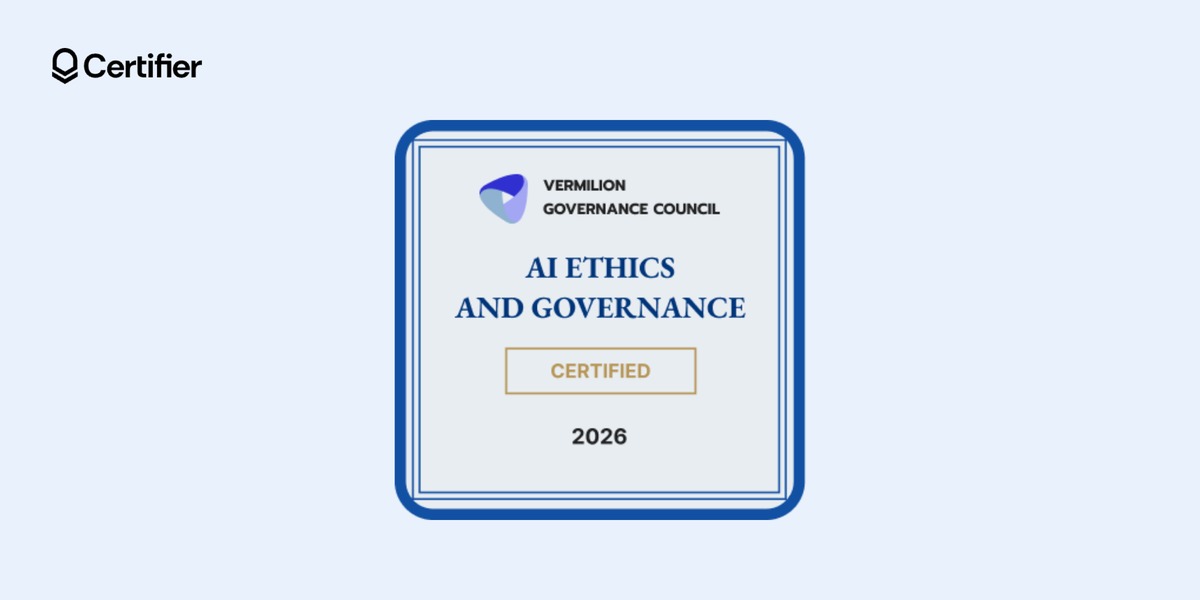
Pair it with the matching certified badge, so members can display their certified status on LinkedIn.
About the seal: the sample design shows an "Accredited" seal. Keep it only if a recognized body accredits your certification program. Otherwise, swap in your own seal or remove it.
Showing the certificate came from you: Verified Issuer status shows people checking a credential that Certifier has verified your organization's identity. It confirms who issued the certificate, not the content or quality of your program. It's a paid add-on on the Professional plan and included on the Advanced plan.
On the Advanced plan, Pathways turns the five levels into one program. Each level becomes a criteria credential, and Certifier automatically issues a completion credential once a learner earns all five. The pathway and each learner's progress show on their issued credentials and recipient profile.
If you're still deciding what each level should cover and how learners prove it, start with our guide to designing an AI literacy credential program.
An AI ethics certificate is your organization's record that a named person completed or passed your course on a given date. Verification confirms the certificate is genuine and was issued by you. It doesn't confirm the person's skill level, and it doesn't show that your organization complies with a law or standard.
When a client or auditor asks, send them the person's credential page. It shows the issuer, the recipient, the issue date, the credential ID, and the expiry date if you set one.
Create a free Certifier account, open the Foundation certificate, attach the badge, and send it to yourself. Once the email and credential page look right, upload your first completion list.
Turn off ‘Allow Duplicate Recipient Emails’ in the credential template's settings. Certifier then skips anyone who already holds that credential, which helps when you re-upload a list that includes earlier finishers.
Yes. Edit the name on the credential in your dashboard and save, and the public credential page updates right away, with nothing to reissue. Recipients can also ask for a correction from their credential page.
Yes. Add a client column to your file or upload each client's list separately with the same design. If you need each client's records to be fully separate, the Advanced plan supports additional workspaces as a paid add-on.
Yes. Each certificate and badge template page offers a free Word download. Issuing from Certifier adds the credential page, verification link, and bulk sending, which a Word file doesn’t have.

- copywriting
- B2B content marketing
- content strategy
- on-page SEO
- storytelling
Growth Marketer (Freelance)
Anita Coltuneac is a freelance B2B SaaS marketer with 5+ years helping tech companies grow organic visibility, build authority, and support pipeline. She uses storytelling to turn product expertise into useful content.


