
Trusted by:
University of Southern California
Warner Bros.
Volvo
Amazon
Stanford University
Updated: August 21, 2026
10 min read
This collection of mental health certificate templates includes ready-to-use designs for professional education, all easy to adapt in Certifier. Edit for free.
Research with AI:
Finding the right mental health certificate template sounds simple until you actually need to issue one at scale. Training providers and HR teams often end up stuck between generic designs and slow manual edits.
Certifier, a platform for certificate management, has got you covered. You’ll find here editable mental health certificate templates that are easy to customize and built for training programs.

No starting from scratch! Use one of the ready-to-use mental health training certificate templates and open it in Certifier’s visual editor. Adjust to your branding and send in less time.
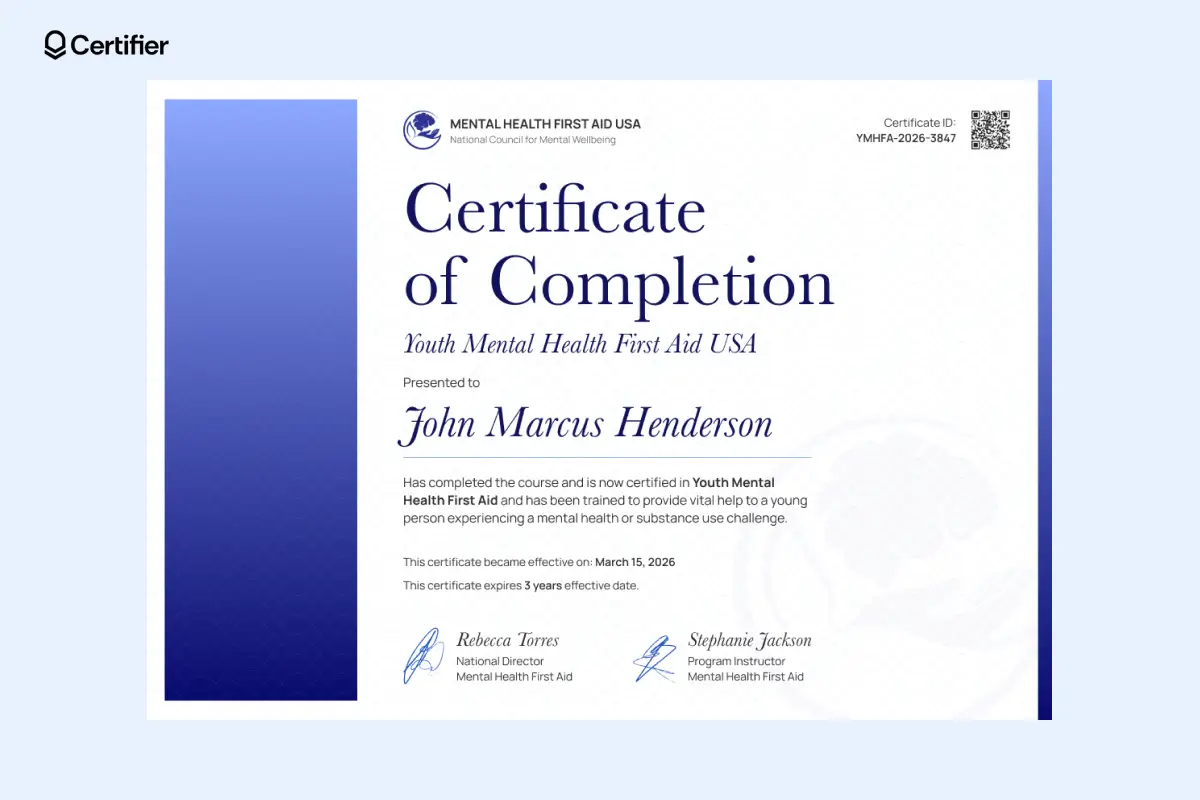
A bold vertical gradient in deep blue anchors the left side of this mental health certificate template. Serif typography leads the headline, with the recipient’s name displayed in confident italic lettering that draws attention.
Certificate ID and certificate validation QR code appear in the top corner, making credential checks simple for employers or partner organizations.
In Certifier, those elements can be generated automatically, so anyone viewing mental health training certificates can verify them using a smartphone.
Colors, text fields and logos remain fully adjustable. A quick edit transforms the design to match any organization running mental health training or awareness initiatives.
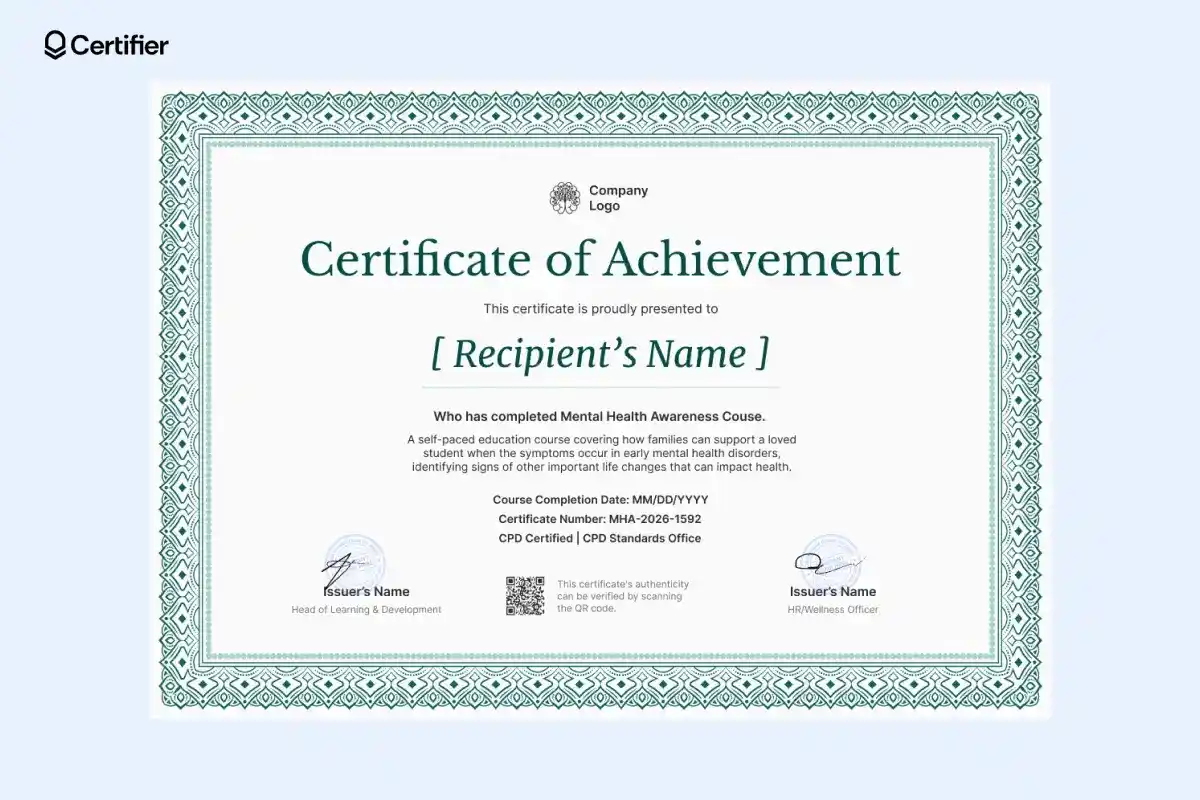
An intricate teal border surrounds this mental health certificate template, creating a a sophisticated touch. Balanced spacing and a font size keep the focus on the recipient’s name and training achievement.
Speaking of fonts, for the recipient’s name, you can use a font that looks like handwriting. It’s a small detail, but gives a personal feel.
Signature blocks add the institutional weight. Program coordinators can upload digital signatures once and apply them across hundreds of certificates through Certifier’s bulk generation tools.
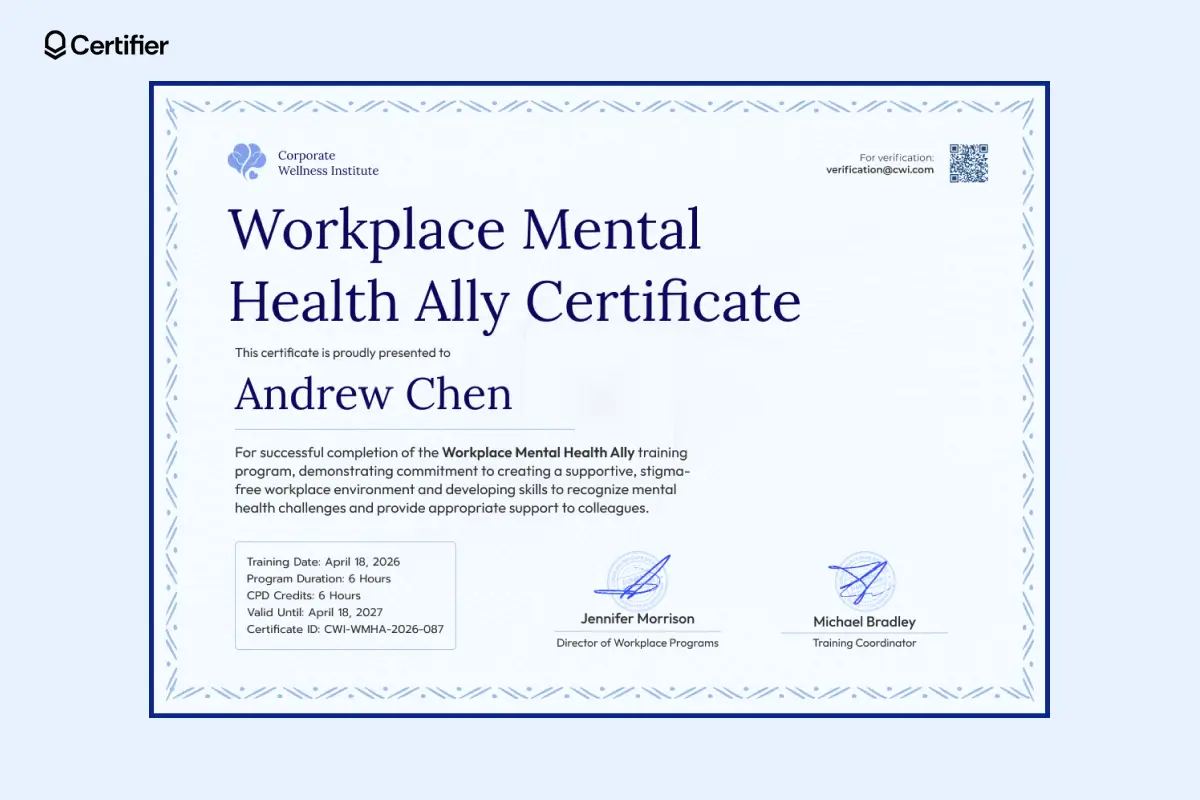
This workplace mental health ally certificate template is a great pick if you’re looking for a calm and professional design. You can fill it in with the training details automatically, thanks to the dynamic attributes in this certificate.
Dynamic attributes are fields that automatically fill certificate details using spreadsheet data. Upload recipient names, training program titles, dates and Certifier places them into every certificate for you.
Recipients receive a professional credential that fits naturally into LinkedIn profiles or internal learning records connected to a mental health training.
And a great part is that each shared or added certification on LinkedIn increases visibility for the achievement and brings additional recognition to your training centre.
A dedicated information panel records training date, program duration, CPD credit, credential expiration date and more–all the vital info gathered in one place. Certifier can populate those fields automatically using spreadsheet data, allowing HR teams to generate credentials in bulk.
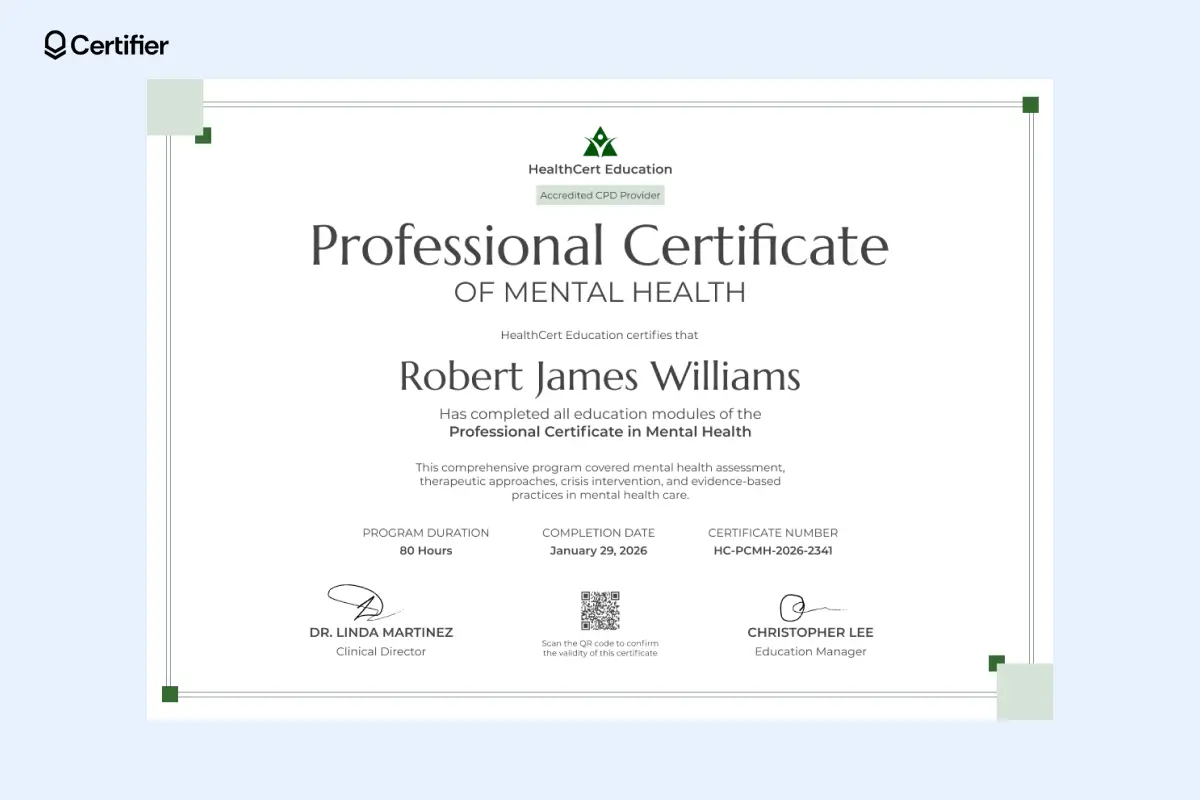
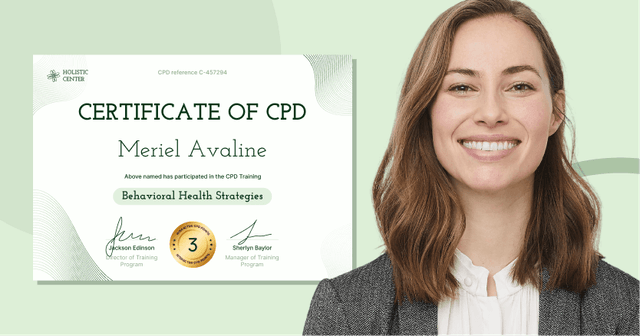
Soft green accents and minimalist design makes this mental health certificate template calm but it still remains professional.
The layout centers the recipient’s name and certification title, with clear sections for program duration, completion date and certificate number.
A logo appearing at the top can be easily replaced with your own using Certifier’s drag-and-drop visual builder.
If you’re issuing credentials for accredited programs, see these CPD certificate templates for ready-to-use designs and tips on creating compliant certificates.
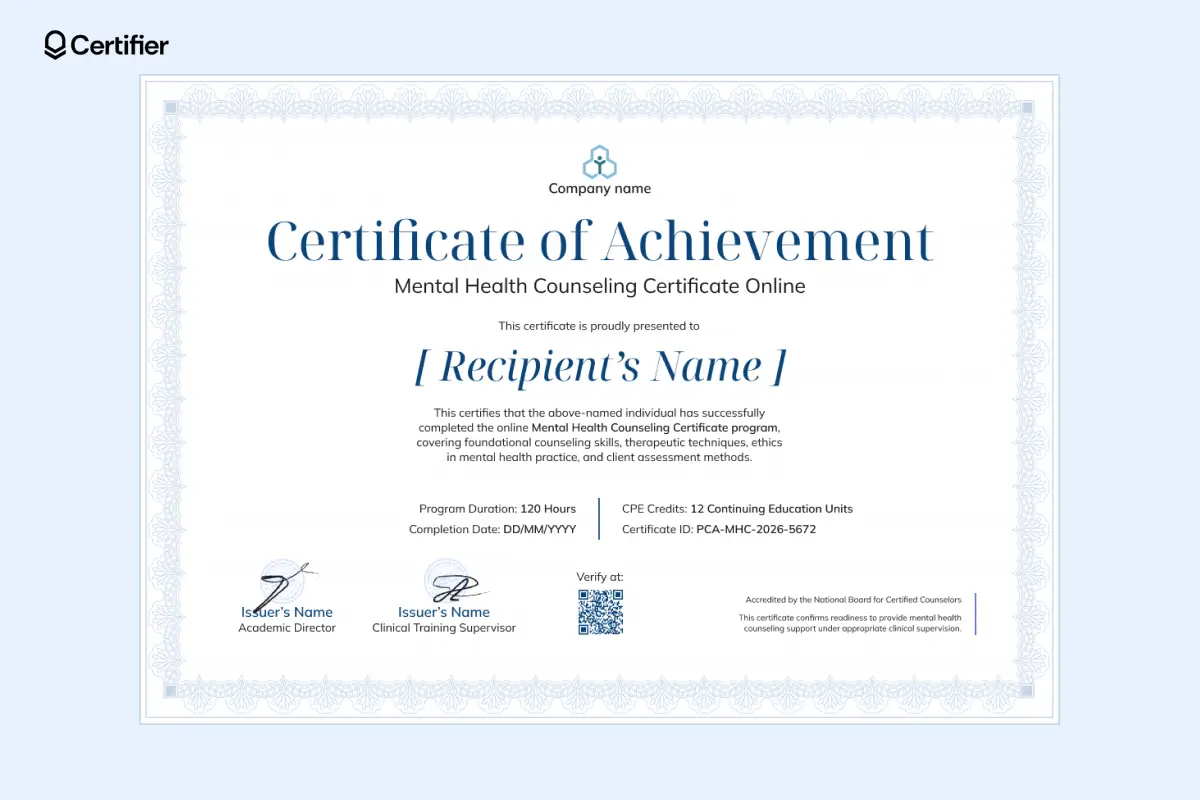
The layout of this mental health training certificate template leans classic: a serif title, generous spacing for the recipient’s name and a structure that keeps the credential readable.
We’ve organized the program duration, CPE credits, completion date and certificate ID into a legible grid at the base, ensuring every hour of hard work is documented.
Once generated, credentials can be delivered instantly by email. Certifier makes it easy to send digital certificate credentials to many participants at once using automated email workflows.
Does your training center issue other health-related credentials too? Take a look at our collection of medical certificate templates for more ready-to-edit designs.
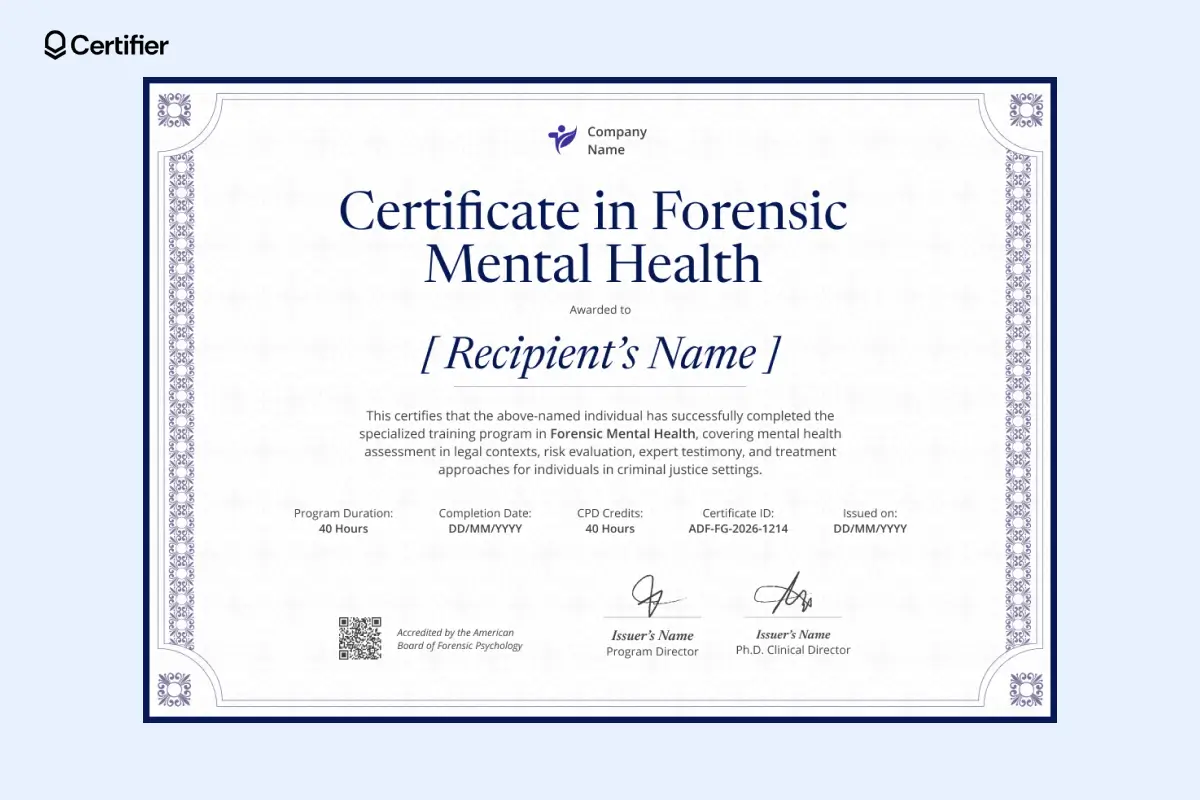
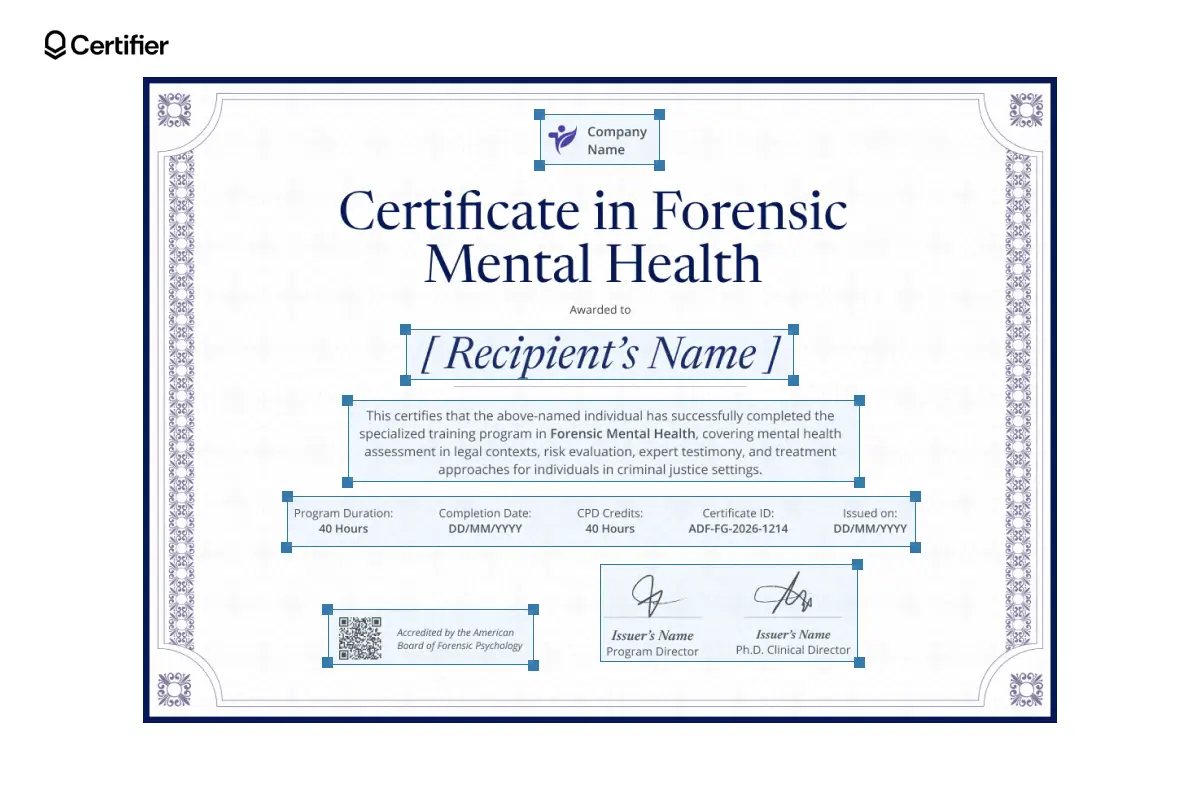
Choose this mental health certificate template when the credential needs to look rigorous from the first glance. The general feel of this editable design suits advanced legal, clinical and postgraduate mental health programs.
In Certifier, you can personalize every field, add branding elements, like logo color or fonts and issue certificates in bulk instead of editing them one by one.
That makes it a smart pick for providers issuing forensic mental health certificates for a big group.
Learn how to make multiple certificates with different names in a few simple steps.
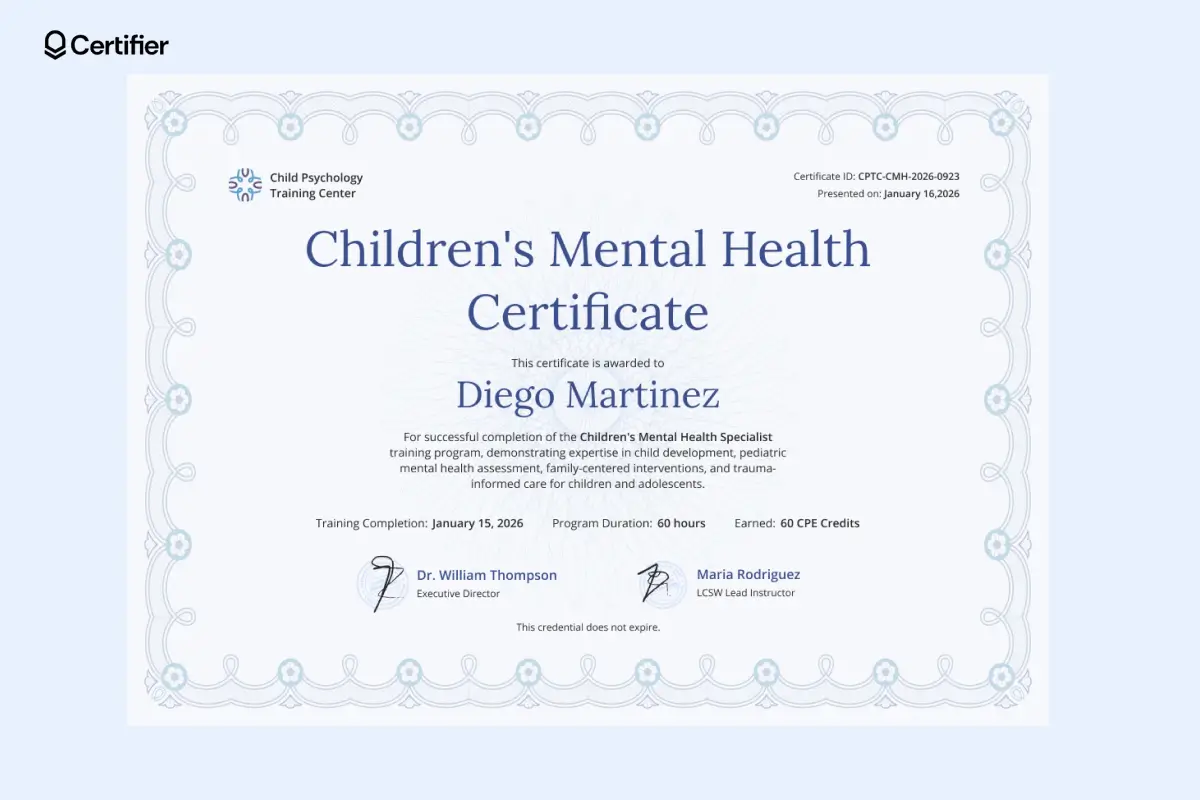
This children's mental health certificate template is a great pick when you want the credential to feel supportive. The pale blue floral border gives it a welcoming look that fits child-focused and care-centered certification programs.
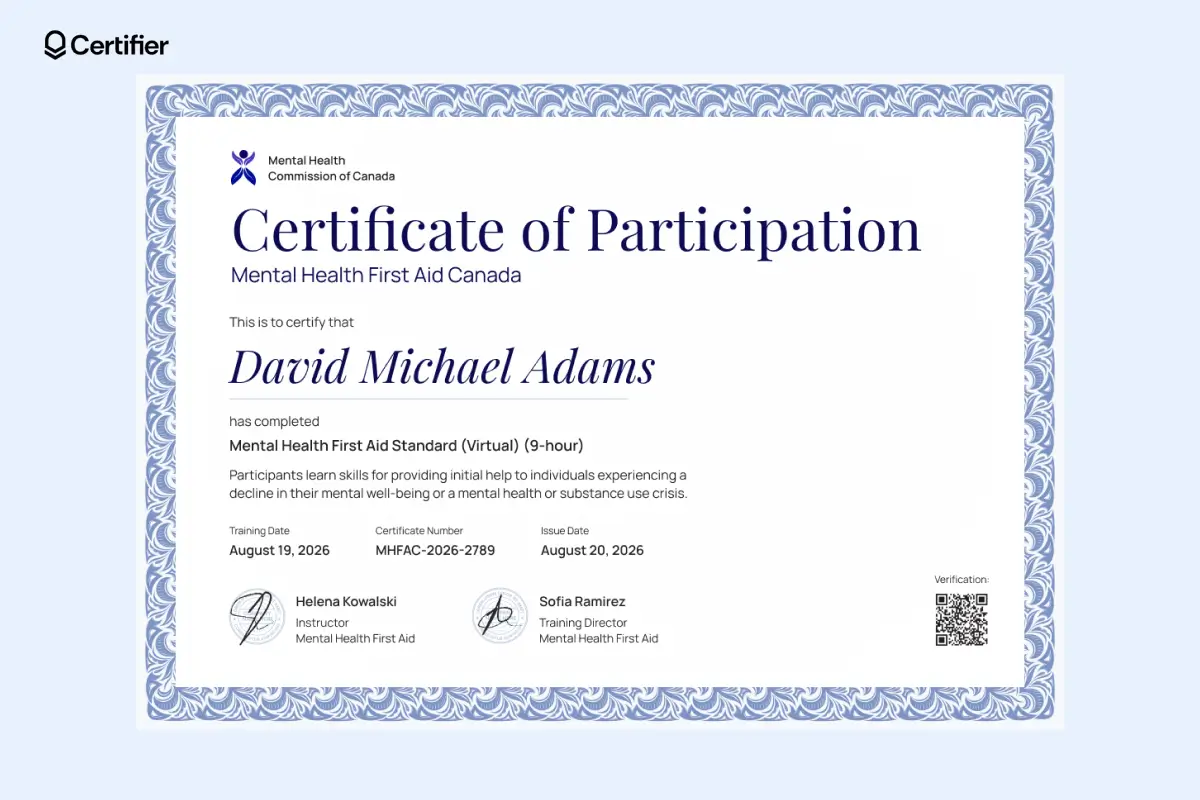
This certificate of participation template is your pick if you issue participation credentials for mental health programs, workplace sessions or instructor-led virtual training.
The left-aligned layout makes it easy to scan. Training date, issue date, certificate number, two signature blocks and QR code for fast verification are gathered in once, central place.
Directly in Certifier, you can order printable versions when hard copies are needed. Still, digital is the smarter route for most programs.
Recipients can keep the certificate in their credential digital wallet, access it anytime and add certificates to LinkedIn or share it with employers without chasing down a paper copy. That gives them something easier to use.
Want to check out more first-aid-related editable designs? Take a look at first-aid certificate template collection.
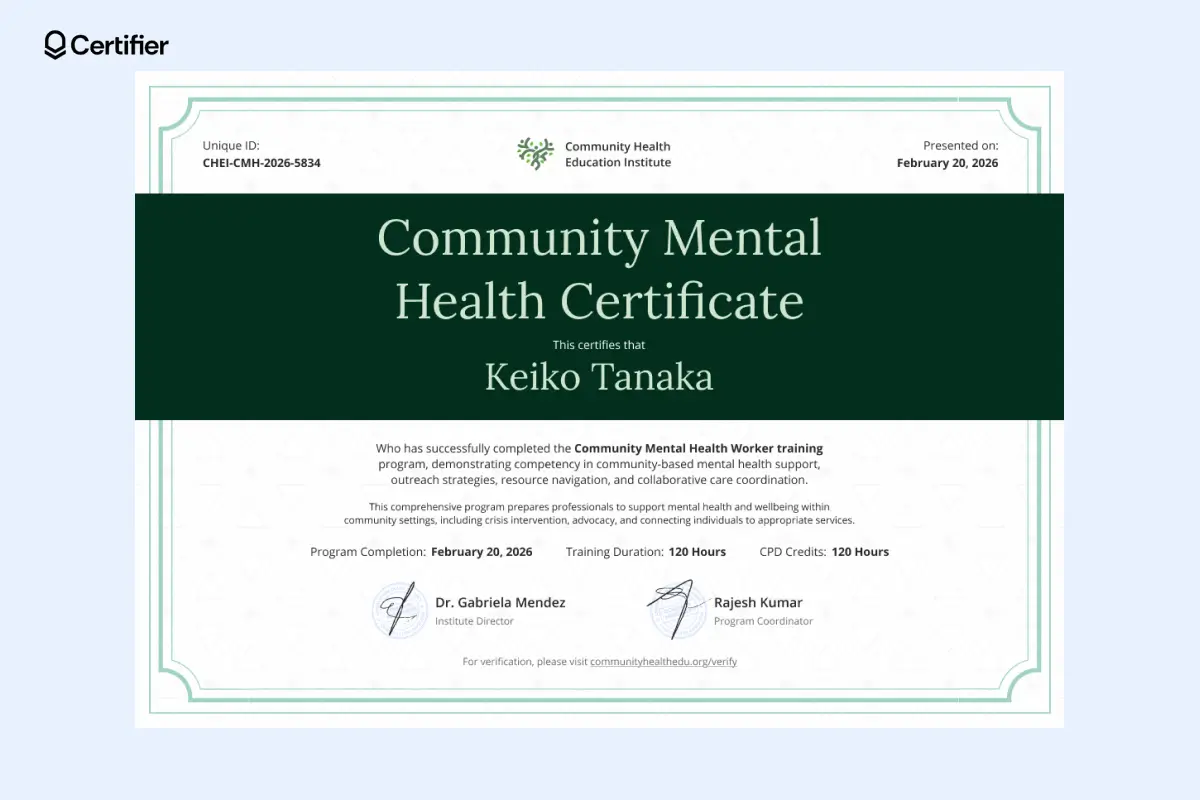
Choose this community mental health certificate template if you want a design that breaks from the usual formula. The wide deep green panel running through the center pulls the eye straight to the certificate title and recipient name.
Verification is handled a little differently here. Instead of a QR code, the community mental health certificate template includes a verification link at the bottom.
In Certifier’s digital wallet, that link becomes clickable, so recipients can share a credential that’s easy to check. Open this CPD certificate template in Certifier’s visual editor and adjust it to your context–change text, rearrange elements, add your logo.
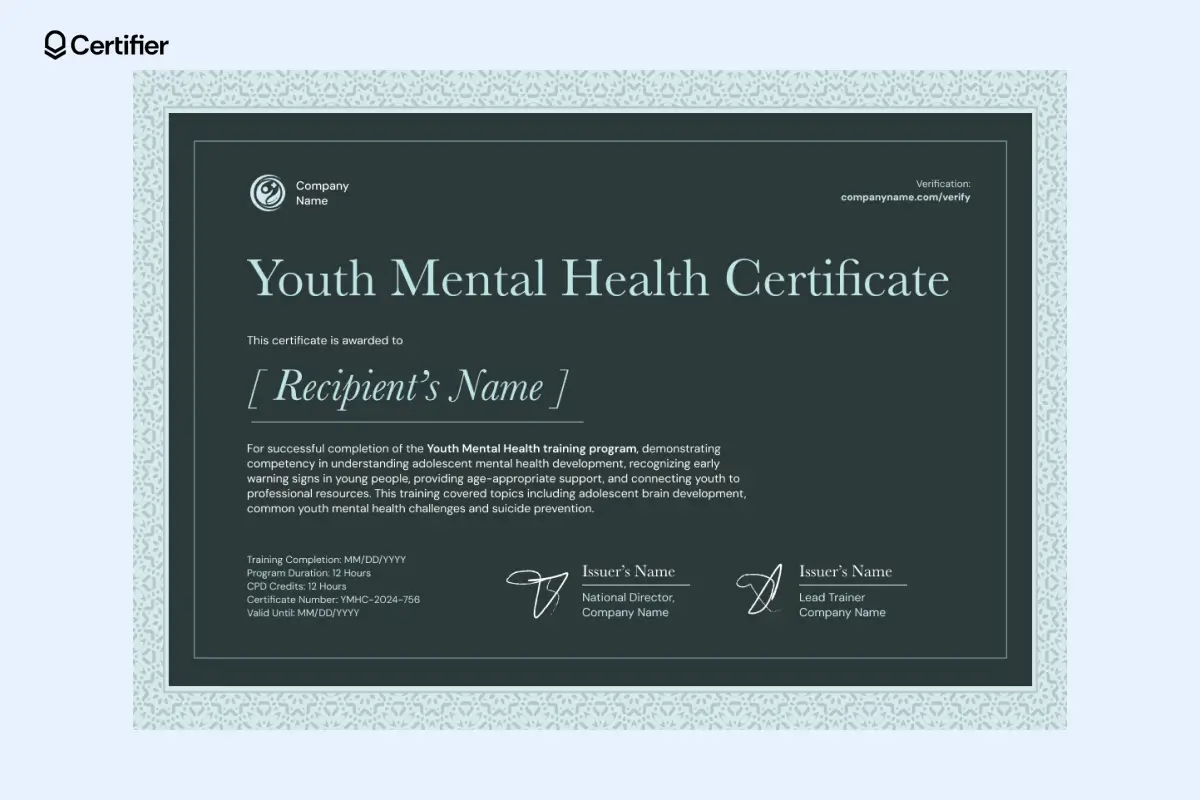
Choose this youth mental health certificate template for programs that train school staff, youth workers, peer supporters or community teams who work directly with teenagers.
The dark layout gives the certificate a more grounded look, which suits serious training topics like early intervention or crisis response. In Certifier manage everything from your issuer portal.
There, your organization gets a branded public space where people can view your profile, browse credential and recipient directories. It also helps showcase newly certified recipients and keeps your digital credentials connected to one central, trustworthy hub.
In short: edit one template, add dynamic fields and generate credentials in bulk.
To start editing, sign up for Certifier.
Then, open the template in Certifier’s editor. Click the blue button under the designs below. If you find it difficult to choose one, take a look at the mental health certificate template collection where they’re gathered side by side.
Adjust the details to match your program. All the elements are editable.
Add dynamic attributes for personalization. Use them for elements that differ for each recipients, like names or certificate ID.
If you’re ready with adjusting a mental health training certificate template, preview before issuing. This helps catch spacing issues, long names or formatting problems before anything gets sent out.
Then, upload recipients and issue in bulk. Once issued, recipients can access their credentials in a digital wallet, where they can view, download and share them.
Certifier integrates with Google Sheets and Microsoft Excel, so spreadsheet-based issuing is there if you want it. It is more of an alternative than the main path, but it can be handy for recurring programs. You can set up that automation in the Automations tab.
And if your process lives inside a learning platform, Certifier supports LMS automation workflows, so certificates can be issued right after course completion instead of being managed by hand.
Tip: If the program also assesses CPR or emergency-response techniques, record those practical skills separately from the mental health training certificate. Use a ready-made template like this Mariner blue CPR skills checklist to give the evaluator a dedicated place to document each observed task.
Mental health programs need certificates that are easy to customize and fast to issue. With Certifier, you can edit any mental health certificate template, personalize it in bulk and send digital credentials that recipients can access and share right away.
Create your free Certifier account and start issuing mental health certificates in minutes.
Learn more about the topic be reading answer to the most frequently asked questions.
A good mental health first aid certificate template should cover the training details clearly and leave no doubt about who earned it or who issued it. At minimum, include:
Recipient full name
Course title
Completion date
Issue date
Expiration date, if renewal is required
Certificate ID or number
Training hours or CPD/CPE credits
Issuer name and organization details
Signature field for the trainer or program lead
QR code or verification link
Use a mental health certificate template with space for the essentials like course title, CPD credits, completion date, certificate ID and signatures.
In Certifier, you can make it editable with dynamic fields. Add your branding and issue certificates in bulk. For more examples of structured training credentials, see these HIPAA training certificate templates.
Yes. All the mental health awareness certificate templates above are available for free. In Certifier, you can customize the layout and wording and issue professional-looking mental health certificates.
Browse the mental health certificate template library to see all the designs gathered side by side.
Yes. Certifier helps you create and issue credentials for mental health professionals without manual formatting or one-by-one edits. You can customize templates and send branded digital certificates that recipients can store, download and share easily.

- B2B SaaS marketing
- Digital Credentials
- Content Strategy
- On-page SEO
- Lead Generation
Chief Marketing Officer
Aksen leads marketing at Certifier, bringing 7+ years of experience with global brands to position digital credentialing as a trusted solution for training providers and educational institutions.