

Trusted by:
University of Southern California
Warner Bros.
Volvo
Amazon
Stanford University
January 26, 2026
9 min read
Need to issue work experience certificates fast? Choose a ready-made template, customize it once and send professional certificates at scale with Certifier.
Research with AI:
You open a work experience certificate template, try to update a name or date and suddenly the layout breaks. Text shifts. Fonts change. What should take minutes turns into unnecessary formatting work.
Certifier is built to avoid exactly that. You get fully editable work experience certificate templates that you can customize, brand and issue without using complicated design software or rewriting documents from scratch.
Scroll down to explore our collection of professional, ready-to-use work experience certificate templates.

The templates below come in a range of styles, so you’ll easily find one that fits your use case. If a design catches your eye, click the blue button and start editing it for free using Certifier’s intuitive tools.
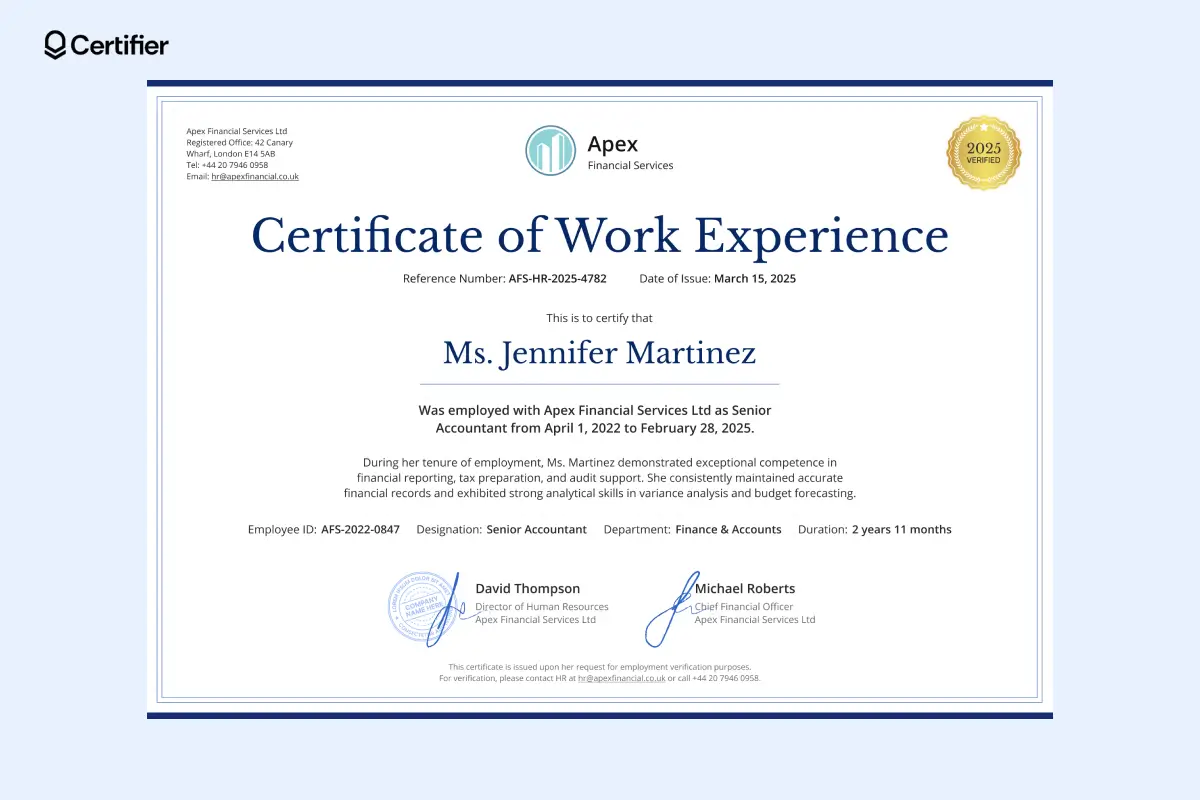
Designed for clarity at first glance, this template is neatly structured. Your logo sits at the top for brand visibility and the main body remains in the center.
There’s space for two signatures, perfect for HR managers and department heads. It supports internal approval and compliance by clearly showing both HR authorization and leadership sign-off on a single document. You can upload signature images or draw them directly on the design.
Bulk issuing made simple: Dynamic attributes let you reuse one template for many employees. Add them to the editable design and they’ll update with the relevant info. To make it happen, upload a spreadsheet with recipients' details.
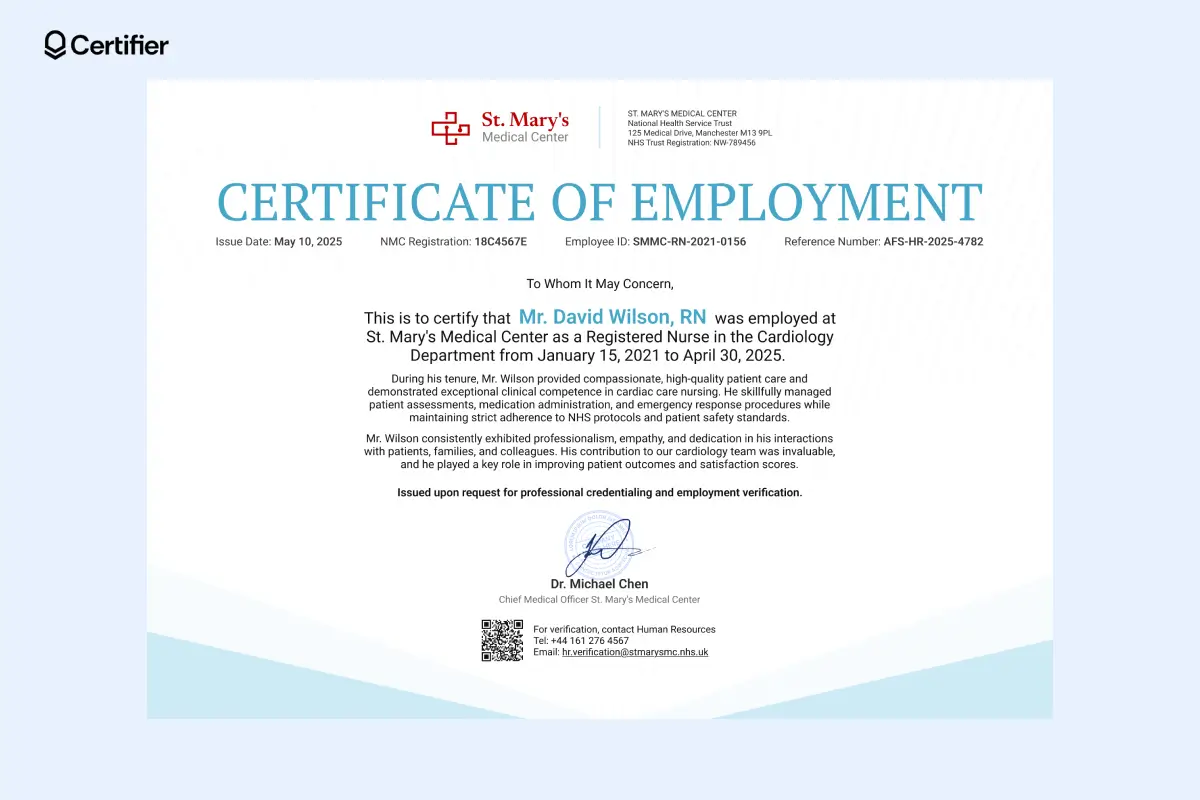
It’s a certification of work experience sample that includes everything you might need: clear structure, detailed employee note, branding elements. Vital employee details are highlighted right under the title, so nothing gets missed.
A QR code allows instant checks by employers or authorities using QR code certificate verification. This work experience certificate format is a great pick for healthcare institutions, but it also works for corporate environments or engineering industries.
Just update the certificate wording to suit your context. Add recipients' details and the document is ready to be issued.
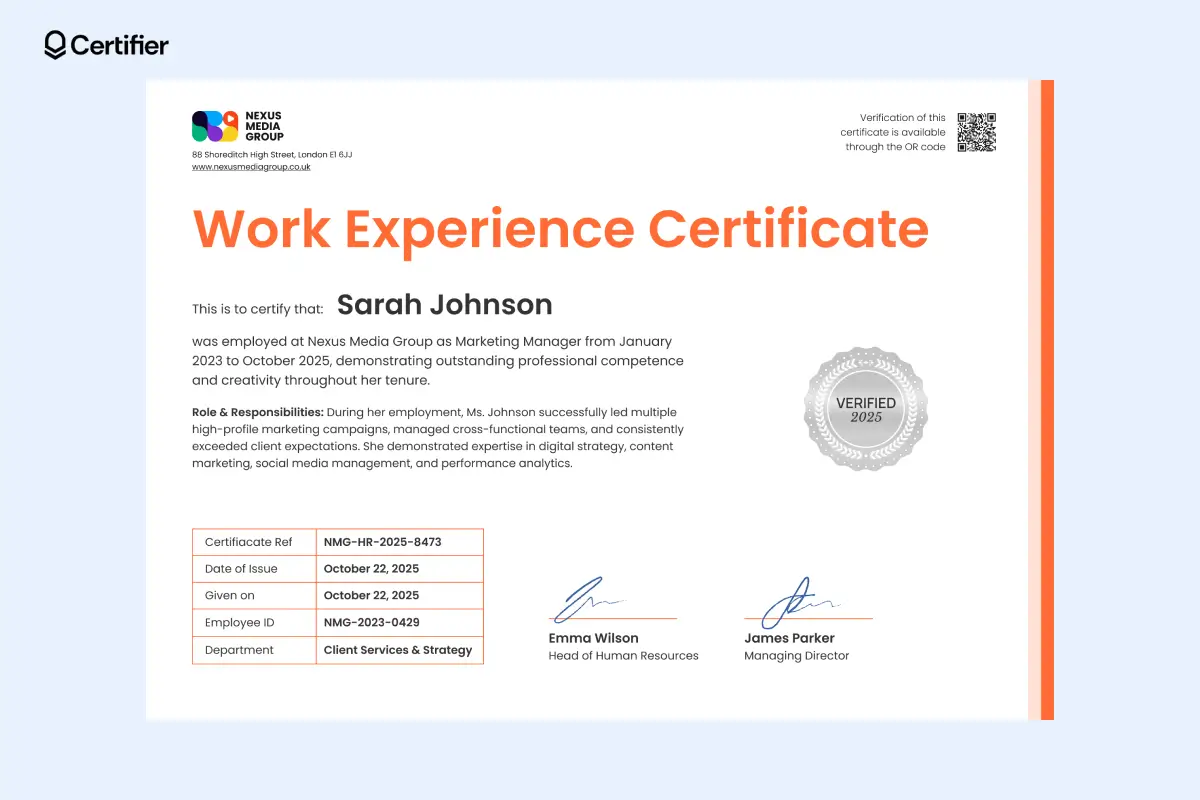
This certificate of work experience template uses a neat information table to keep employee data easy to scan and hard to misread.
Vivid accent colors help key details stand out and the role and responsibilities section documents what the employee actually did—useful for audits and future employers.
If you also issue recognition or performance-based credentials, this layout pairs well with recognition certificate templates for consistent documentation across HR workflows.
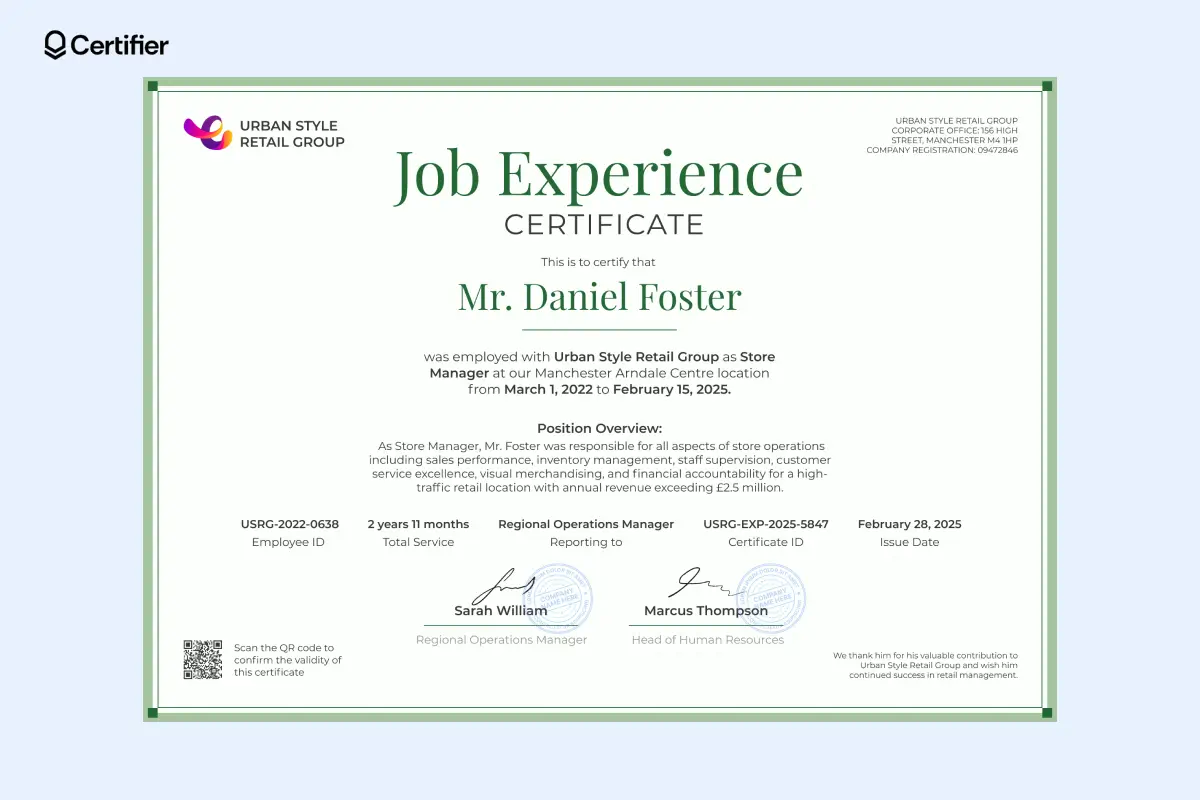
The layout of this certificate of work experience template guides the reader through the employee’s role without distraction.
A dedicated position overview helps issuers explain responsibility and scope in plain terms. That’s especially useful for retail and operations roles where job titles alone aren’t enough.
The clean work experience certificate format also supports two signatures. This makes approvals clear and defensible. HR teams can issue certificates faster and with fewer follow-up questions.
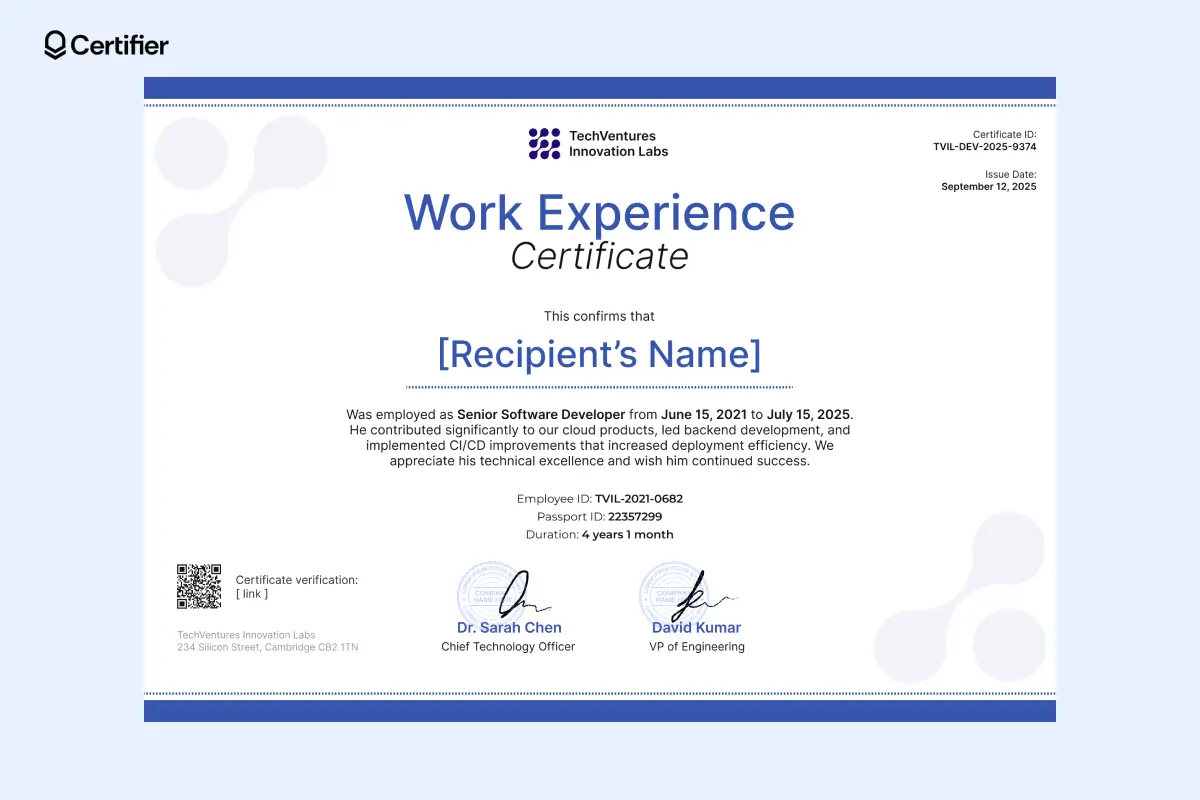
This employee work experience certificate includes fields for identification to support verification when documents are reviewed by third parties. That matters for international hiring and technical roles.
When adding certifications to LinkedIn, it becomes visible proof of where someone worked and how they contributed. That helps recipients strengthen their professional credibility and stand out to recruiters.
Issuers benefit too. Every shared certificate carries the company name and logo into professional networks, reinforcing employer branding organically.
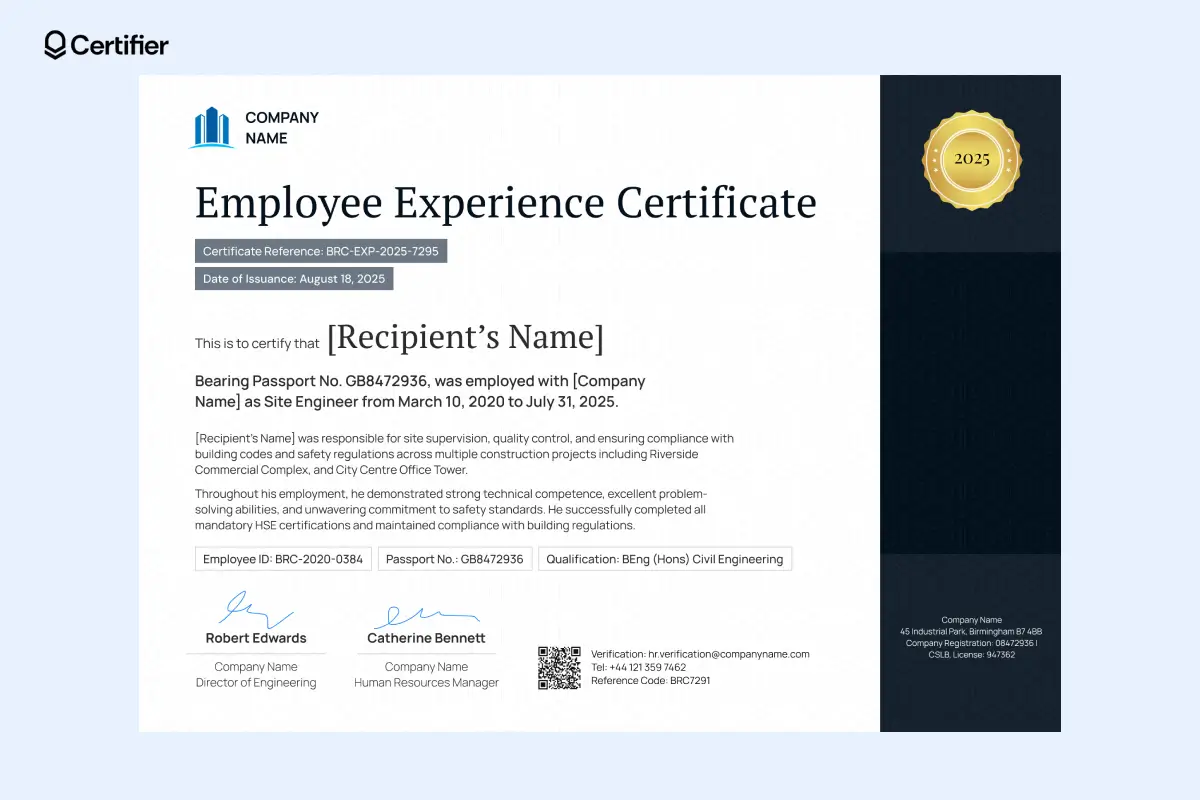
This employee experience certificate is created for high-stakes, compliance-driven use cases. It clearly identifies the employee, employer and employment period, which is essential for regulators and third-party verifiers.
The body text allows issuers to document:

Project scope
Responsibilities
Safety compliance
And you can add more text as needed. It helps future employers understand the real level of responsibility involved. There are dual signatures from engineering leadership and HR. The QR code and reference details support fast verification.
For issuers, this template reduces compliance risk and the need for follow-up requests. For recipients, it provides proof of experience that withstands formal review.
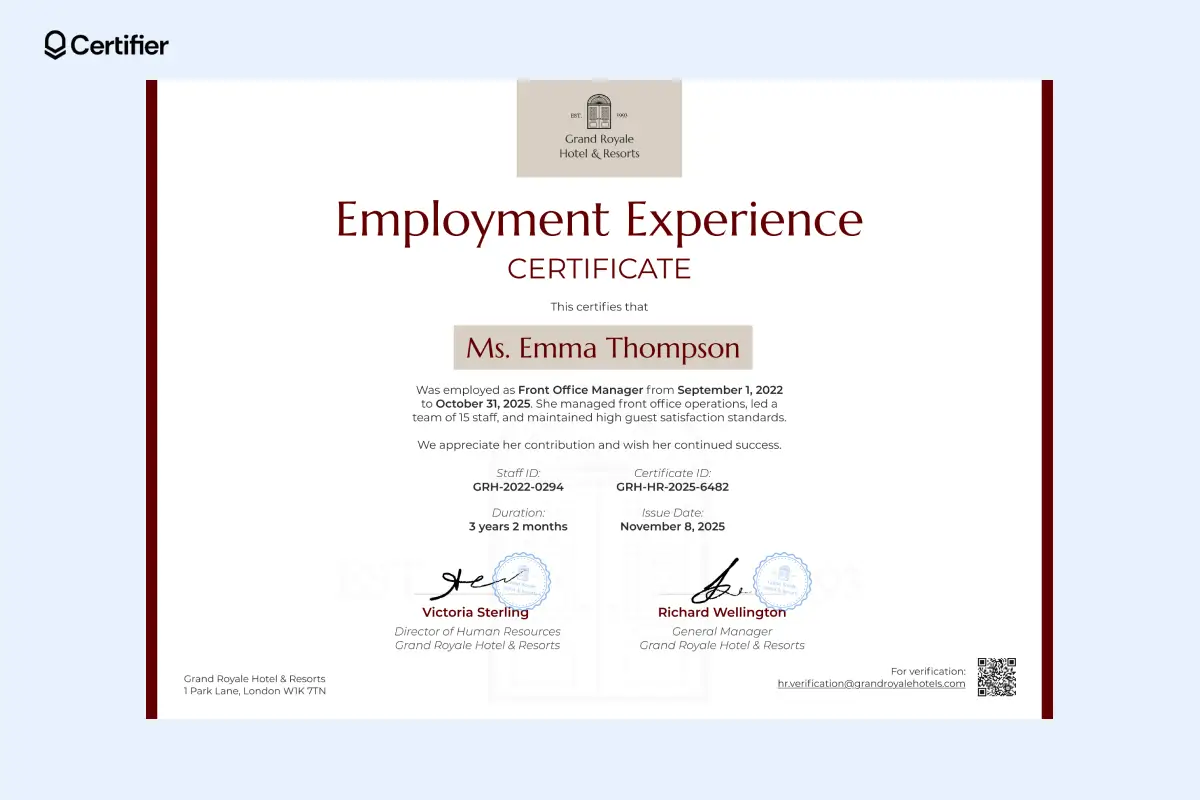
You don’t need design skills to use this work experience certificate format—just add details and issue. The clean certificate design works well for job applications, giving recipients proof of their role and helping organizations issue polished work certificates every time.
It presents the job title, employment dates and responsibilities. The company logo is placed at the top center, building brand recognition on every certificate.
For the HR department, this work experience certificate template speeds up offboarding and keeps records consistent.
Are you working in HR and need to recognize your best employees? Use these employee of the month certificate templates to issue a unique award.
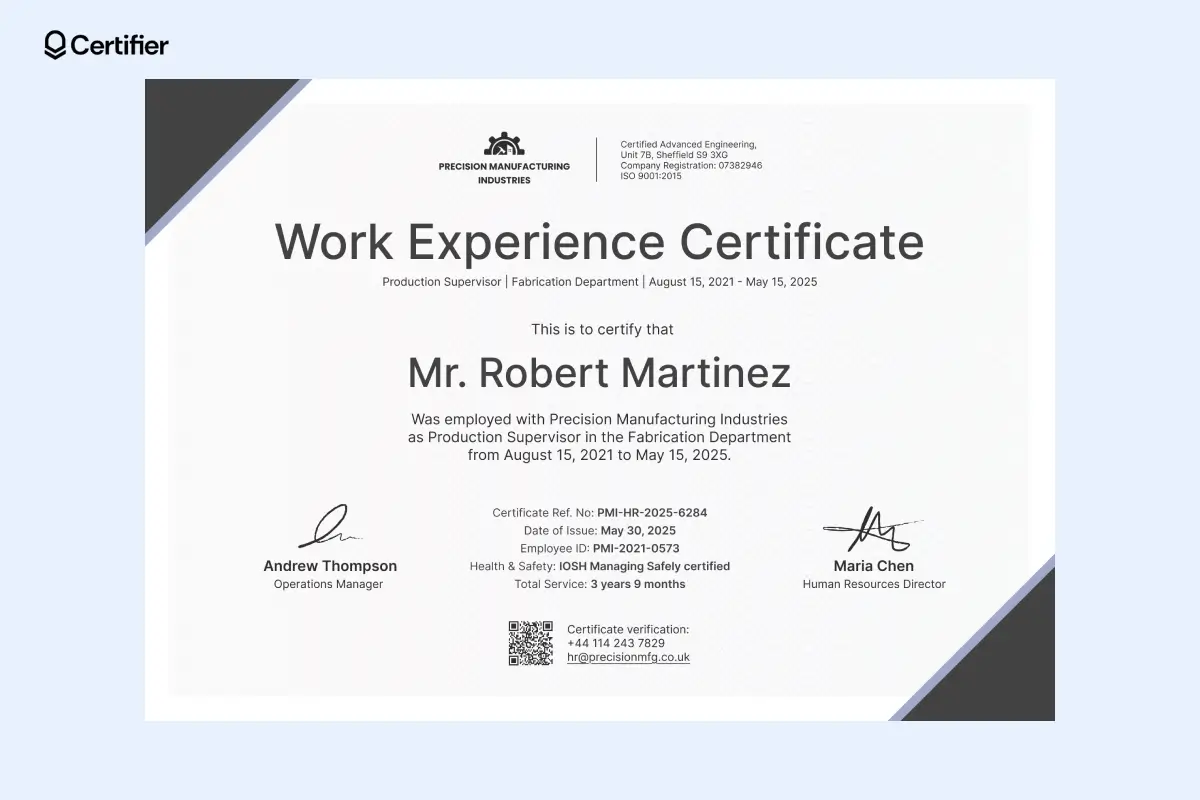
It’s a strong pick for engineering companies. This work experience certificate template states the job title and department, so the role is immediately understood. Safety credentials and service duration are easy to spot.
Issued certificates automatically appear in the Issuer’s Portal, where credentials and recipients are organized in one place.
Each certificate is also available in the recipient’s digital credential wallet, making retrieval and verification simple. Recipients can share and download their credentials from there as well.
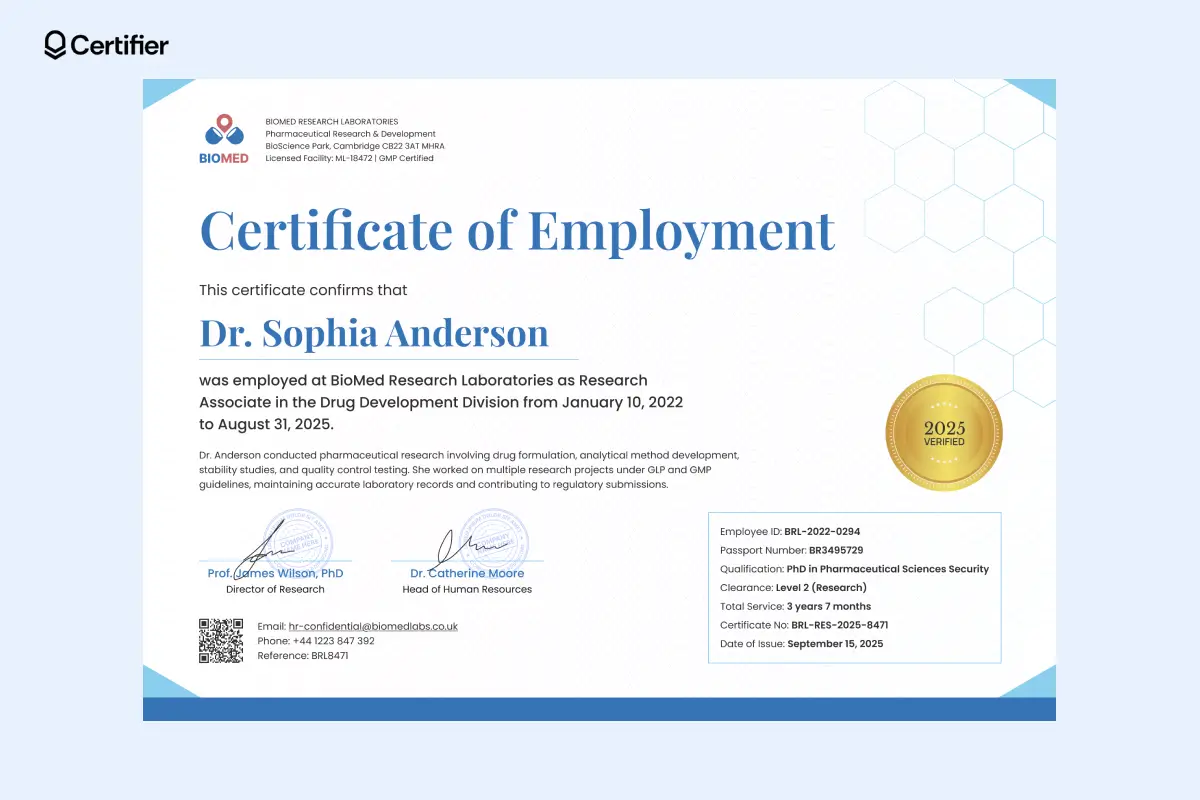
This editable certification of work experience sample uses bright styling. A blue strip at the bottom anchors the design and subtle blue accents in the corners add some color. The sans-serif font makes the content easy to read and quick to scan.
To support fast review, essential details are grouped in a dedicated info box in the corner. This includes clearance level, qualifications, passport number, employee ID and other verification data—everything reviewers look for in one place.
You can open this template in Certifier’s credential editor and adjust the text to match your requirements. The tool is intuitive, so you don’t need design experience to create a professional-looking work experience document.
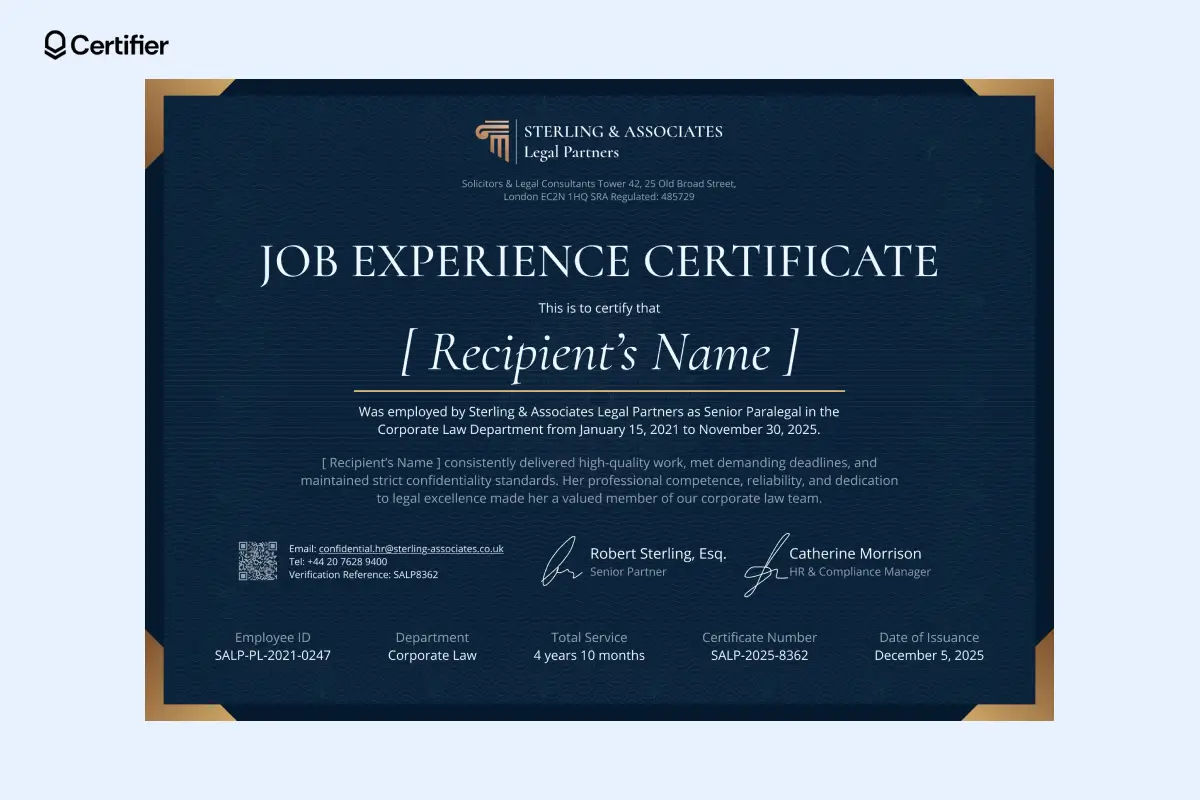
If you work in law firms or legal departments that need formal work certificates without visual noise, use this certificate of work experience template.
Dark, refined colors are used here to create an elegant look. Bright typography is used for the text, creating a strong contrast that makes the content easy to read and scan, even on screen.
When issuing at scale, you can send certificates in bulk via email. The email template is adjustable, just like the certificate itself. Use dynamic attributes to create a professional email that incorporates your branding elements. Each recipient receives a personalized email with a direct link to their digital wallet.
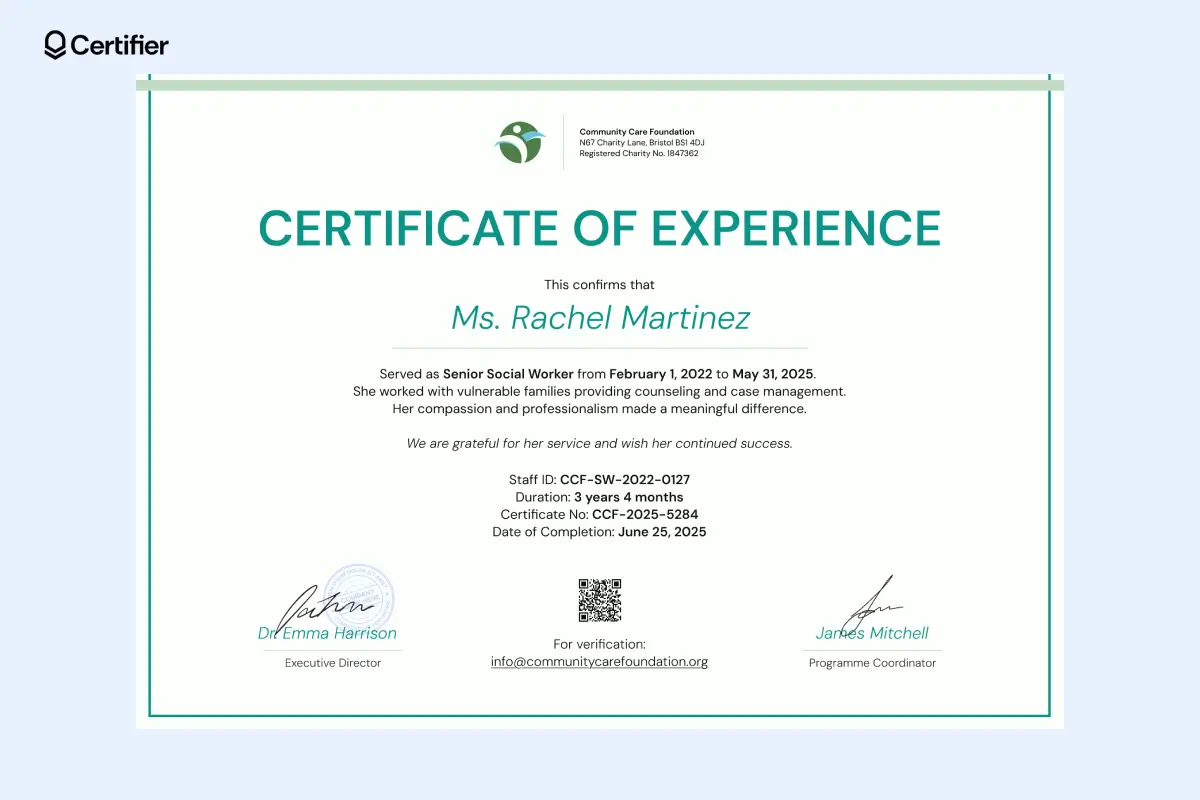
The clean layout and soft green accents create a calm look that fits social care and community work. Key details—role, service period, staff ID and certificate number—are clearly presented in the center. The QR code supports quick confirmation when the certificate is shared externally.
Pair this certificate with an award certificate for outstanding contributors. By issuing both an experience certificate and a recognition award, you give recipients two credentials—one that proves service and one that celebrates excellence. Check out award certificate templates.
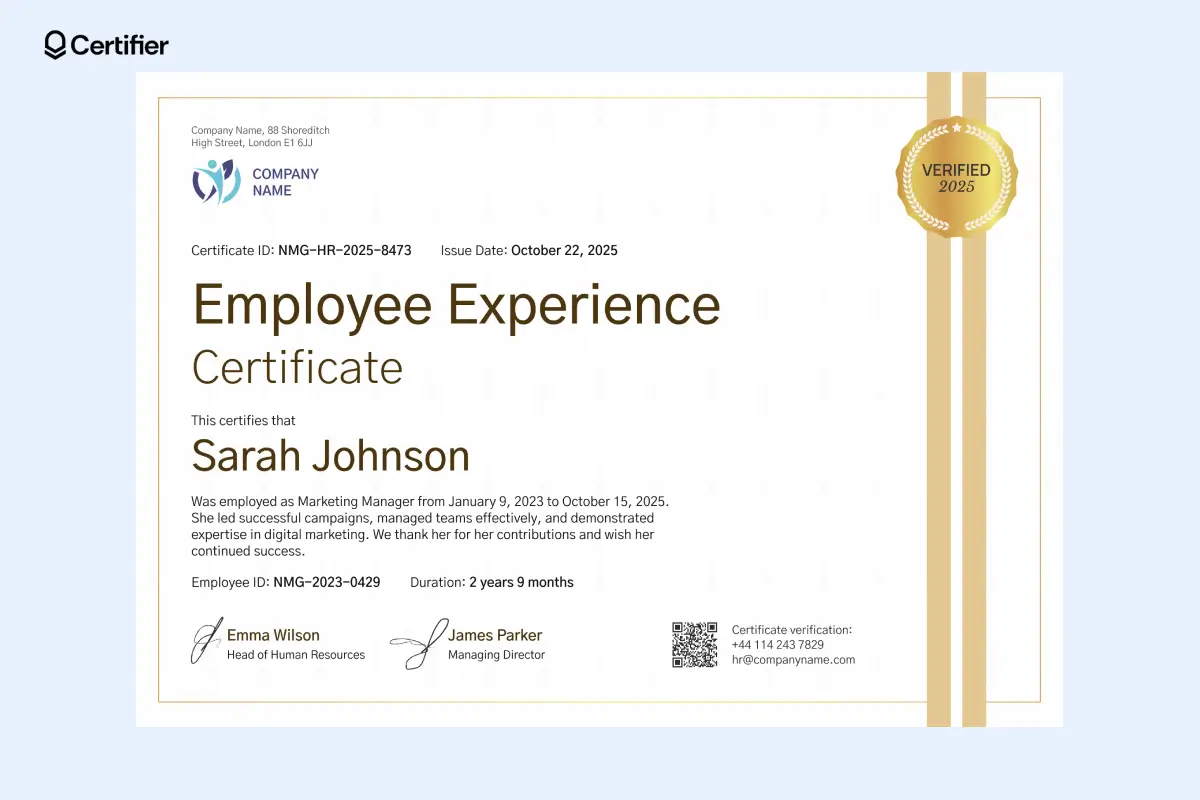
This employee experience certificate stands out with its warm tones and vertical accent stripe. The design uses a clear visual hierarchy: the employee’s name takes center stage and verification details, signatures and the QR code are placed along the lower edge.
If you don’t have a digital signature ready, you can use fonts that look like a signature to keep the personalized touch.
When you open this template in Certifier’s editor, you’ll find a dedicated section in the font list with signature-like fonts that look natural and professional. Simply select one and type the signer’s name.
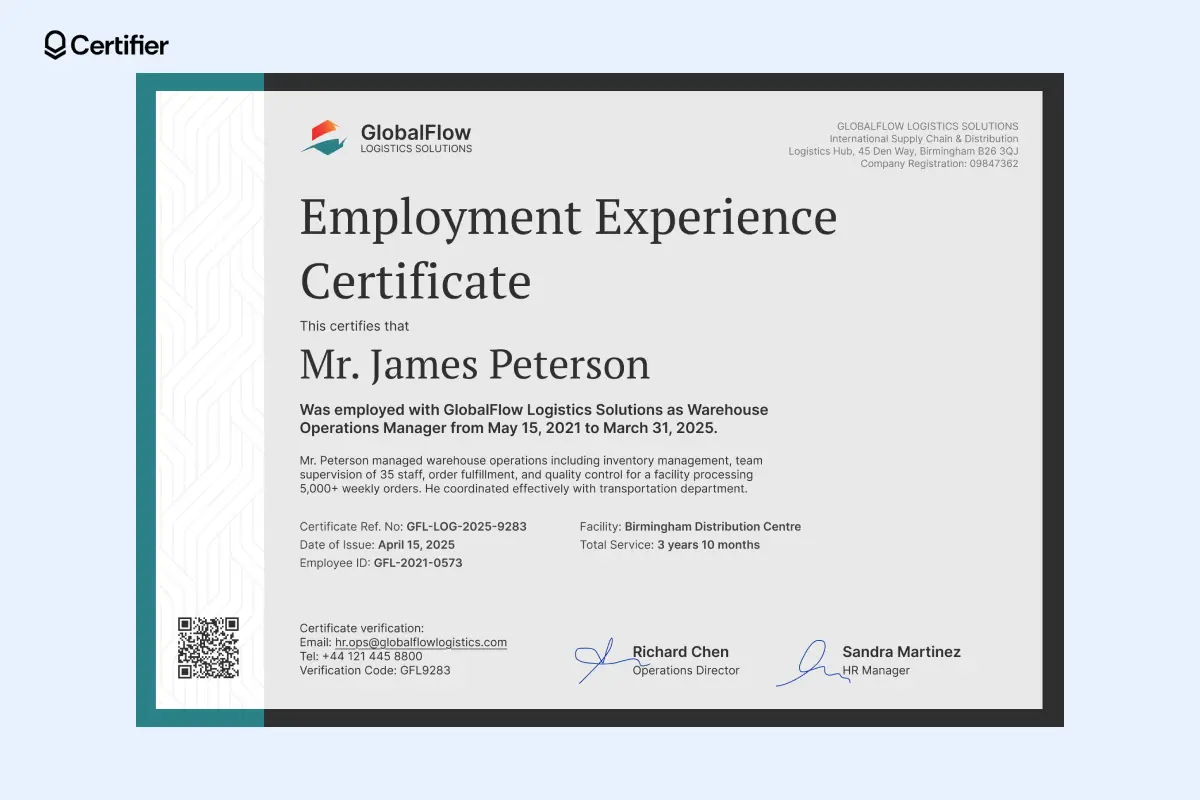
Order matters when documents move between teams. This work experience certificate format features the white vertical stripe with a subtle pattern on the left. It creates a strong visual anchor and separates QR code from the content.
The main section sits on a light background. Operational details are grouped clearly. This helps when certificates are reviewed by auditors, partners or future employers.
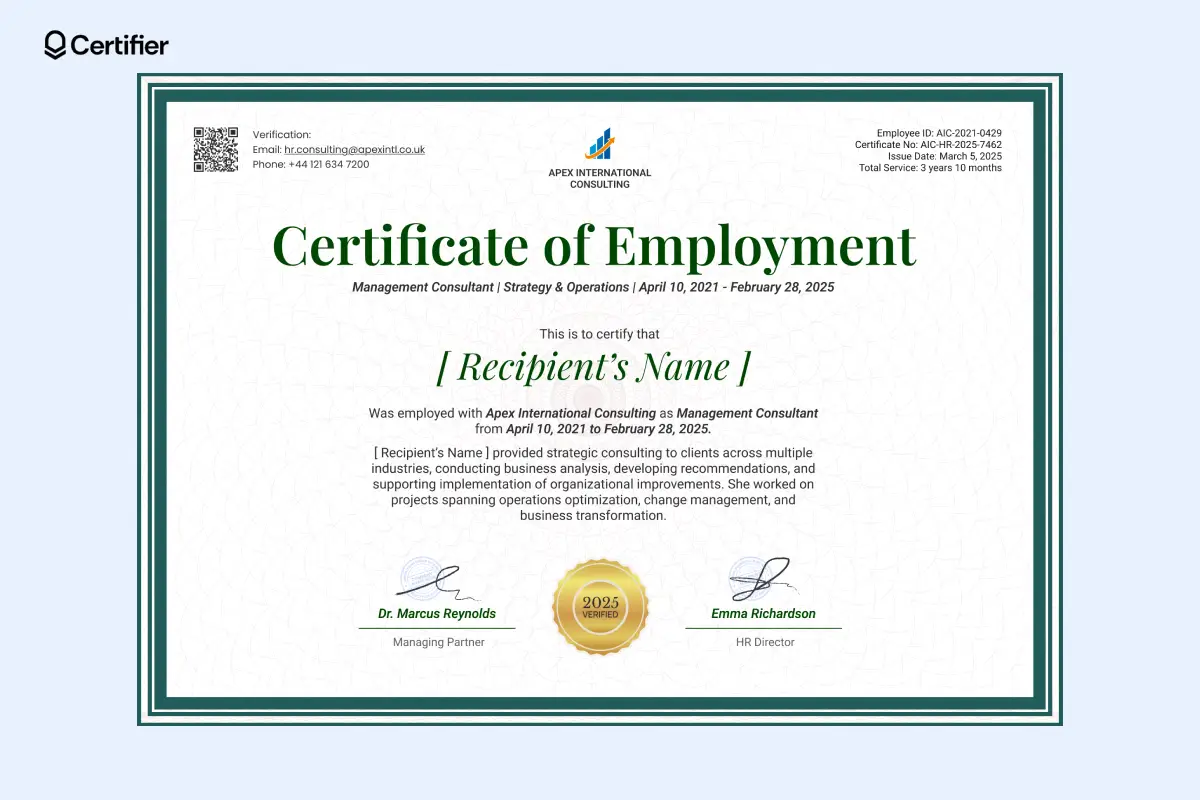
When credibility is part of the job, the document has to show it. This certificate of work experience template uses a framed layout and subtle patterning to create a composed feel.
The structure keeps the focus on role, timeline and contribution. Verification details sit in the corners, ready when needed. Signature placeholders and a verified badge can be easily edited or repositioned.
It’s a reliable option for consulting and corporate teams issuing certificates that may be reviewed by clients, partners or future employers.
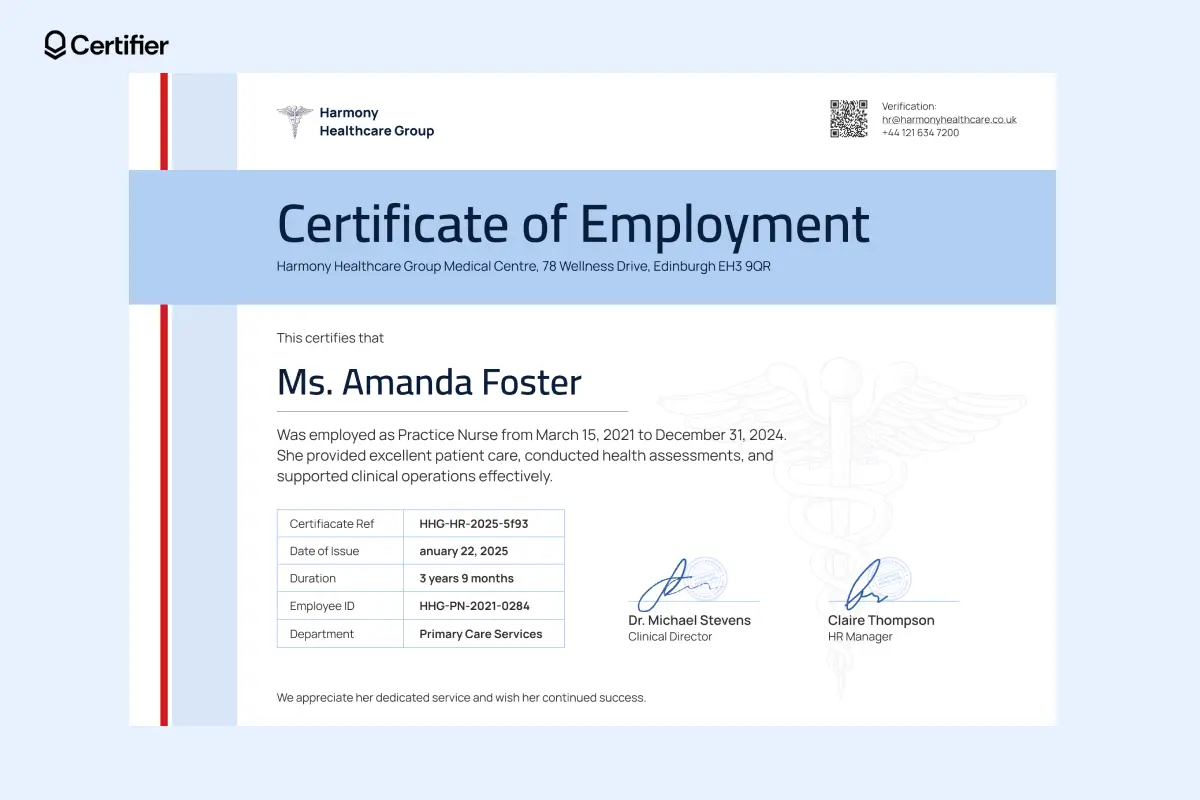
Clarity is critical in healthcare documentation. This work experience certificate template is created with that in mind.
The wide blue header separates institutional identity from employee information. It sets context immediately. A structured table groups key details like department, duration and employee ID.
Clear signature placement adds authority. This editable certification of work experience sample works well for hospitals and clinics issuing certificates that may be reviewed by other healthcare organizations.
With Certifier, you can customize one template and issue professional certificates, whether you’re creating one document or hundreds. The process is simple:
Create a Certifier account to start editing work experience certificate templates. You can issue up to 250 certificates for free, which is ideal for HR teams, agencies or growing organizations.
Create and Send Digital Credentials
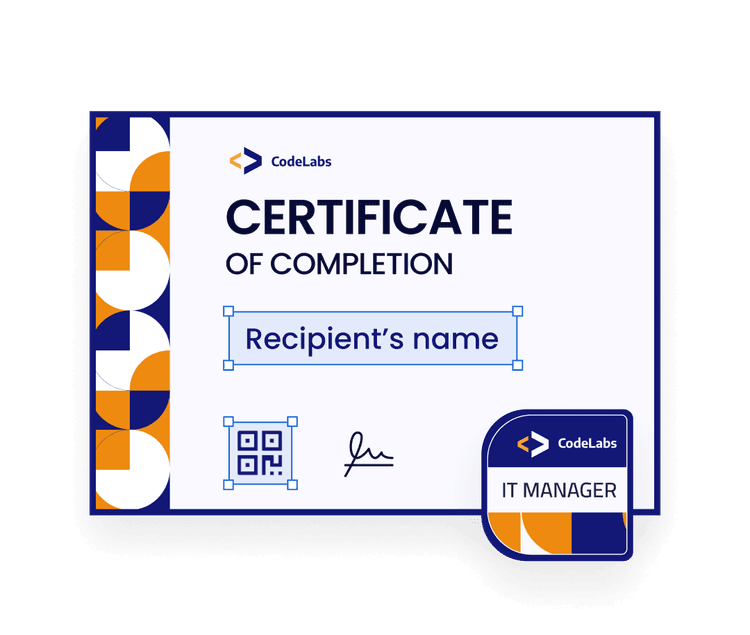
Browse the collection and select a work experience certificate template that matches your industry and use case.
Each template is designed for common scenarios like employee offboarding, staffing agencies, healthcare roles or corporate HR documentation. You can adjust the wording in a few clicks.
Open the template in Certifier’s drag-and-drop editor and update only what you need.
You can easily:
Add your company logo and organization details
Edit the certificate title and employment text
Update job titles, departments and employment dates
Change fonts or colors to match your branding
Add verification elements like QR codes or certificate IDs
Insert digital signatures or signature-style fonts
All elements are fully editable and changes are applied instantly.
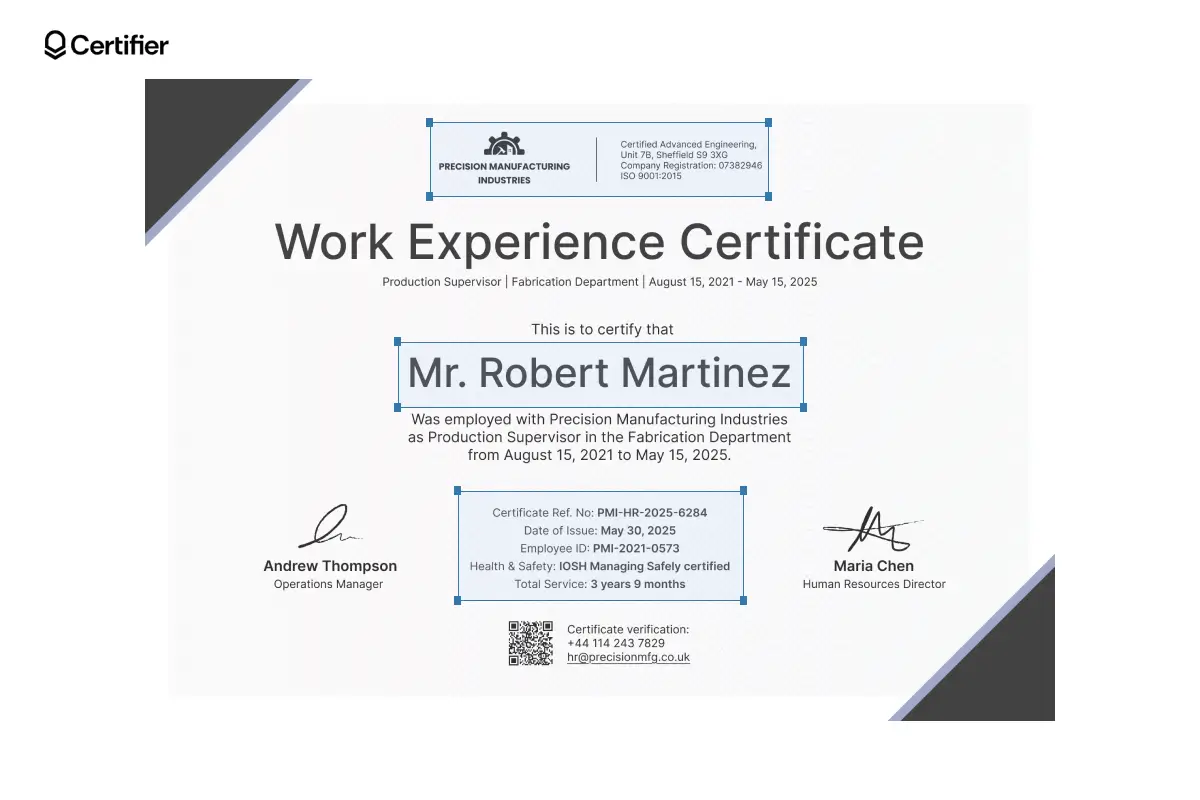
Then add dynamic attributes to the elements that need to be personalized for each recipient. The attributes automatically handle employee names, dates and IDs. This means one template works for every employee, even when issuing certificates in bulk.
Once your template is ready, add recipients manually or upload a spreadsheet. Certifier’s bulk certificate generator creates personalized certificates for each employee and sends them automatically via email.
Recipients receive a secure link and access their certificates in a digital wallet, while HR teams keep a live record of all issued credentials for easy updates or reissues.
You decide how certificates are delivered.
You can:
Keep certificates fully digital
Download print-ready PDFs when physical copies are required
Use both options without redesigning the template
This flexibility makes Certifier practical for everyday HR operations, audits and verified job applications.
Work experience certificates do more than confirm employment. They reflect your organization’s professionalism.
With the right work experience certificate templates, you can issue documents that are credible and easy to verify.
All work experience certificate templates are fully editable, brand-ready and designed for real-world use cases across industries. You can customize once, issue in bulk and keep every certificate accessible digitally.
Create your free Certifier account and start issuing professional work experience certificates in just a few clicks.
Dive into the topic. Read the most frequently asked questions about work experience certificate templates–what they include, how to customize them and more.
A work experience certificate is an official document issued by an employer to confirm an employee’s role, employment period and responsibilities. It’s commonly used for job applications or compliance checks.
A professional work experience certificate template should include at a minimum:
The employee’s name
Job title
Employment dates
Employer details
Issue date
Signatures
And optional verification elements like a certificate ID or QR code. All the designs that you can find in this work experience certificate template collection include these elements.
You can adjust the text, layout and fields based on industry needs. For example, healthcare certificates may include license or department details, while corporate roles focus on responsibilities or promotions.
Check out certificate of promotion templates for reference.
Start with a ready-made template and customize it using Certifier’s visual editor. Add your logo, brand colors and required fields, then issue certificates individually or in bulk.

- Content Writing
- On-page SEO
- Localization
- Market Research
- Keyword Research
Content Specialist
Daria creates practical guides and templates that help training providers, educators, and event organizers solve digital credentialing challenges.