
Trusted by:
University of Southern California
Warner Bros.
Volvo
Amazon
Stanford University
Updated: March 04, 2026
8 min read
Check out the best Picmaker alternatives for creating great certificates and graphics. Learn why teams outgrow Picmaker and when it’s still the right choice for certain workflows.
Research with AI:
Picmaker is an online graphic design tool built for creating visuals fast. It helps users design social media posts, banners, thumbnails and ads from one platform. The app uses drag and drop functionality, ready-made templates and free photos to speed up creation.
Picmaker also offers a certificate maker. You can design simple certificates using templates and download them as images or PDFs.
However, when certificates become part of a business process—like training, onboarding or events—design alone is not enough.
That’s where many teams start looking for stronger Picmaker alternatives, such as Certifier, which focuses mainly on the certificate creation process.
Picmaker is a graphic design and social media platform with a built-in, free certificate maker.
The certificate feature focuses on visuals, not verification or automation.
Businesses often need tools that manage certificates after creation.
Certifier offers automated credential generation, fast distribution and management.

Picmaker is an AI-powered graphic design platform. Its main goal is to help users create designs for social media and marketing. Everything lives in one online app.
The platform supports Instagram, Facebook, X, YouTube and LinkedIn. Users can design posts, stories, ads, banners, posters and thumbnails. Picmaker also includes a certificate maker, which allows users to design certificates visually and download them.


Drag and drop functionality for fast graphic design creation
Hundreds of templates for certificates and other visuals
Access to millions of free photos, images, graphics
Built-in brand kit with logos, custom fonts, styles
AI powered tools for captions, thumbnails, social media posts
One platform to create, publish, manage, analyze content

Easy-to-use app with quick setup and minimal learning curve
Strong visual quality for social media platforms and marketing assets
Supports various platforms including Instagram stories, Facebook ads, YouTube thumbnails and X posts
Helpful for creators, marketers and small businesses that want fast design results

No way to verify or validate issued certificates
No bulk certificate generation or automated delivery process
Certificate data must be edited manually for each user
No centralized credential management or lifecycle tracking
Picmaker shines as a design-first platform, but when certificates become part of a larger business process, many users look for alternatives built specifically for credential management.
Teams usually outgrow Picmaker when certificates move from a one-time task to a repeatable workflow. This happens fast in training, events, hiring and education.
The main limitations are:
No bulk certificate issuing: Certificates can’t be generated or sent in batches. Manual edits don’t scale.
No automation: Picmaker doesn’t connect to forms, spreadsheets or completion data. Every step is manual.
No verification: Issued certificates can’t be verified. There are no QR certificate codes for verification.
No lifecycle management: Once a file is downloaded, there’s no way to update it, revoke access or resend it.
No usage insights: Teams can’t see who opened, shared or used a certificate on LinkedIn or other platforms.
Tip: If you want to automate credential delivery, learn how to send a digital certificate via email using different workflows.
Teams that outgrow Picmaker usually need more than visual creation. They want to automate certificate workflows and manage everything from one platform. Below are the strongest Picmaker alternatives.
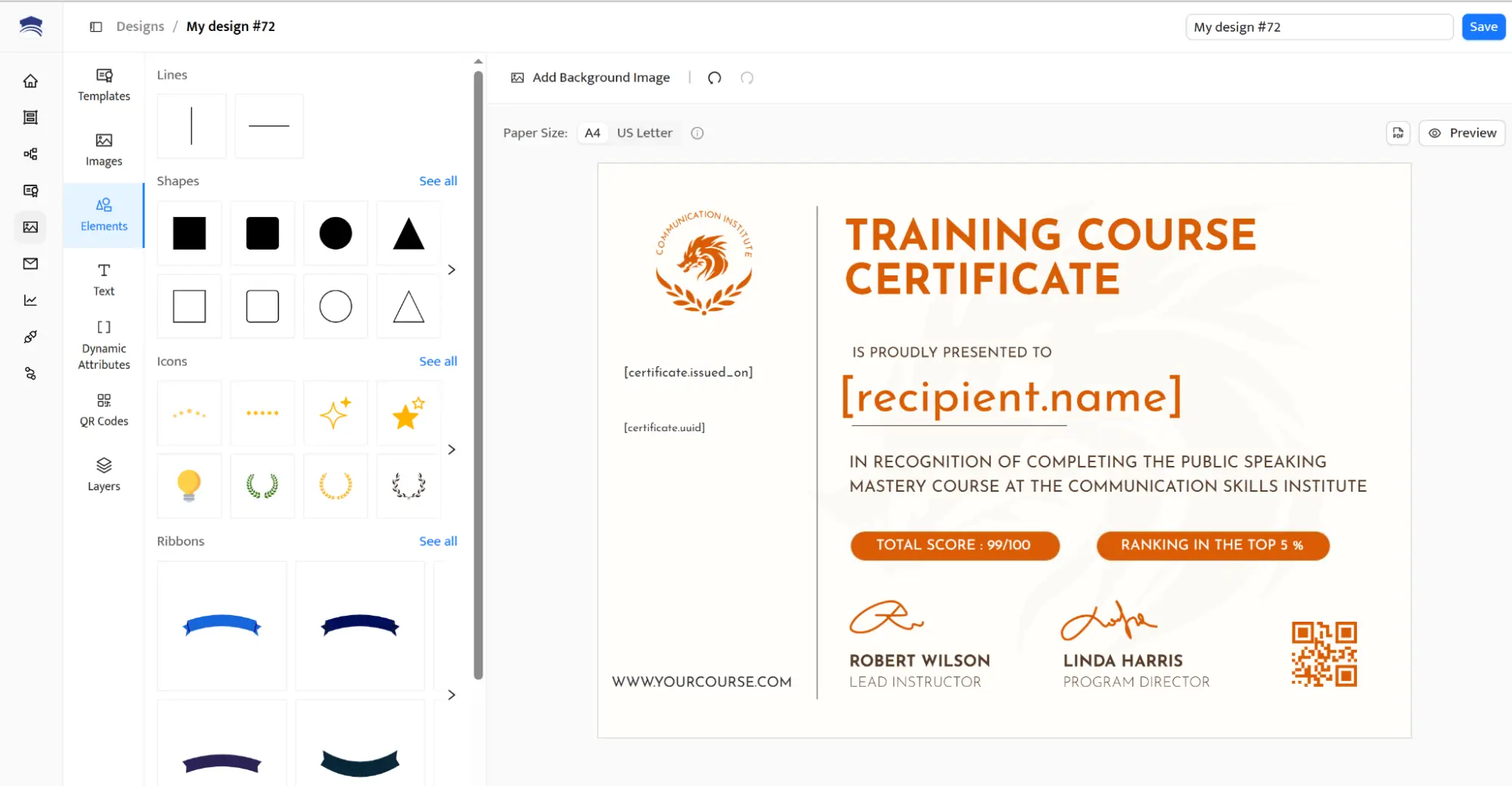
Certifier is built for certificates first, not as an extra feature, but as a complete system. It helps businesses create, issue and manage digital certificates and virtual badges at scale.
Unlike Picmaker, Certifier focuses on the entire certification process. You can create designs, upload recipient data, automate sending and track performance from one online platform.
Automated certificate creation: Generate certificates in bulk using spreadsheets or forms. Learn how to use dynamic attributes to send certificates in bulk with personalized data.
Verification and trust: Every certificate can include a QR code or validation link. This makes it easy to verify credentials online and protect your brand.
Delivery and engagement tracking: See who opened, downloaded or shared certificates on LinkedIn. Certifier turns certificates into a connection tool, not just a file.
Professional branding: Add logos, custom fonts, brand colors and signature styles. Designs stay consistent across all users and projects.
Want to see how Certifier compares with other credential platforms? Explore the Certifier vs CertifyMe comparison to understand the differences in automation, verification, analytics and credential management.
Saves time by automating the full issuing process
Supports business, training and compliance workflows
Improves credibility with verifiable certificates
Works from one platform with no manual steps
Focused on certificates and badges, not general graphic design
Limited native integrations
Certifier offers a free plan and scalable paid plans. It’s designed to grow with your audience, without locking features behind hidden pricing.
Sertifier, Accredible, Credsure and more. Learn about the best Certifier alternatives—their benefits and limitations.
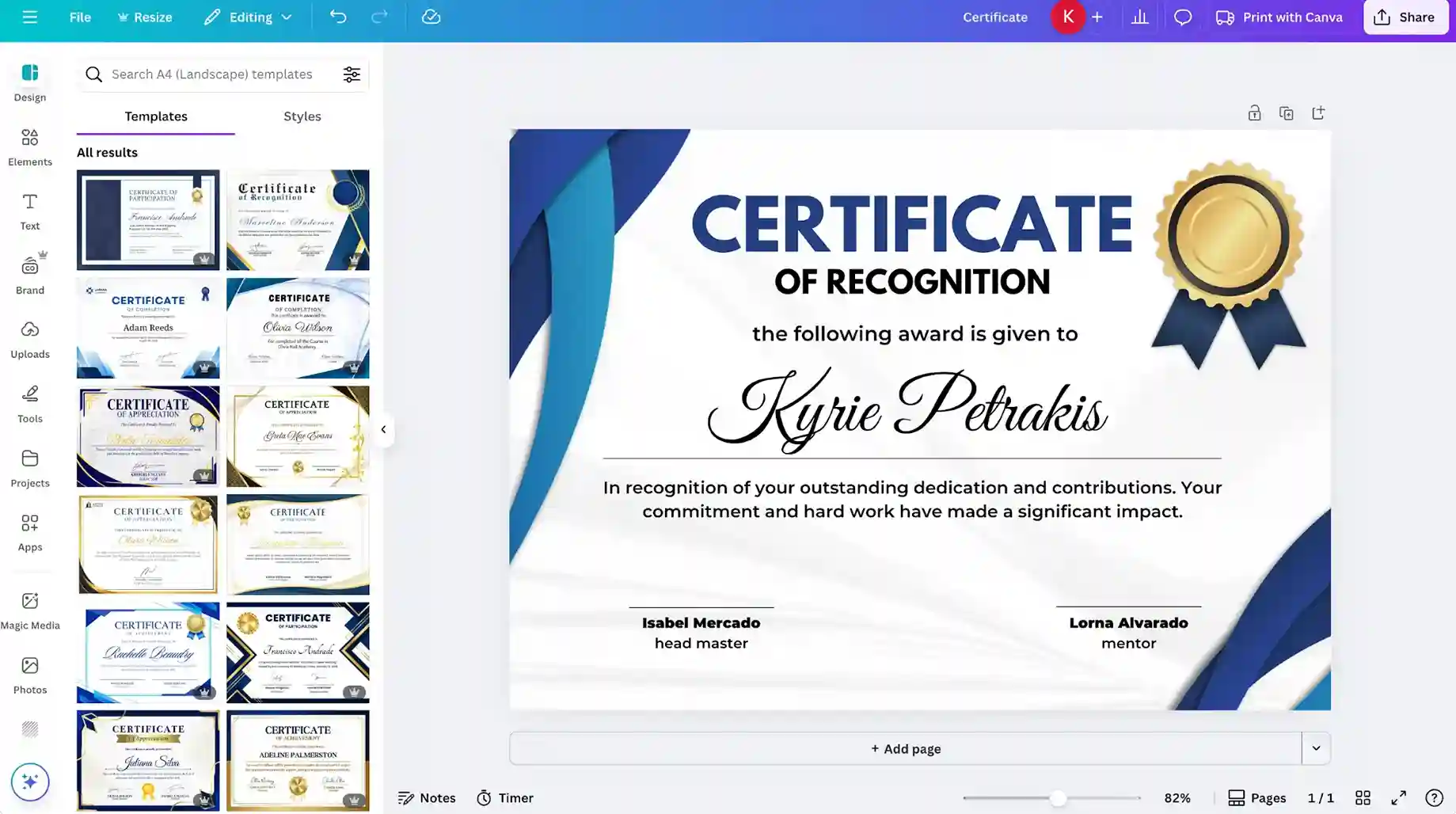
Canva is a well-known graphic design platform. It’s often used to create designs for social media posts, presentations, banners and ads.
Canva also offers certificate templates. You can customize them visually and download files in different formats, PDF certificates included. For simple needs, this works well.
Easy drag and drop functionality
Large library of certificate templates: certificate of completion templates, training certificate templates, workshop certificate templates and more
Free to use with upgrade options
Good visual quality across various platforms
No bulk certificate issuing
No automation or data connection
No way to manage issued certificates
No analytics for certificate engagement
Canva offers a free plan and paid plans for teams and businesses, starting at $15/person/month.
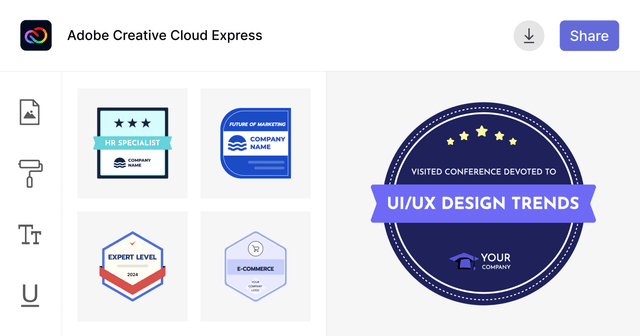
Read about the pros and cons of Canva alternatives. The most popular are: Visme, Adobe Express, Fotor and more.
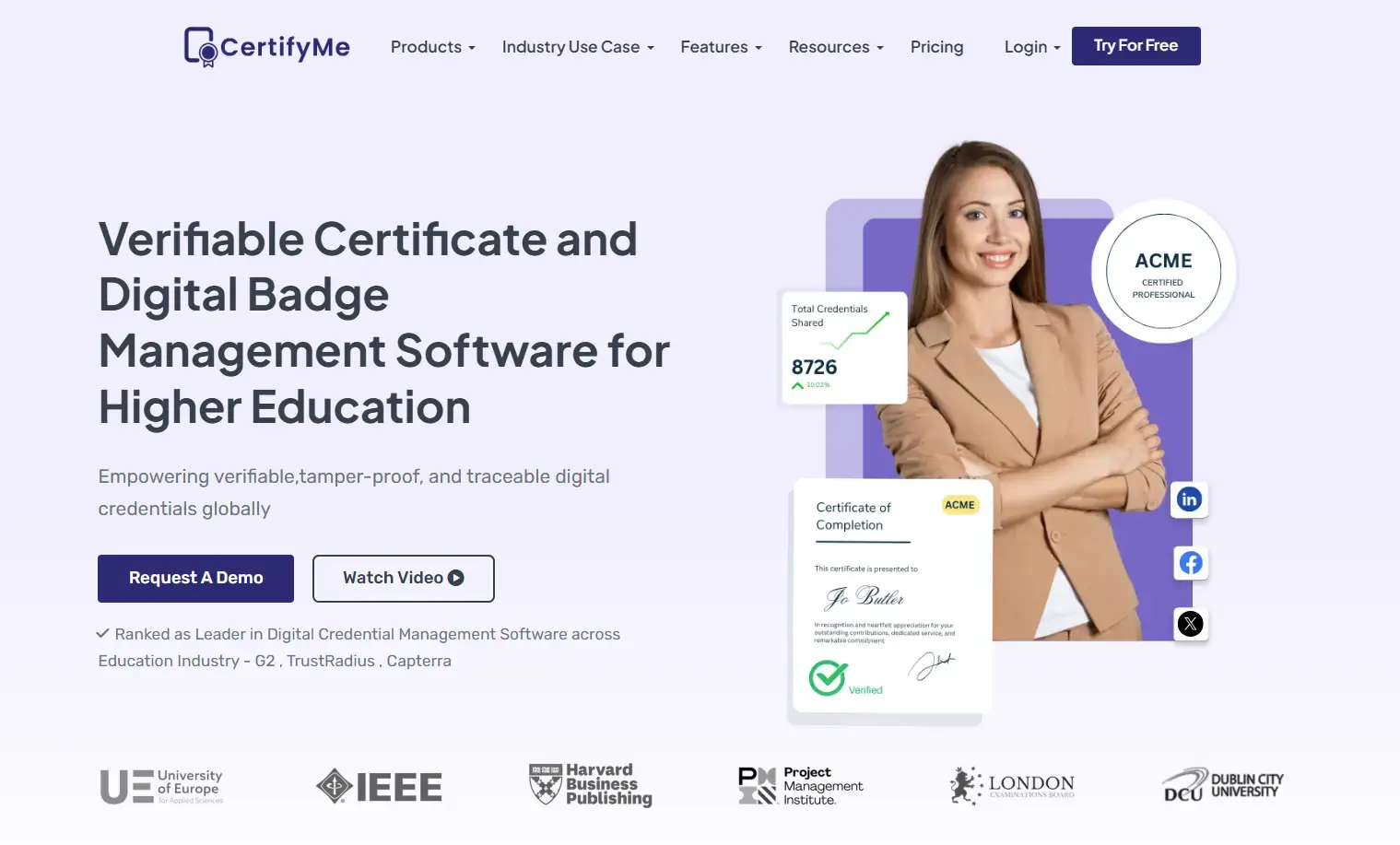
CertifyMe focuses on digital badges and learner validation. It’s often used in education and certification programs.
The platform offers analytics, digital badge customization and verification links. It’s powerful, but not always easy to use.
Digital badge templates with verification
Engagement analytics dashboard
Secure credential sharing
Interface can feel complex
Branding options are limited
Pricing is not transparent
Designs are not visible before signup
Less flexible for general business use
CertifyMe mentions free credentials but does not clearly show pricing beyond that. This can be a risk for teams planning long-term projects.
To have a full picture of how CertifyMe stacks up against other tools, learn about top CertifyMe alternatives.
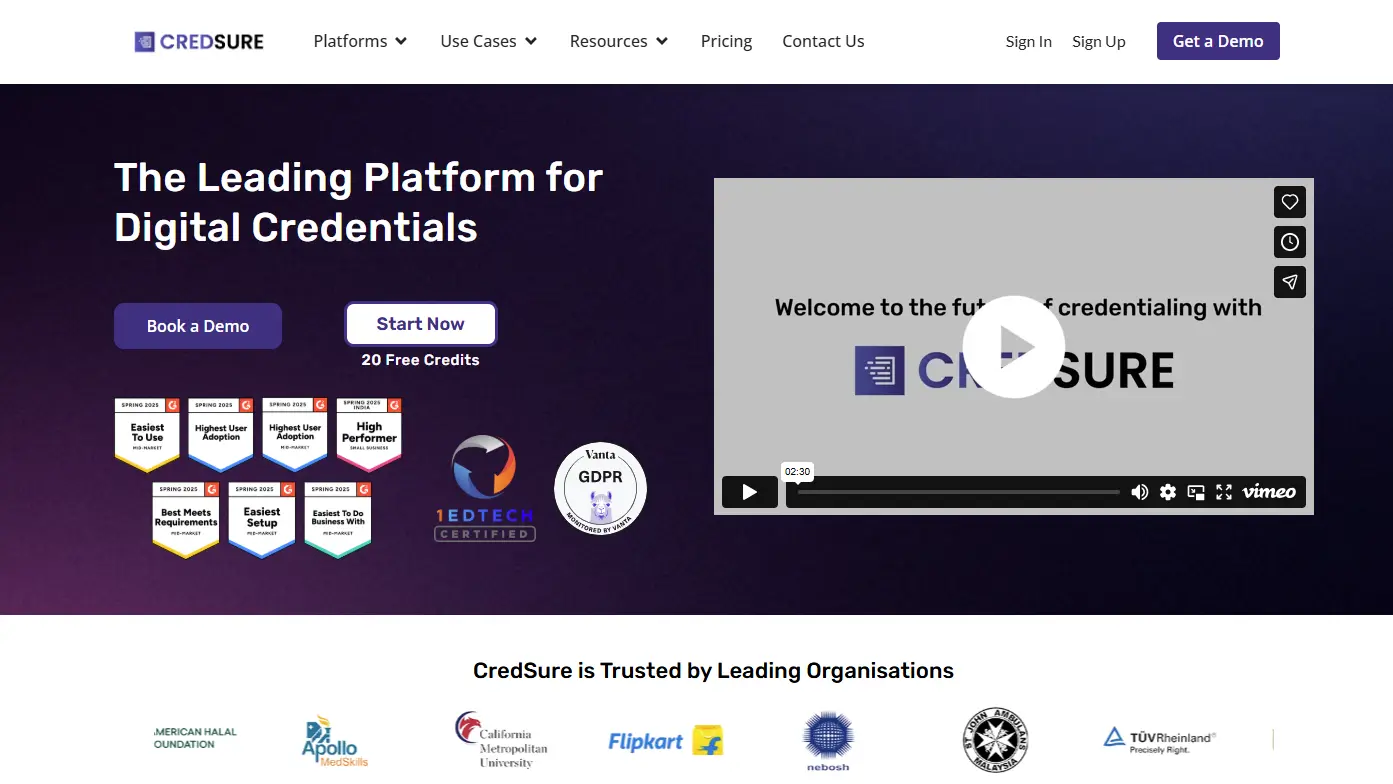
CredSure is designed for enterprise-grade credential management. It puts strong emphasis on security, access control and verification. The tool is powerful, but it’s not built for speed or simplicity.
Blockchain-based verification
Strong access and role management
Centralized credential dashboard
High cost for small businesses
Long setup process
Overkill for basic certificate needs
Less focus on design flexibility
Considering other options? Check out the top CredSure alternatives, such as Credly, Piktochart or Accredible.
CredSure plans start at around 920 EUR per year, making it a better fit for large organizations with strict compliance needs.
Picmaker fits teams that treat certificates as visual assets, not operational documents. If issuing a certificate ends once the file is downloaded, Picmaker can be enough.
It works best when certificates are:
Created occasionally
Used for informal recognition
Shared manually without follow-up
In these cases, the platform delivers speed, ease and design consistency. If your priority is design first, Picmaker remains useful.
If certificates are part of how your business operates, certificate management tools like Certifier are built for that next step.
Create and Send Digital Credentials
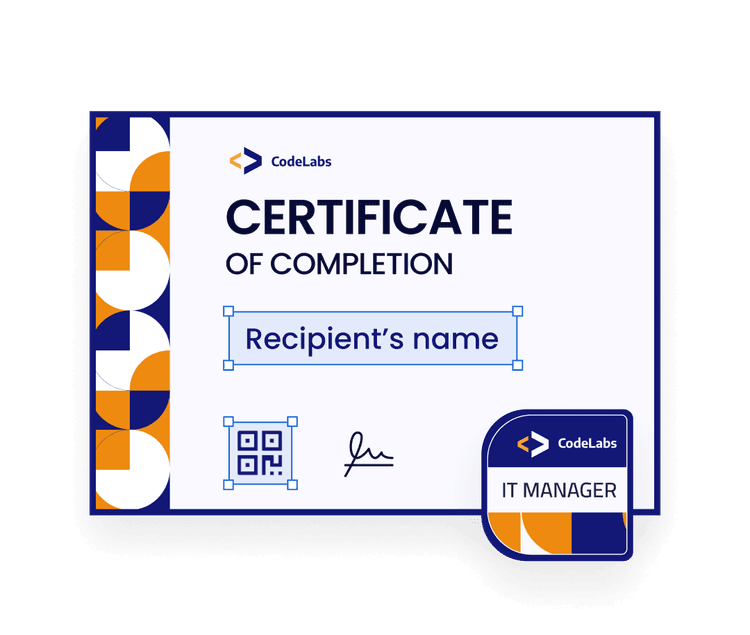
Choosing the right tool comes down to how certificates fit into your work. For some teams, design is the finish line. For others, it’s just the starting point of a longer process.
As soon as certificates are tied to growth, trust or audience interaction, the workflow matters more than the layout. Tools built for issuing, verifying and managing credentials remove friction and help teams move faster with confidence.
If certificates play a role in how your business operates, a dedicated platform like Certifier gives you the structure to scale without adding manual work. Sign up for Certifier now.
These answers cover what teams usually want to know when deciding whether Picmaker is enough or if it’s time to switch to a more purpose-built certificate tool.
Picmaker helps improve your social presence by making it easy to create social media visuals and posts quickly. It’s useful for maintaining visual quality, but it doesn’t support certificate automation or verification, which limits its role beyond design.
Picmaker lets you design certificates and share them manually on social media platforms like LinkedIn or Facebook. However, it doesn’t track engagement, verify credentials or manage access once certificates are shared. A tool that gives you all of these is Certifier.
For a small business that issues certificates regularly, Certifier is a great tool and a better fit than Picmaker.
It enhances the creation process with editable templates, from certificate of completion templates to culinary workshop certificate designs, that you can generate at scale and supports bulk sending.

- B2B SaaS marketing
- Digital Credentials
- Content Strategy
- On-page SEO
- Lead Generation
Chief Marketing Officer
Aksen leads marketing at Certifier, bringing 7+ years of experience with global brands to position digital credentialing as a trusted solution for training providers and educational institutions.


 Most popular