
Trusted by:
University of Southern California
Warner Bros.
Volvo
Amazon
Stanford University
January 12, 2026
7 min read
SmashingDocs lets you create PDFs without accounts or installs, but it lacks automation and document management. Check out SmashingDocs alternatives that fill those gaps.
Research with AI:
SmashingDocs is great at creating simple, fill-in-the-blank documents quickly, especially when you need a fast PDF without signing up or saving files.
It also claims you can create certificates using its completely free tools. But how does it really compare to platforms built specifically for creating, managing and issuing certificates?
Let’s analyze SmashingDocs and compare it with other tools, like Certifier, that enable professional certificate creation.
SmashingDocs is completely free but limited to manual, one-off document creation.
Many users switch to tools with editable templates, Google Docs compatibility and better formatting control.
Certifier leads SmashingDocs alternatives for automated certificates.

SmashingDocs is a free platform focused on Google Docs–compatible templates and printables for everyday professional and personal use.
It offers a massive library of editable templates, including certificates, resumes, invoices, planners, newsletters, that you can open directly in Google Docs or Word, customize and download as print-ready PDF files.
In addition to templates, SmashingDocs provides free tools like a resume builder, invoice generator, certificate maker and QR code generator, making it a go-to resource for quick document creation without accounts, paid software or design skills.
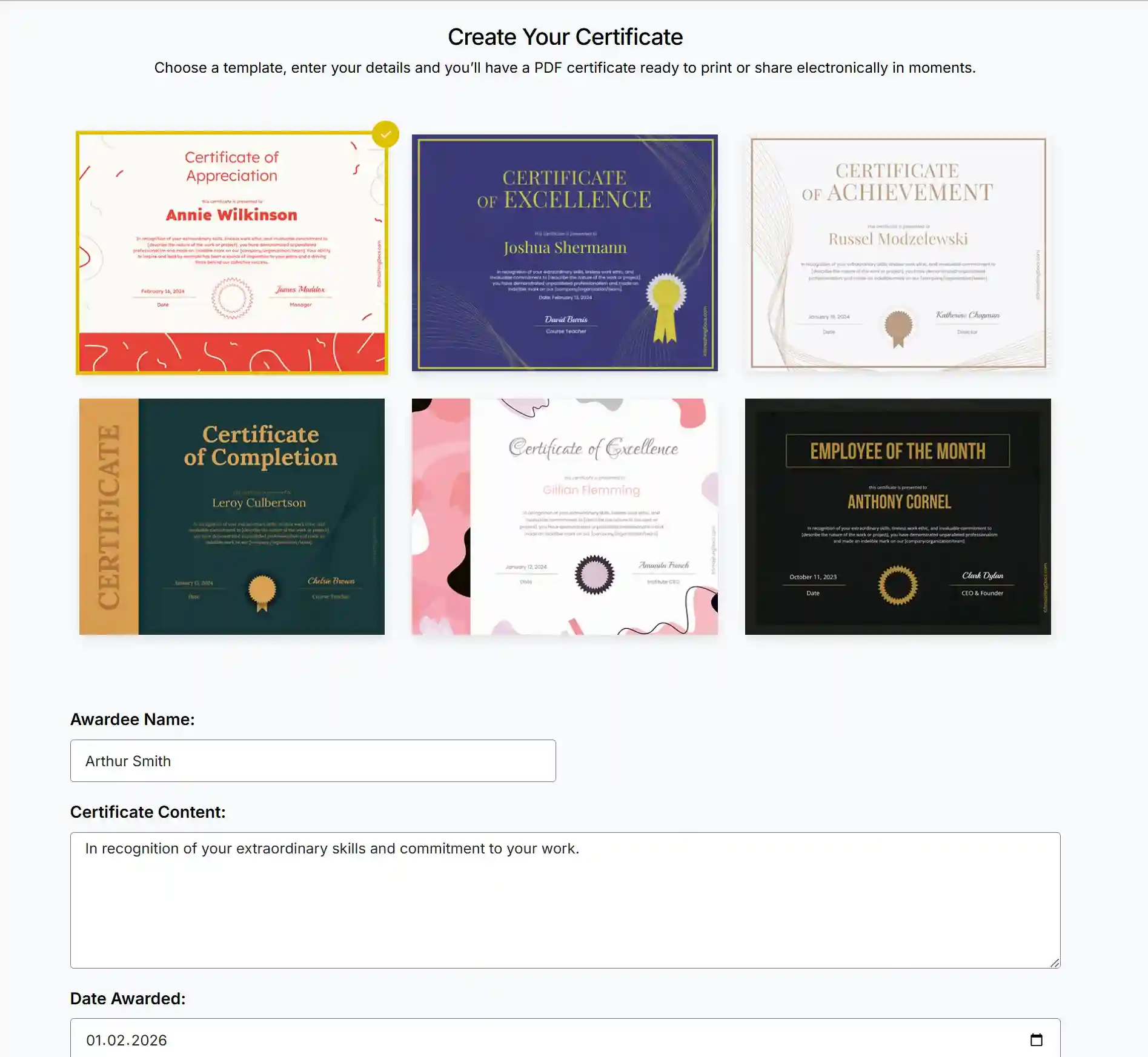

Massive library of free templates with professional designs
Google Docs compatible templates you can save to your own Google Drive
Editable templates for resumes, invoices, certificates and printables
One-click download as PDF files ready for print or sharing
Free tools for document creation without logging in or creating an account

Completely free for personal and commercial use
No account required and no data stored after download
Works seamlessly with Google Docs, Word and PDF formats
Ideal for fast document creation with clean layout and formatting
Helpful resource for resumes, invoices, planners and simple certificates
Worth noting: SmashingDocs excels at template access and quick customization. It’s designed for individual documents rather than automated credential workflow or management.

No automation for bulk document or certificate creation
No applicant tracking systems or ATS compatibility checks for resumes
Limited editing and structure control compared to dedicated builders
No credential verification, lifecycle management or update workflows
Not built for managing certifications, credentials or recurring issuance
SmashingDocs works for quick downloads, but many users need more than a single-page generator. Check out the best SmashingDocs alternatives you may want to try out.
Certifier goes far beyond basic document creation. It’s a credential management platform that lets you create professional certificates and virtual badges online without manual editing.
You choose a template, add names and details in bulk and Certifier takes care of generating and sending digital certificates for you. You can also manage the documents after issuance.
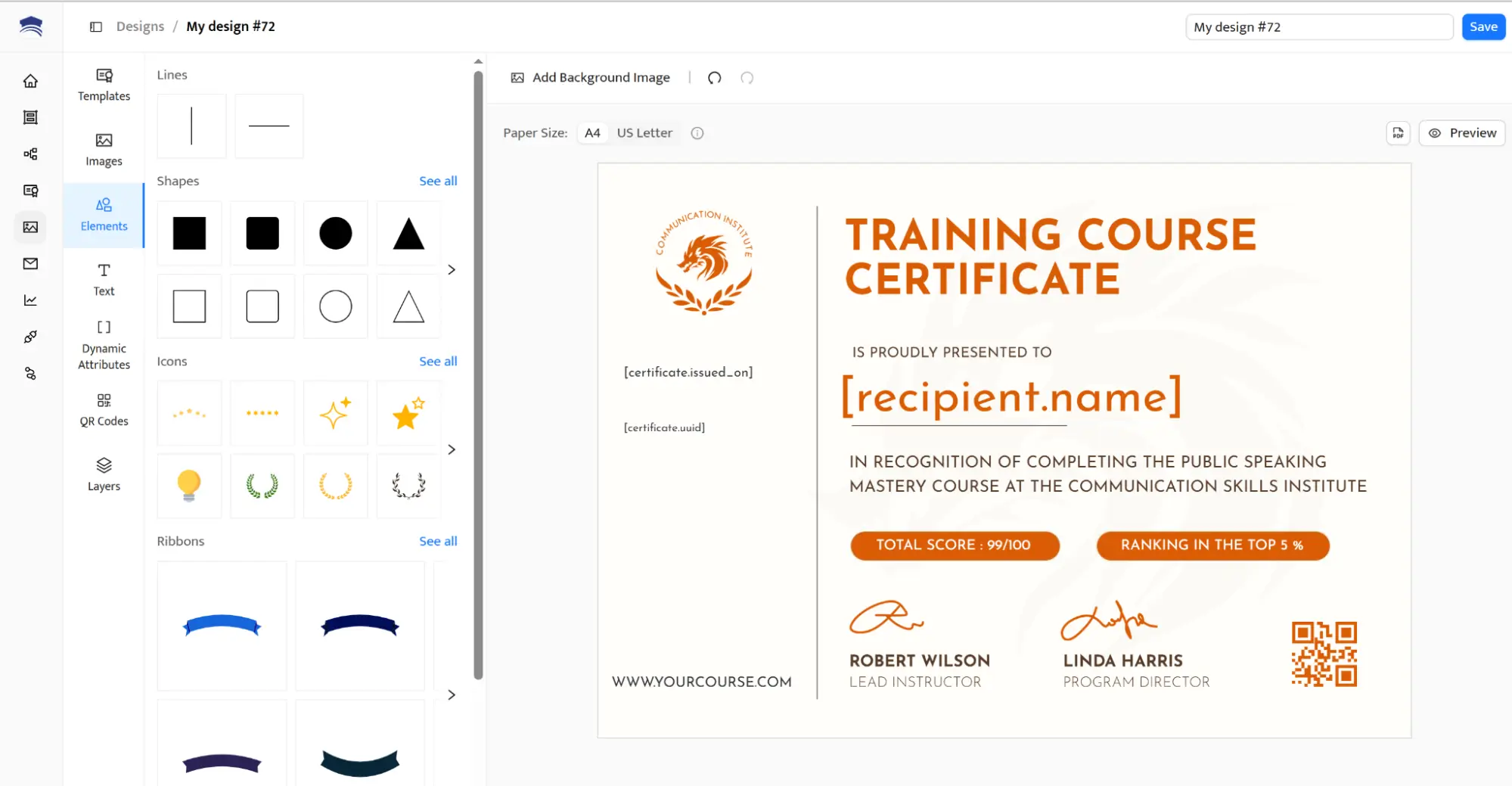
Automates certificate and credential creation instead of manual editing
Uses customizable certificate templates that stay consistent across documents
Supports sending certificates in bulk through spreadsheets
Helps users showcase certifications and skills with confidence
Keeps certificates organized after issuing, making it easy to update details, manage credential expirations and resend them when needed
Strong professional impression across certificates and documents
Secure credentials with verification and references
Scales from small teams to large programs
Reduces formatting errors and manual work
Not intended for casual one-page graphics
Focused on credentials rather than resume-only documents
Certifier offers a free plan and paid options for automation and advanced workflows. It suits users who want professional results and long-term document value.
Try the most popular plan or start with a free plan.
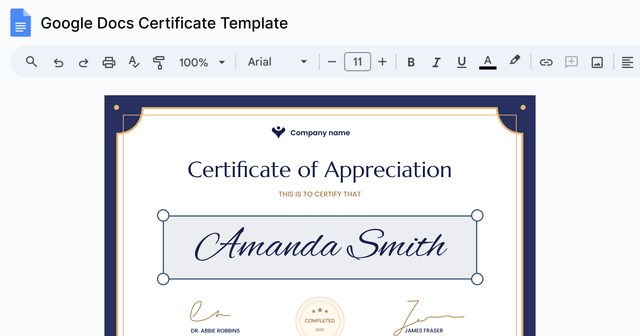
Google Docs is one of the most common SmashingDocs alternatives for users who want free, easy-to-edit templates and files saved directly to their own Google Drive.
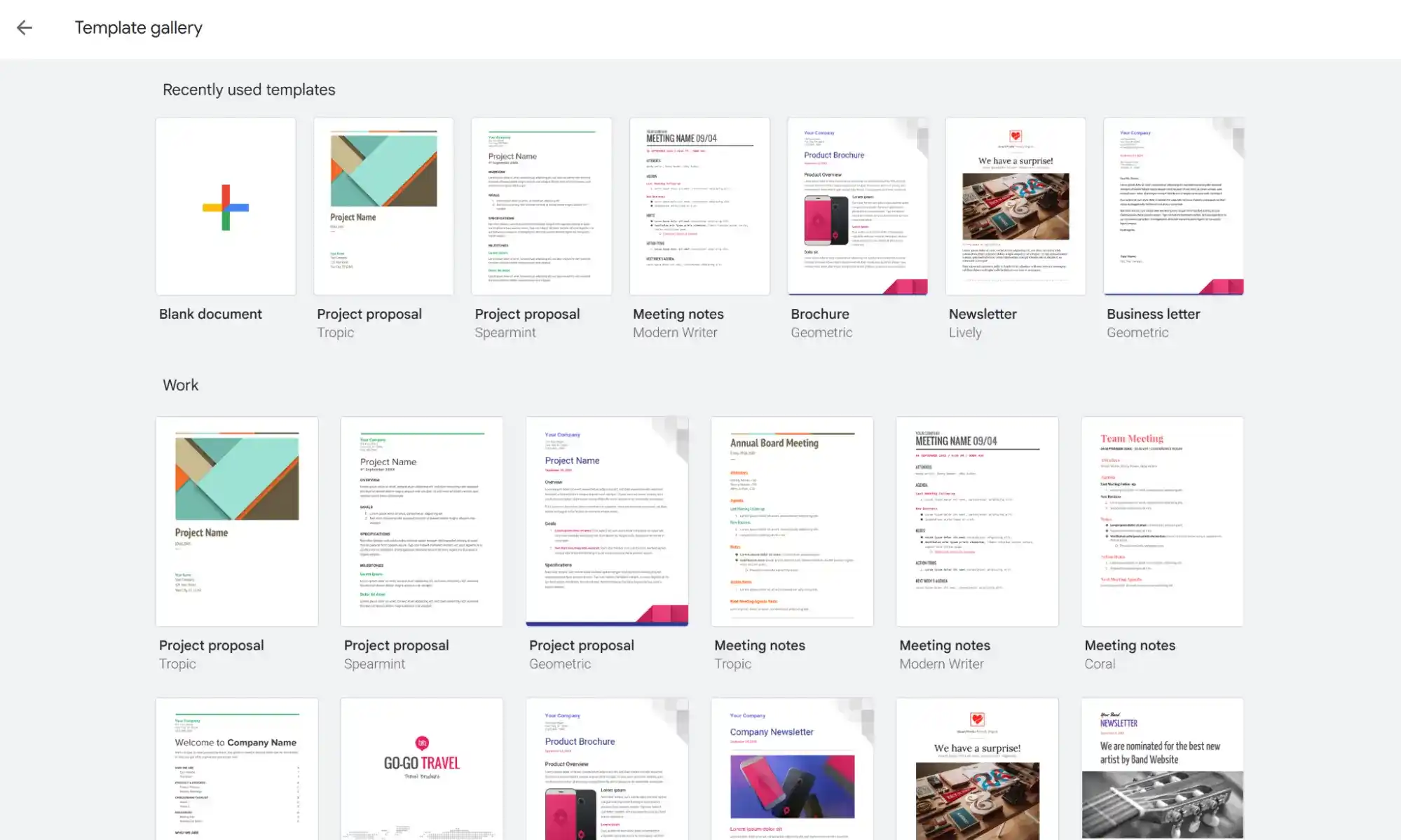
Free Google Docs access with no software installation
Large Google Docs template gallery for resumes, letters and documents
Files saved automatically to your own Google Drive
Easy sharing, links and collaboration
Limited design flexibility compared to dedicated builders
No built-in ATS testing or credential verification
Google Docs templates often require manual formatting fixes
Canva works well for users who care about visual presentation. It offers a massive library of templates (certificates, resumes, infographics, social media graphics and more) and an intuitive editor suited for creative layouts.
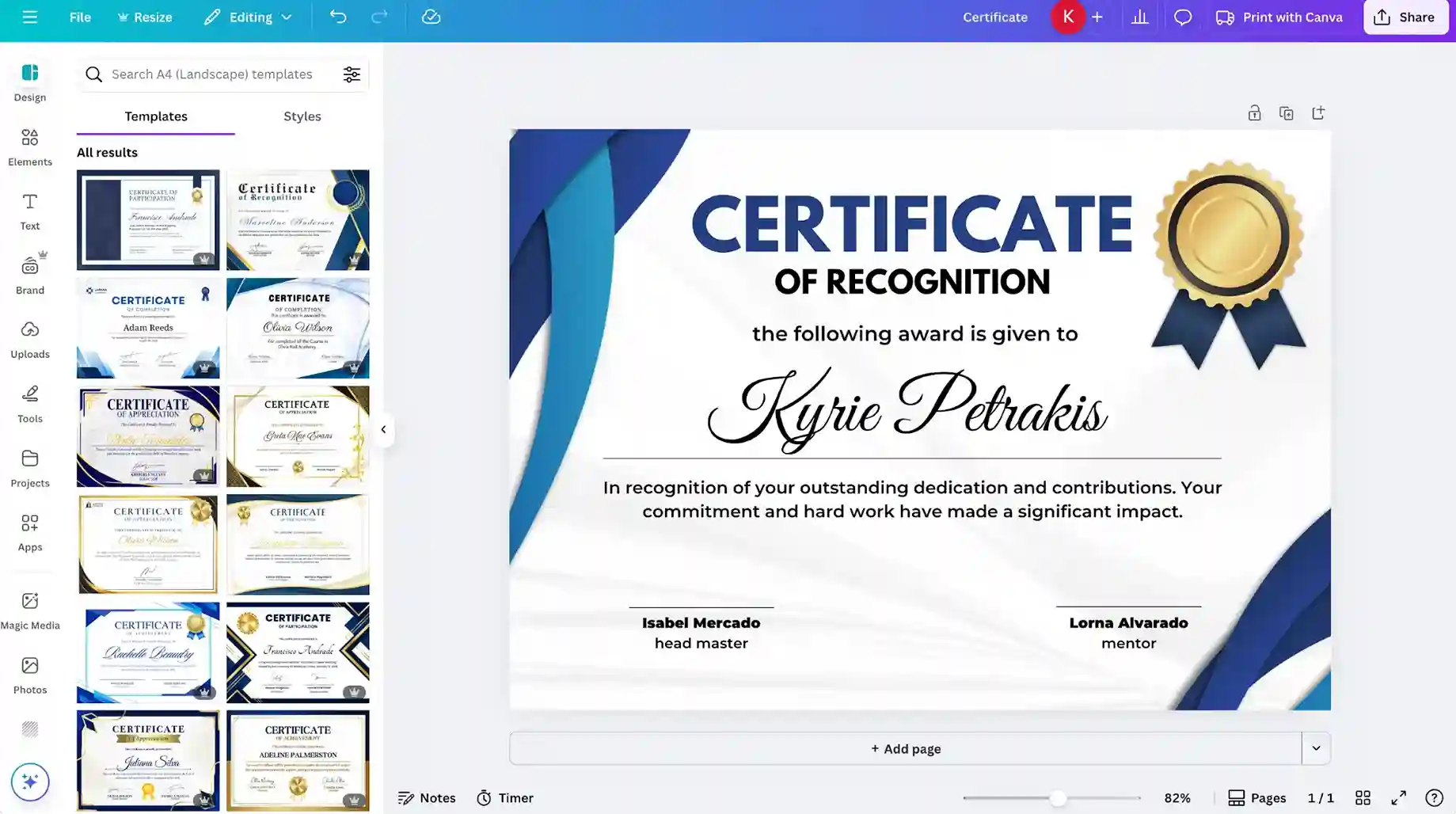
Massive library of templates with modern graphics and icons
Easy editing for non-designers
Good option for graphic designer–style layouts
Export files as PDF for download or sharing
Not ATS friendly by default for resumes
No credential verification or automation
Advanced features require a paid plan
See how to create certificates in Canva in a few simple steps.
Fotor sits between Canva and SmashingDocs (see other Fotor alternatives if you’re interested in this tool). It offers more editing power than SmashingDocs but fewer structured tools than professional platforms.
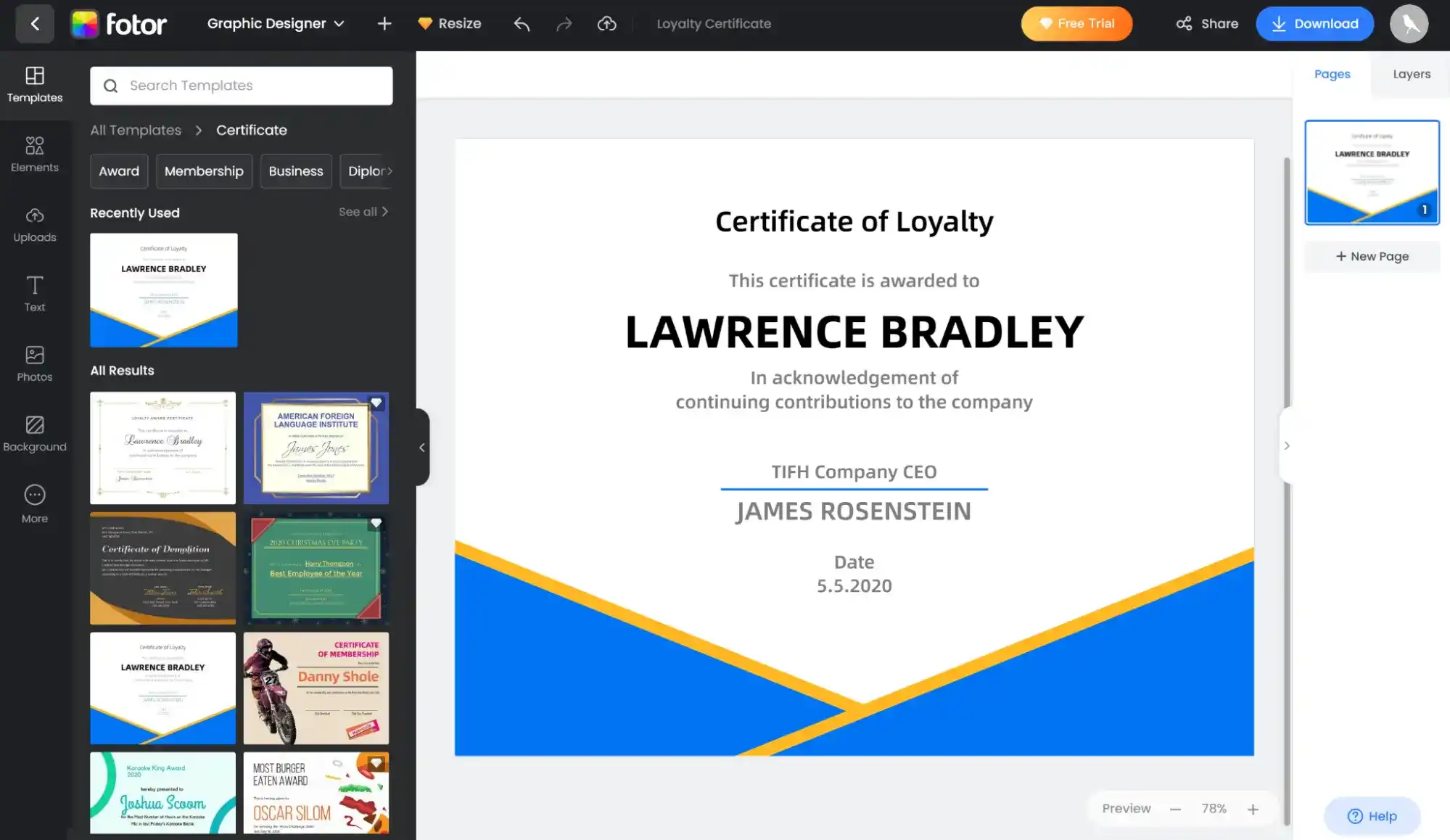
Customizable templates with flexible layout and formatting
Export documents as PDF, PNG or JPG
Works well for one-off creative documents
Free version includes a watermark
No ATS compatibility
No credential management
Limited automation and document structure
CredSure focuses on verifiable digital certificates stored on blockchain. It’s designed for organizations issuing official credentials rather than individual document creation.
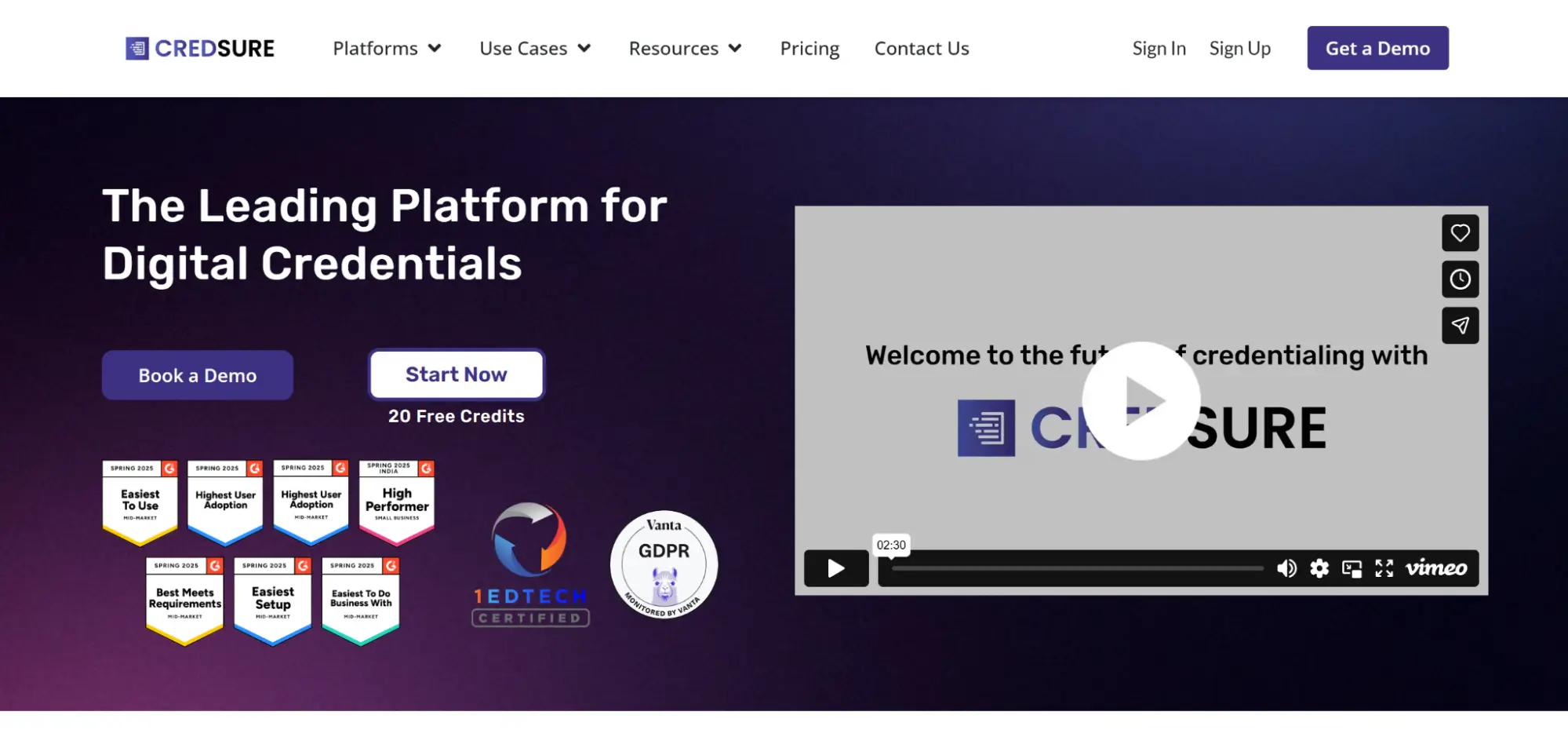
Blockchain-backed credentials with strong verification
QR code validation and analytics
Supports integrations and automated issuing
Not suitable for resumes or general document editing
Pricing is sales-led and higher than basic tools
Overkill for simple document needs
No free trial
Teams comparing blockchain-based credential tools often look at CredSure alongside Credly. This CredSure vs Credly comparison outlines key differences in verification approach, pricing and use cases.
If you’re looking for similar tools, check out more Credsure alternatives.
SmashingDocs is helpful for fast, private PDF creation. But when your documents support jobs, hiring, credentials or career growth, stronger tools make a real difference.
If you need:
Automation and credentials and easy management → Certifier
Free editable documents → Google Docs
Professional designs → Canva
Quick creative edits → Fotor
Verified certificates → Certifier, CredSure
Create and Send Digital Credentials
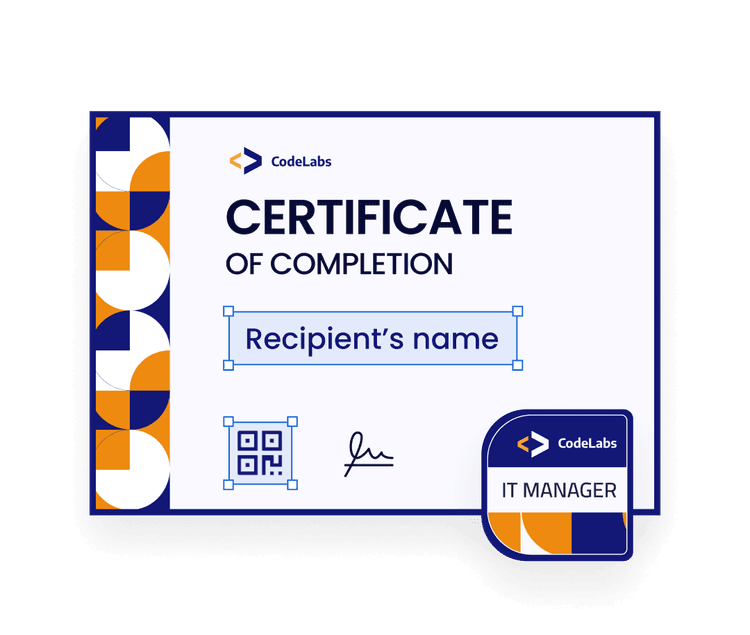
SmashingDocs proves that free tools have value. It’s a tool for fast, one-off document making. When certificates matter beyond a simple PDF—automation, management and verification—Certifier is the clear SmashingDocs alternative.
Sign up for Certifier for free and issue 250 certificates.
Want to go deeper? Read the answers to the most common questions on Smashing Docs alternatives.
Yes. You can use the free Google Docs template gallery in SmashingDocs. The tool lets you customize them in your own Google Drive and download them as PDFs. Templates cover things like resumes, certificates, invoices, planners and more.
No. Smashing Docs is designed so you don’t need a graphic designer for basic documents or simple certificates. Its templates already include a clean layout, which means you mainly replace text, save the file and download a PDF.
For certificate creation at scale, use a dedicated tool instead of hiring a designer. Platforms like Certifier are built to create digital certificates using ready-made templates, bulk data and automated workflows.
Smashing Docs works best for quick, one-off documents created from ready-made templates—no account, no software installation and no long-term document management required. For certification programs, tracking or credential management, more specialized platforms like Certifier are a better fit.

- SaaS Growth
- Digital Credentials
- APIs
- Product Marketing
- Company Operations
CEO and Co-Founder
Sergey is CEO and Co-Founder of Certifier, a Forbes 30 Under 30 honoree building digital credential infrastructure for 2,000+ organizations worldwide and shaping the future of credentialing.


 Most popular